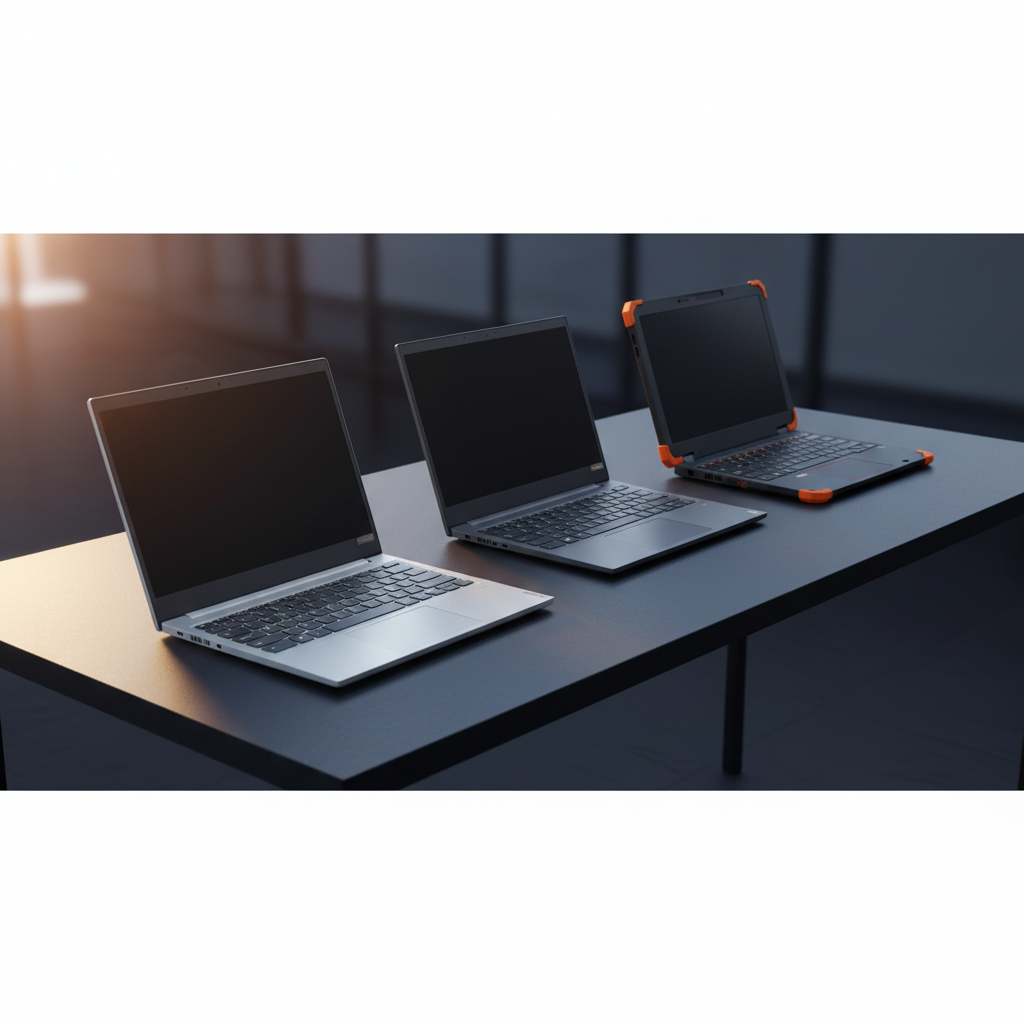
Choosing a Chromebook from Lenovo can feel like navigating a small but diverse lineup. In this roundup we compare 4 models, spanning a price range from $74.95 for the rugged 300e up to $178.96 for the Flagship touchscreen version. The two budget picks – the 300e and the IdeaPad 3 – sit under $160, while the premium tier features the 15.6‑inch IdeaPad 3i at $171.99 and the 14‑inch Flagship at $178.96. All four carry solid user sentiment, with ratings between 4.0 and 4.4 stars.
Battery life is a common deciding factor – most of the lineup offers about 10 hours, but the Flagship pushes that to 13.5 hours. Screen real‑estate varies from the compact 11.6‑inch 300e, ideal for classroom carts, to the spacious 15.6‑inch Full HD panels on the IdeaPad 3i and IdeaPad 3 for media consumption. Weight ranges from a feather‑light 2.86 lb Flagship to a sturdier 5.49 lb IdeaPad 3i, giving you options whether you travel daily or stay desk‑bound. Let’s explore how each model stacks up on performance, durability and price.

Lenovo IdeaPad 3i Chromebook
Its stereo 4 W speakers deliver richer sound than typical Chromebooks, which earned it top rating and popularity.

Lenovo IdeaPad 3 Chromebook
Ideal for users needing specific technical or compatibility features, it costs $11.99 less than the Best Overall at $160.00.

Lenovo 300e Chromebook
At $74.95, its 3‑cell 42 Wh battery delivers up to 10 hours of use, giving a budget‑friendly option the other picks lack.
Score Analysis
Key score advantages vs. runner-up (Lenovo IdeaPad 3)
Price Range
Lenovo IdeaPad 3i Chromebook
$184.88
Lenovo IdeaPad 3 Chromebook
$160.00
Lenovo 300e Chromebook
$64.94

Lenovo Flagship Chromebook
$179.99
Spec Comparison
TL;DR: The Lenovo IdeaPad 3i Chromebook packs a 15.6‑inch Full HD screen, 8 GB RAM and up to 10 hours of battery life for $171.99, making it a solid, though heavier, choice for students and casual users.
The Lenovo IdeaPad 3i Chromebook features a 15.6‑inch Full HD (1920 × 1080) anti‑glare TN panel that delivers a bright 220‑nit image—unusual for a device at this price point. It runs on an Intel Celeron N4500 with a 1.1 GHz base clock, 2 cores, 2 threads and a 4 MB cache, paired with 8 GB of LPDDR4x RAM and 64 GB eMMC storage (128 GB total when you include the microSD slot).
Compared with its peers, the IdeaPad 3i weighs 5.49 pounds, noticeably more than the Flagship’s 2.86 pounds and the IdeaPad 3’s 3.48 pounds. Its 15.6‑inch display is larger than the Flagship’s 14.0‑inch screen and far bigger than the 300e’s 11.6‑inch panel. Battery life sits at 10 hours—shorter than the Flagship’s 13.5 hours but on par with the IdeaPad 3’s 10‑hour claim and the 300e’s up‑to‑10‑hour rating. Bluetooth 5.2 matches the IdeaPad 3 and outpaces the Flagship’s 5.1, while Wi‑Fi 6 (802.11ax) keeps it future‑ready.
Reviewers praise the large screen and the inclusion of Wi‑Fi 6 and a USB‑C Power Delivery port as forward‑thinking for an entry‑level Chromebook. Users love the fast startup and solid battery endurance for schoolwork and video calls. However, the TN panel’s limited viewing angles and washed‑out colors, plus a non‑backlit keyboard, draw criticism, especially in low‑light settings. Professional testers report that the Celeron N4500 handles everyday browsing well but lags when more than a handful of Chrome tabs are open.
Pros
Cons
Best for: Buyers willing to invest in a proven, high-quality option
Avoid if: You're on a tight budget or only need basic functionality
“Perfect for my mom—simple, fast, and great for email and YouTube.”
“Love the screen size and clarity. Feels premium for the price.”
TL;DR: The Lenovo IdeaPad 3 Chromebook packs a 15.6‑inch Full HD anti‑glare screen, 10 hours of battery life and Wi‑Fi 6 into a lightweight 3.48‑lb chassis for budget‑friendly productivity.
This model’s standout feature is its 15.6‑inch LED‑backlit TN anti‑glare panel delivering a 1920 × 1080 resolution at 220 nits, which makes classroom slides and video calls easy to read even under bright lighting. It also ships with Wi‑Fi 6, Bluetooth 5.2 and a USB‑C 3.2 Gen 1 port, while the 47 Wh battery promises up to 600 minutes (about 10 hours) of use on a single charge.
Compared with its Lenovo siblings, the IdeaPad 3 is lighter than the 5.49‑lb IdeaPad 3i but a touch heavier than the 2.86‑lb Flagship Chromebook, and roughly the same weight as the 3.0‑lb 300e. Battery life matches the 3i’s 10‑hour claim, falls short of the Flagship’s 13.5‑hour endurance, and is on par with the 300e’s up‑to‑10‑hour rating. Storage-wise, it offers 64 GB of eMMC 5.1 and a microSD slot that can expand to 512 GB, while the Flagship lists only RAM and Lenovo hasn't disclosed the 3i’s storage details.
Users consistently praise the large screen and solid battery life for schoolwork and remote learning, noting the device boots and connects quickly thanks to Wi‑Fi 6. Professional reviewers highlight the Titan C2 security chip as a forward‑thinking addition for a budget Chromebook. The main complaints revolve around the 4 GB of LPDDR4x‑2933 RAM, which can slow multitasking, and the eMMC storage that feels sluggish compared with SSD options. The plastic chassis and lack of a backlit keyboard also don't give it a premium feel.
Pros
Cons
Best for: Students, educators, and casual users who need a large, easy‑to‑read screen and reliable battery life for web‑based tasks.
Avoid if: You require high‑performance multitasking, SSD storage speed, or a premium metal chassis.
“Perfect for my mom—simple, fast, and great for email and YouTube.”
“Love the screen size and clarity. Feels premium for the price.”
TL;DR: The Lenovo 300e Chromebook packs an 11.6‑inch HD touchscreen, 10‑hour battery, and rugged 29.5‑inch drop rating for just $74.95, making it a budget‑friendly, classroom‑ready 2‑in‑1.
This model’s standout feature is its durability: a 360° hinge lets you switch between laptop, tablet, tent and stand modes, while rubberized bumpers and reinforced ports give it drop resistance up to 29.5 inches. The 42 Wh lithium‑polymer battery delivers up to 10 hours of use, and the 250‑nit IPS LCD keeps the 1366 × 768 display readable in typical classroom lighting.
Compared with the other Lenovo Chromebooks in this roundup, the 300e is lighter than the IdeaPad 3i Chromebook (which weighs 5.49 pounds) but a bit heavier than the Flagship Chromebook (2.86 pounds). Its battery capacity of 42 Wh is modest against the 47 Wh cells found in the IdeaPad 3 and IdeaPad 3i, yet its advertised 10‑hour runtime matches the IdeaPad 3i’s 10‑hour claim. The screen is smaller at 11.6 inches versus the 15.6‑inch IdeaPad 3 and 14.0‑inch Flagship, and its brightness of 250 nits edges out the 220‑nit panels on those rivals.
Educators and students repeatedly mention how the Chromebook survives daily drops and lasts through a full school day without needing a charger. Professional reviewers also highlight the sturdy hinge and spill‑resistant keyboard as ideal for shared classroom devices. On the downside, users note that the MediaTek MT8173C ARM processor can lag when many Chrome tabs are open, and the 32 GB eMMC storage fills quickly, especially with offline files.
Pros
Cons
Best for: K‑12 students, educators, and families on a tight budget who need a durable, long‑lasting 2‑in‑1 for daily classroom use.
Avoid if: You require heavy multitasking, advanced programming, or large local storage for offline work.
“My kids drop it daily—still works perfectly after a year.”
“Battery lasts all day, even with YouTube and Google Docs.”
TL;DR: The Lenovo Flagship Chromebook packs a 14‑inch Full HD touchscreen, 13.5‑hour battery and a fanless MediaTek Kompanio 520 CPU into a 2.86‑lb, 0.73‑inch‑thin chassis for portable, everyday Chrome OS use.
The standout spec is the 14.0‑inch IPS LCD with 1920 × 1080 resolution and 10‑point multi‑touch. Coupled with a MediaTek Kompanio 520 octa‑core processor (2.0 GHz) and 4 GB LPDDR4X RAM, the device feels responsive for web browsing, video calls and streaming. The 13.5 hours of battery life lets you work or study through most of a day without hunting for an outlet.
Compared with the three other Lenovo Chromebooks in this roundup, the Flagship is the lightest at 2.86 pounds, beating the IdeaPad 3i (5.49 lb) and IdeaPad 3 (3.48 lb) and edging out the 300e (3.0 lb). Its battery outlasts the IdeaPad models and the 300e by roughly 3.5 hours, which list 10‑hour runtimes. Bluetooth 5.1 steps below the 5.2 that the IdeaPad line uses, but still offers solid wireless connectivity. Storage is 64 GB eMMC with a microSD slot supporting up to 1 TB, giving more flexibility than the fixed 64 GB on the peers.
Users consistently praise the lightweight, thin design and the vivid touchscreen for classroom and remote‑work tasks. Reviewers note the fanless operation keeps the chassis quiet, and the 720p webcam with privacy shutter satisfies video‑call needs. The main complaints revolve around the modest 4 GB RAM, which can slow down heavy tab‑browsing, and the limited 64 GB internal storage that fills quickly for media‑heavy users. Professional reviewers echo these points, calling the build “MacBook‑Air‑like” for Chromebooks while flagging the price as a premium choice.
Pros
Cons
Best for: Buyers willing to invest in a proven, high‑quality option
Avoid if: You need advanced features or professional‑grade performance
“Perfect for homeschooling”
“Fast boot-up, no waiting”
Breakdown
Lenovo IdeaPad 3i Chromebook
Pros
Lenovo IdeaPad 3 Chromebook
Pros
Cons
Lenovo 300e Chromebook
Pros
Cons
Lenovo Flagship Chromebook
Pros
Cons
Based on scoring data and product specs
Personalized picks
Best Overall Pick
Lenovo IdeaPad 3i Chromebook
Best OverallBest for: Buyers willing to invest in a proven, high-quality option
Lenovo IdeaPad 3 Chromebook
Best for: Users with specific technical requirements or compatibility needs
$160.00-$24.88 vs winner
Skip Lenovo Flagship Chromebook if…
You need advanced features or professional-grade performance
The Lenovo IdeaPad 3i Chromebook takes the top spot with a solid 4.4‑star rating from 1,466 reviewers, a 10‑hour (600‑minute) battery life that keeps you productive all day, and 8 GB of LPDDR4x RAM for smooth multitasking. At $171.99 it also offers a full‑HD 15.6‑inch display and a sturdy 5.49‑pound chassis, which makes it the most well‑rounded option in the lineup.
If you need a lighter, more portable machine for on‑the‑go study sessions or coffee‑shop work, the Lenovo IdeaPad 3 Chromebook shines. Weighing just 3.48 pounds, it’s easier to carry than the 3i, and it comes in at $160.00 with the same 4.4‑star rating (though from a smaller pool of 45 reviews), delivering decent performance for its price.
For tighter budgets, the Lenovo 300e Chromebook stands out as the best value at $74.95, offering essential Chrome OS features at a student‑friendly price. If you prefer a premium experience, the Lenovo Flagship Chromebook tops the high‑end tier at $178.96, which offers the most advanced specs among the alternatives.
Pick the Lenovo IdeaPad 3i Chromebook today for the most capable, all‑day Chromebook in this range.
The IdeaPad 3i Chromebook stands out with a full‑size keyboard, privacy shutter, USB‑C Power Delivery, and a 15.6‑inch Full HD display, while still being priced at $171.99. Its feature‑rich package gives it a clear edge over the similarly sized IdeaPad 3, which lacks a few of those extras.
Please sign in to leave a review
No reviews yet. Be the first to review!
