Microsoft
Get notified when the price drops. Track this product on BigBangPrice, our price tracking partner.
The Microsoft Sculpt Ergonomic Mouse (L6V-00001) is a right‑handed vertical mouse that emphasizes wrist‑friendly posture, long battery life, and reliable 2.4 GHz wireless connectivity. It features BlueTrack tracking, a 4‑way scroll wheel, and seven programmable buttons, making it suited for extended office work.
Pros
Current
$75.90
Average
$49.27
Lowest
$37.70
Highest
$76.95
Lower = better sales rank

Packt Publishing

Belkin

SMEAD

Pilot

Tops

Bankers Box

Post-it

Scotch

Rain Design

Tops

Microsoft
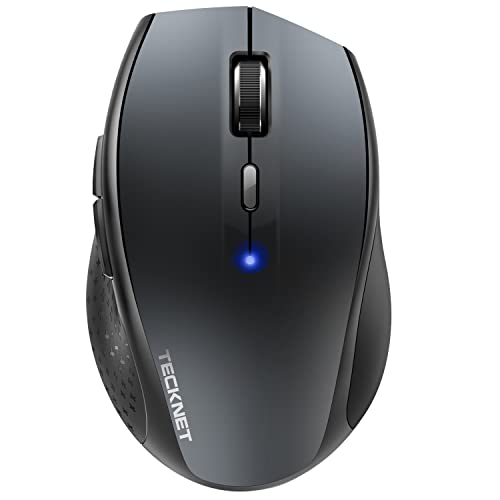
TECKNET

Pendaflex

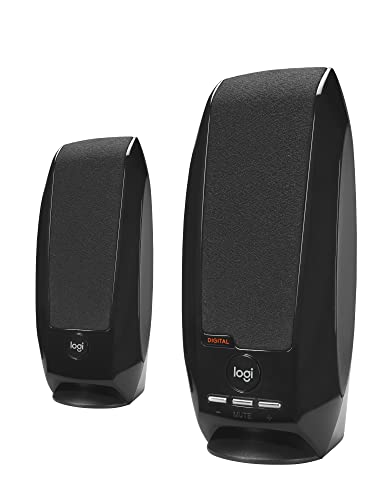
Logitech

Energizer

Post-it

Scotch
Please sign in to leave a review
No reviews yet. Be the first to review!
Cons
From Expert Reviews
Praised by Experts
Criticized by Experts
From User Reviews
Users Love
Users Complain About
Best For
Office professionals, Windows users, and right‑handed individuals with medium to large hands who need ergonomic support for long‑hour computer work, especially those dealing with wrist pain or RSI.
Not Ideal For
Left‑handed users, gamers, graphic designers, and anyone with small hands or who requires high DPI, Bluetooth connectivity, or advanced customization.
Expert Opinion
Professional reviewers commend the Sculpt Ergonomic Mouse for its comfortable vertical shape, solid build, and versatile BlueTrack sensor, recommending it for office environments and users with wrist‑related discomfort. However, they note the lack of DPI adjustment, Bluetooth, and a premium aesthetic, positioning it as a functional but not cutting‑edge ergonomic option.
What Users Say
Everyday users overwhelmingly praise the mouse for alleviating wrist strain, its sturdy feel, and the convenience of a year‑long battery life. Common complaints revolve around its bulk for smaller hands, the adjustment period required for the handshake grip, and the awkward placement of the back button.
Common Complaints
Bulkiness for small hands, learning curve of the vertical grip, awkward back button placement, and occasional isolated early failures.
How It Compares
vs. Logitech MX Vertical
Advantages
Disadvantages
Choose MX Vertical if you need higher DPI, a lighter feel, and rechargeable power; stick with Sculpt for longer battery life and a 4‑way scroll.
vs. Logitech Lift (Vertical, Small/Medium)
Advantages
Disadvantages
Lift is ideal for small or left‑handed users who want a rechargeable ergonomic mouse; Sculpt remains the go‑to for right‑handed users seeking a larger grip and longer battery life.
vs. Anker Vertical Ergonomic Mouse
Advantages
Disadvantages
Anker offers a budget‑friendly alternative with modest DPI boost, but lacks the Sculpt's dedicated Windows button and robust 4‑way scroll; choose based on price sensitivity versus feature set.