
Kodak
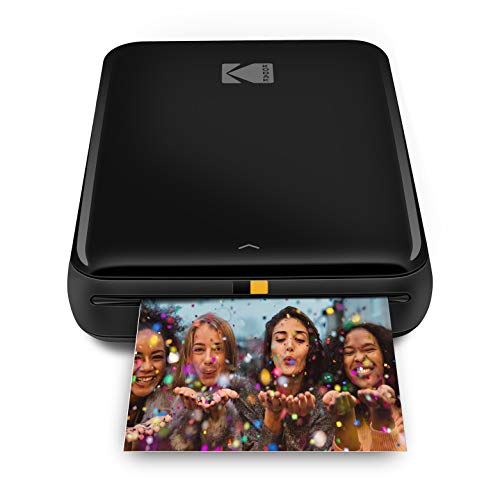
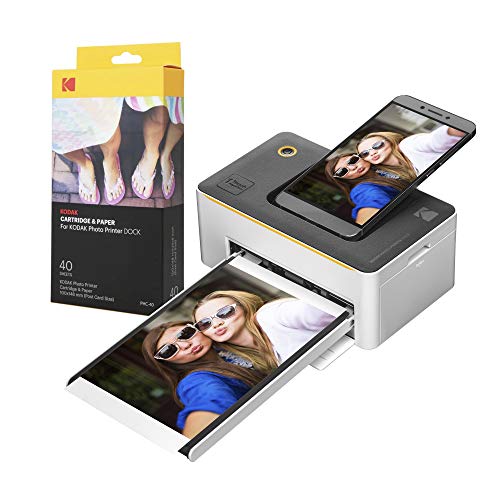
The Kodak Dock Wi‑Fi Portable 4x6" Instant Photo Printer is a compact dye‑sub printer that docks smartphones for instant laminated prints. It offers Wi‑Fi, Bluetooth, USB‑C and direct charging dock, delivering 300 dpi 4x6 photos with a lightweight, travel‑ready design.
Pros
Current
$114.99
Average
$124.27
Lowest
$104.00
Highest
$248.21
Lower = better sales rank

LD

Epson

Epson

KODAK

Epson

HP

KODAK
KODAK

KODAK

KODAK

HP

HP

KODAK
KODAK

Liene

Liene

Liene

Liene
Please sign in to leave a review
No reviews yet. Be the first to review!
Get notified when the price drops. Track this product on BigBangPrice, our price tracking partner.
Cons
From Expert Reviews
Praised by Experts
Criticized by Experts
From User Reviews
Users Love
Users Complain About
Expert Opinion
Professional reviewers commend the Kodak Dock for its sleek, lightweight form factor and the convenience of docking and charging a phone while printing. They emphasize the quality of the 4PASS dye‑sub process, which yields vibrant, laminated 4x6 photos at 300 dpi. Criticisms focus on the reliance on proprietary cartridges, the single 4x6 print size, and the lack of an internal battery, which may limit true on‑the‑go use.
What Users Say
Everyday users praise the printer’s portability, ease of setup, and the instant, high‑quality prints it produces directly from smartphones. The included extra photo sheets and retro styling are frequently highlighted as positives, while concerns center on cartridge costs and the absence of a built‑in battery.
Common Complaints
Proprietary 4PASS cartridge requirement, inconsistent dimension information across listings, lack of built‑in battery, and weight being higher than some ultra‑light competitors.
What People Are Saying
“very lightweight”
“Easy setup and instant docking/printing from phone”
How It Compares
vs. Canon Selphy CP1500
Advantages
Disadvantages
Choose Canon Selphy if you need cordless operation and a battery; choose Kodak Dock for dock‑and‑charge convenience and laminated prints.
vs. HP Sprocket Studio
Advantages
Disadvantages
HP Sprocket Studio is best for ultra‑light travel when durability is less critical; Kodak Dock is preferable for higher‑quality, laminated photos and dock charging.
vs. Epson PM‑400
Advantages
Disadvantages
Epson PM‑400 suits desktop or studio environments needing higher throughput; Kodak Dock serves mobile users needing instant, high‑quality 4x6 prints.
Kodak Dock vs Canon PIXMA TR4720
pairwise
