Samsung
The Samsung 32" UJ59 (LU32J590UQ) is a 4K VA‑panel monitor offering high contrast, AMD FreeSync and multitasking features like PBP/PIP, aimed at productivity, media consumption and casual gaming.
Pros
Cons
Current
$289.99
Average
$258.62
Lowest
$199.99
Highest
$399.99
Lower = better sales rank

CyberPower

ViewSonic

HUANUO

ASUS

Dell

Z-EDGE

ViewSonic

Lenovo

BenQ
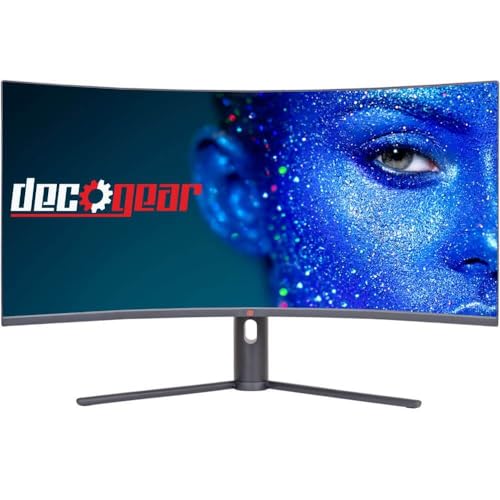
Deco Gear

Dell

Dell

Lenovo
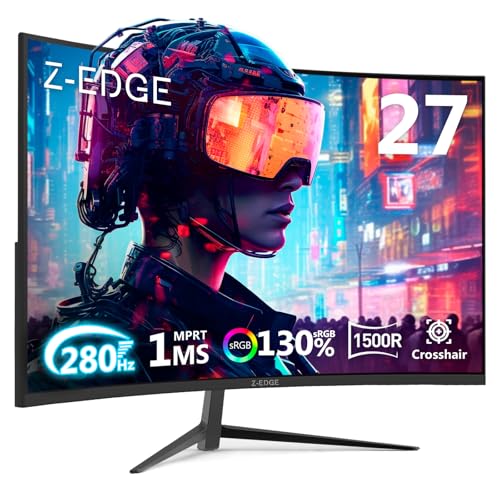
Z Z-EDGE

Boomph

ViewSonic

Logitech

INNOCN

Dell

Samsung
Please sign in to leave a review
No reviews yet. Be the first to review!
Get notified when the price drops. Track this product on BigBangPrice, our price tracking partner.
From Expert Reviews
Praised by Experts
Criticized by Experts
From User Reviews
Users Love
Users Complain About
Best For
Office and remote workers needing a large, eye‑friendly 4K display; content consumers who watch movies and stream 4K video; casual gamers with AMD GPUs; budget‑conscious photo/video editors requiring accurate color and high resolution.
Not Ideal For
Hardcore gamers demanding 120 Hz+ refresh rates or full G‑Sync certification; NVIDIA users seeking plug‑and‑play G‑Sync; professional designers needing factory‑calibrated color accuracy (Delta E < 2).
Expert Opinion
Professional reviewers praise the UJ59 for its excellent color accuracy, deep blacks and strong contrast, calling it a solid value for creators and office users. They note the VA panel’s advantage in dark‑room viewing but warn about the limited DisplayPort bandwidth and occasional G‑Sync compatibility quirks that may require firmware tweaks.
What Users Say
Everyday users love the crisp 4K picture, large screen real estate and eye‑comfort features, especially for work and media consumption. Common complaints focus on the DisplayPort’s 30 Hz limitation, the unexpected Samsung logo on the bezel, and mixed experiences with FreeSync and G‑Sync compatibility.
Common Complaints
DisplayPort limited to 4K @ 30 Hz, visible Samsung logo on front bezel, inconsistent FreeSync performance, difficulty achieving G‑Sync compatibility, and lack of an included DP cable.
What People Are Saying
“Multiple users on CDW and Amazon report that DisplayPort only delivers 4K@30Hz, forcing reliance on HDMI 2.0 for 60Hz.”
“One user noted difficulty achieving G‑Sync compatibility with an NVIDIA GTX 1080 Ti, requiring manual reset of settings post‑update.”
How It Compares
vs. Dell S3225QS
Advantages
Disadvantages
Choose Dell S3225QS for smoother high‑frame‑rate gaming; choose UJ59 for superior contrast and darker room viewing.
vs. LG 32UN650-W
Advantages
Disadvantages
Pick LG for color‑critical work and wide viewing angles; pick UJ59 for deeper blacks and gaming with FreeSync.
vs. Acer SB321Y UBI
Advantages
Disadvantages
Acer is a budget option for basic 4K use; UJ59 provides better contrast and FreeSync for multimedia and casual gaming.
pairwise