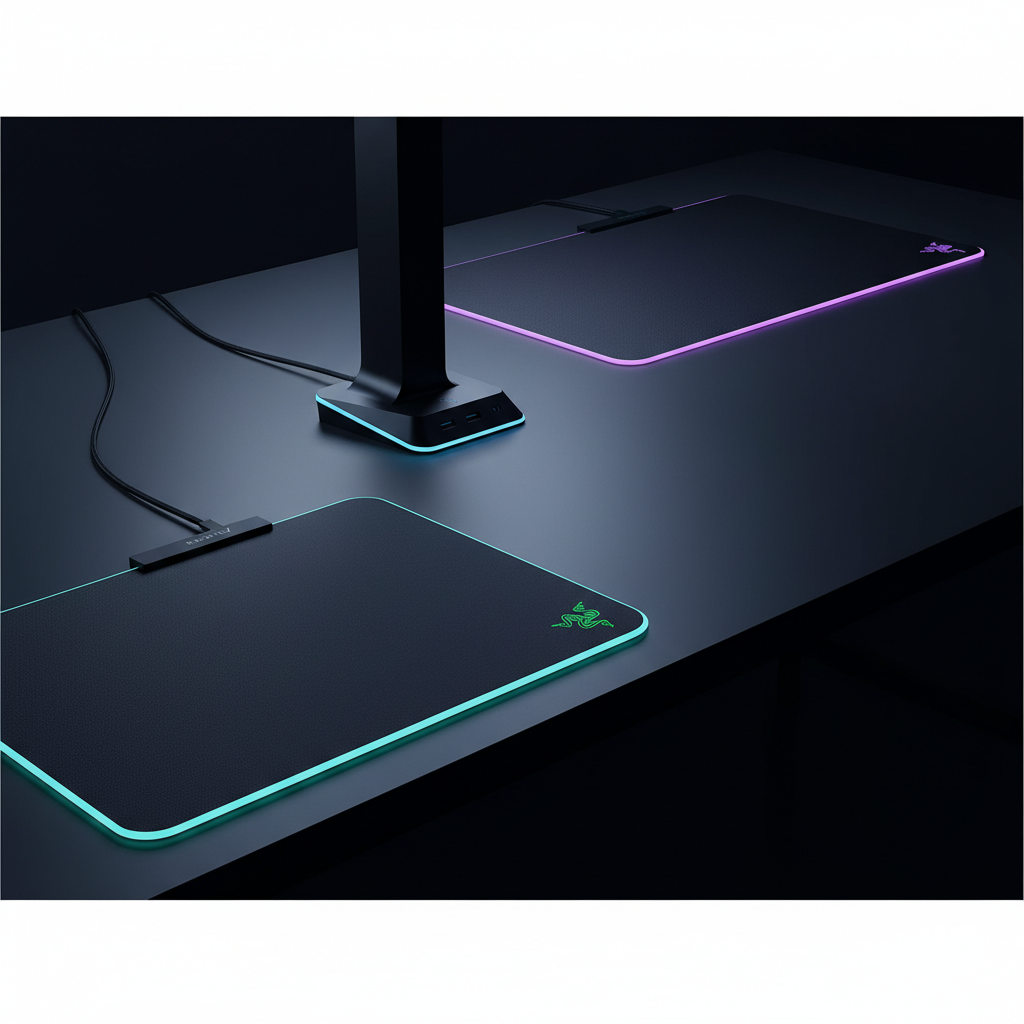
Razer
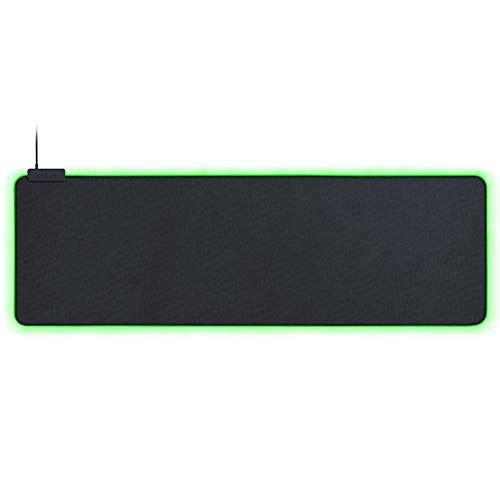
The Razer Goliathus Extended Chroma is a large‑format gaming mousepad with a micro‑textured cloth surface and edge‑lit Chroma RGB lighting. It offers precise tracking, extensive lighting customization, and deep integration with the Razer ecosystem, while requiring a dedicated USB port for illumination.
Pros
Current
$57.69
Average
$57.48
Lowest
$50.00
Highest
$59.99
Lower = better sales rank

GIM

Highwings

DR CATCH

Aothia

Huel
WeYingLe

FIFINE
KUOSGM

FIFINE

Armanza

WOLFBOX

MEKASS
TopMade

HAUTOCO

HANDY-GAD

GIM

KDD
Please sign in to leave a review
No reviews yet. Be the first to review!
Get notified when the price drops. Track this product on BigBangPrice, our price tracking partner.
Cons
From Expert Reviews
Praised by Experts
Criticized by Experts
From User Reviews
Users Love
Users Complain About
Best For
Razer ecosystem owners, FPS and competitive gamers who need a balanced speed‑control surface, streamers seeking a visually striking desk, users with limited desk space who still want full‑keyboard coverage, and low‑DPI gamers requiring wide mouse movement.
Not Ideal For
Gamers who need a wider pad for full elbow support, users with scarce USB ports, and non‑Razer users who don’t benefit from Chroma sync.
Expert Opinion
Professional reviewers praise the Goliathus Extended Chroma for retaining the proven cloth surface and rubber base of the non‑RGB model while adding vibrant, non‑blinding edge lighting that integrates tightly with Razer's Chroma ecosystem. The main criticism focuses on the inefficient use of a dedicated USB port and the lack of advanced controls on the lighting controller.
What Users Say
Everyday users love the pad’s large size, smooth tracking, and the ability to sync lighting with other Razer gear, often rating it near perfect. Recurring complaints revolve around the single USB port dedicated to lighting, minor discomfort from the EL wire, and the pad’s relatively narrow width for elbow support.
Common Complaints
Dedicated USB port for lighting only, EL wire edge discomfort, narrow width for elbow support, and lack of a detachable cable or brightness controls.
How It Compares
vs. Corsair MM300 RGB
Advantages
Disadvantages
Choose Corsair MM300 RGB if you need a wider pad and are not tied to the Razer ecosystem.
vs. SteelSeries QcK Prism XL
Advantages
Disadvantages
Select SteelSeries QcK Prism XL for a neutral RGB pad that works best with SteelSeries gear.
vs. Razer Goliathus Extended Chroma
Advantages
Disadvantages
Ideal for users fully invested in Razer hardware who prioritize ecosystem sync over pad width.