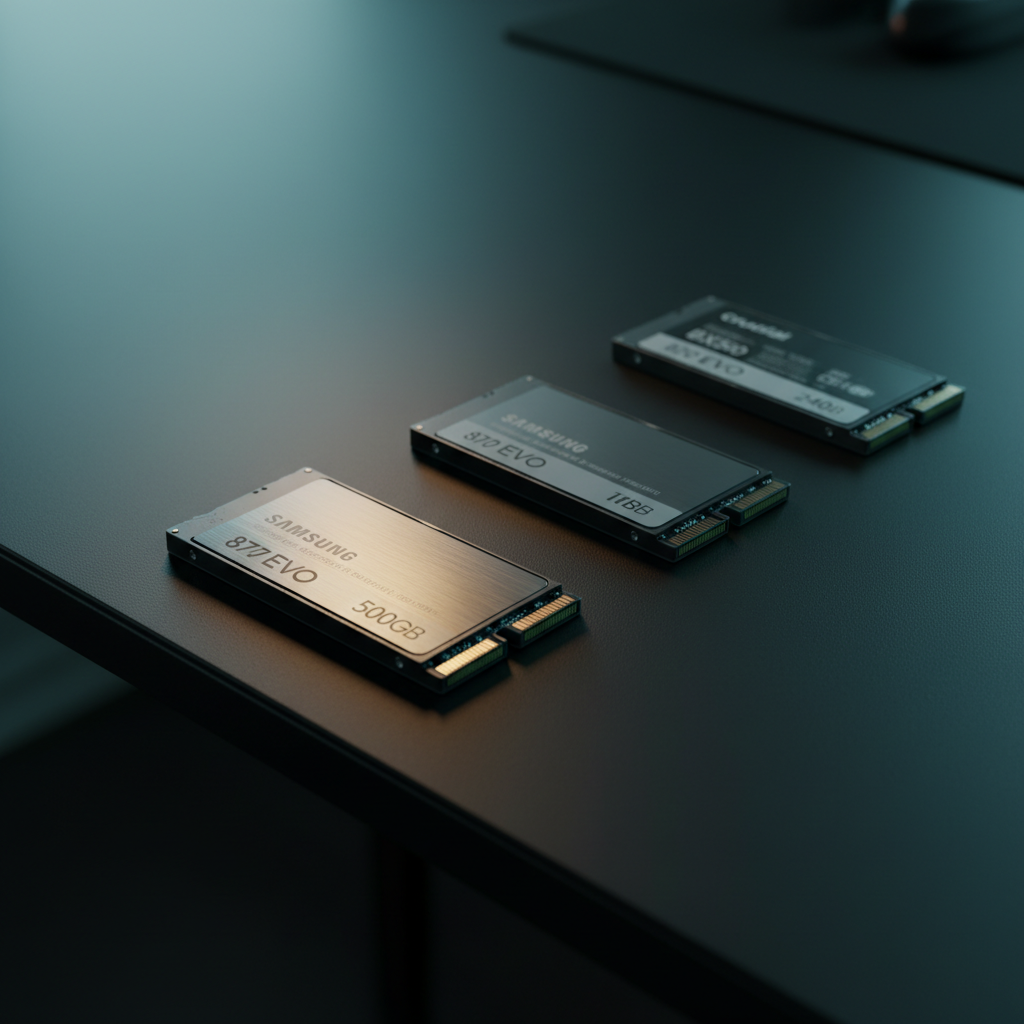
Crucial
The Crucial BX500 240GB is a budget‑focused SATA SSD that delivers a noticeable speed boost over traditional hard drives while keeping power consumption low. It uses a DRAM‑less design and includes basic management software, making it ideal for inexpensive upgrades of older desktops and laptops.
Pros
Cons
Current
$64.99
Average
$25.90
Lowest
$17.99
Highest
$64.99
Lower = better sales rank
Please sign in to leave a review
No reviews yet. Be the first to review!
Get notified when the price drops. Track this product on BigBangPrice, our price tracking partner.
From Expert Reviews
Praised by Experts
Criticized by Experts
From User Reviews
Users Love
Users Complain About
Best For
Budget‑conscious users upgrading from HDDs, students and office workers needing faster boot times, light‑gaming PCs without NVMe slots, secondary or boot drives in legacy systems, and energy‑sensitive laptops.
Not Ideal For
Heavy write workloads such as video editing or large database operations, users requiring hardware encryption or high endurance, enthusiasts building new high‑performance systems that prefer NVMe SSDs.
Expert Opinion
Professional reviewers view the BX500 as a solid, low‑cost SATA SSD that meets basic performance expectations but falls short of Crucial’s own MX500 in endurance, security, and warranty. While its DRAM‑less design keeps price down, it limits sustained performance, and the lack of hardware encryption makes it less suitable for security‑focused environments.
What Users Say
Everyday users praise the BX500 for the immediate speed uplift, quiet operation, and low power draw, especially when upgrading legacy machines. Common complaints revolve around initial setup quirks and the desire for a longer warranty or included accessories.
Common Complaints
Initial setup issues where the drive does not appear in File Explorer until manually initialized; concerns about the lack of DRAM; desire for a longer warranty or included SATA cable.
What People Are Saying
“dramatic improvements in system responsiveness after replacing HDDs”
How It Compares
vs. Crucial MX500 250GB
Advantages
Disadvantages
Choose the MX500 for better durability, encryption, and warranty; choose the BX500 if budget is the primary concern.
vs. Samsung SSD 860 QVO 250GB
Advantages
Disadvantages
Select the Samsung 860 QVO if you prefer Samsung’s software ecosystem and encryption; the BX500 is a cheaper TLC alternative with comparable performance.