Samsung
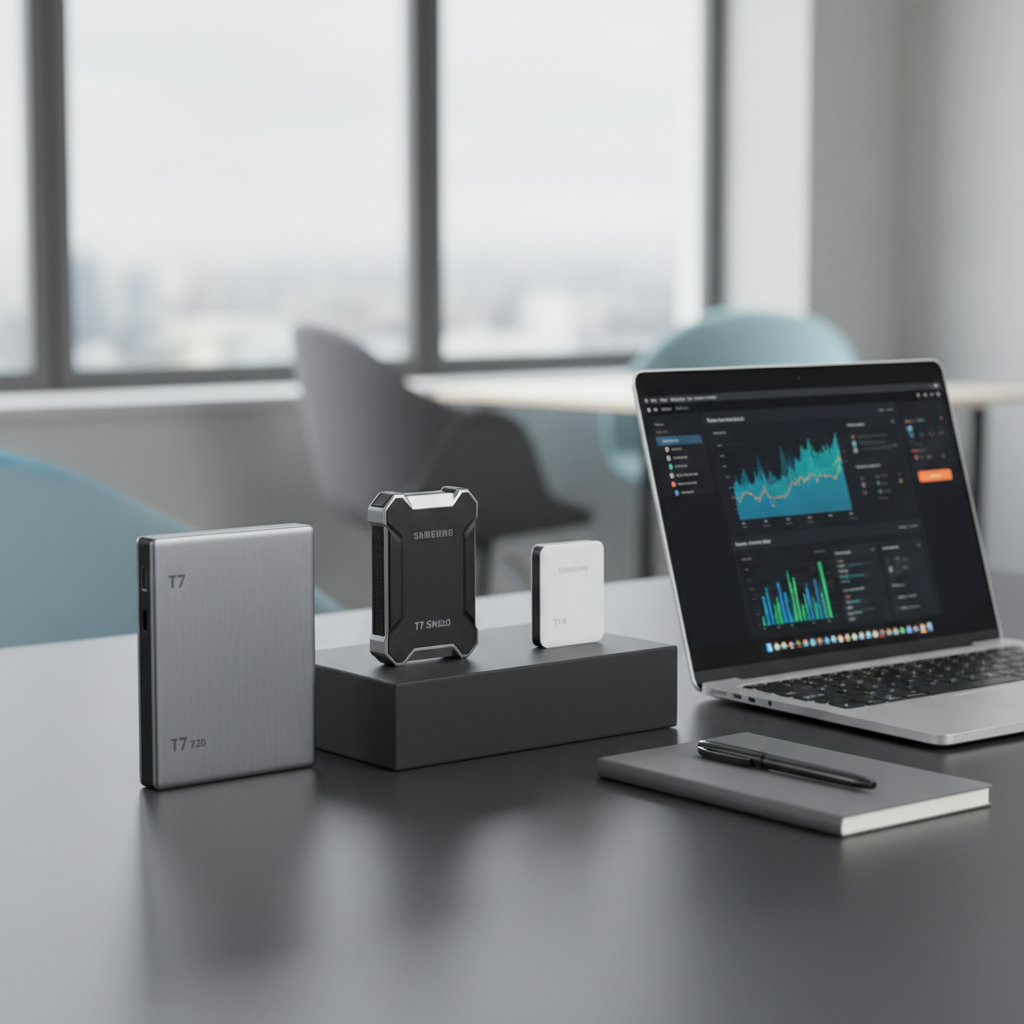
The Samsung X5 Portable SSD 2TB uses Thunderbolt 3 and NVMe to deliver up to 2,800 MB/s read and 2,300 MB/s write speeds in a compact, magnesium‑alloy case. It targets professionals who need ultra‑fast, secure, bus‑powered storage for large media files.
Pros
Current
$699.00
Average
$1,058.12
Lowest
$699.00
Highest
$1,299.37
Lower = better sales rank
Please sign in to leave a review
No reviews yet. Be the first to review!
Get notified when the price drops. Track this product on BigBangPrice, our price tracking partner.
Cons
From Expert Reviews
Praised by Experts
Criticized by Experts
From User Reviews
Users Love
Users Complain About
Best For
Professional video editors handling 4K/6K/8K footage, photographers with large RAW libraries, 3D animators and VFX artists moving massive project files, audio engineers working with high‑resolution multitrack sessions, and field producers or journalists who need fast, secure, portable storage on location.
Not Ideal For
Casual consumers, general backup users, or anyone without Thunderbolt 3 ports; users who need cross‑platform firmware updates or USB‑C compatibility; budget‑focused buyers.
Expert Opinion
Professional reviewers universally praise the X5’s blistering Thunderbolt 3/NVMe performance, noting read/write speeds that outpace many desktop RAID solutions and far exceed Samsung’s own T5. They highlight its rugged magnesium case, hardware encryption, and seamless Mac integration, while cautioning that its Thunderbolt‑only interface and Windows‑only firmware updates make it overkill for non‑professional users.
What Users Say
Everyday users love the X5’s ability to move massive 4K/8K video files in seconds and appreciate its premium, sturdy design and built‑in security. The most common frustrations revolve around Windows compatibility quirks, the need for a Windows PC to apply firmware updates, and the absence of a USB fallback, which limits versatility.
Common Complaints
Inconsistent detection on some Windows PCs, requirement of a Windows machine for firmware updates, the drive getting warm under heavy load, and the lack of USB‑C fallback limiting use with non‑Thunderbolt devices.
How It Compares
vs. Samsung T5 (2TB)
Advantages
Disadvantages
Choose the X5 for professional, high‑speed workflows; choose the T5 for everyday use, maximum portability, and broader compatibility.
vs. Dell Portable Thunderbolt 3 SSD (1TB)
Advantages
Disadvantages
If you need 2 TB of ultra‑fast storage in a portable form factor, the X5 is the better choice; the Dell SSD is suitable for users who can work with 1 TB and prefer Dell’s design.
vs. OWC ThunderBlade (2TB)
Advantages
Disadvantages
Select the X5 for mobile professionals needing a lightweight, rugged drive; select the ThunderBlade for stationary high‑performance environments where size and power are less of a concern.