Redragon
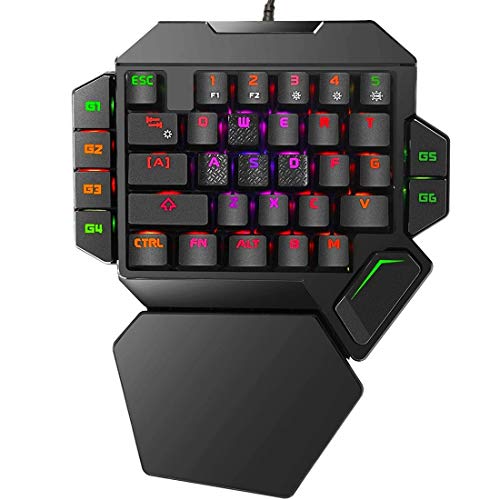
The Redragon K585 DITI is a compact, wired one‑handed mechanical gaming keypad featuring 42 keys, seven programmable macro keys, and a detachable magnetic wrist rest, aimed at right‑handed gamers who need a portable, macro‑rich input device. It offers Outemu switch options, full NKRO rollover and customizable RGB lighting, but lacks wireless connectivity and macOS‑compatible software.
Pros
Current
$32.99
Average
$33.35
Lowest
$26.99
Highest
$36.99
Lower = better sales rank

Redragon
Cakce
Koolertron
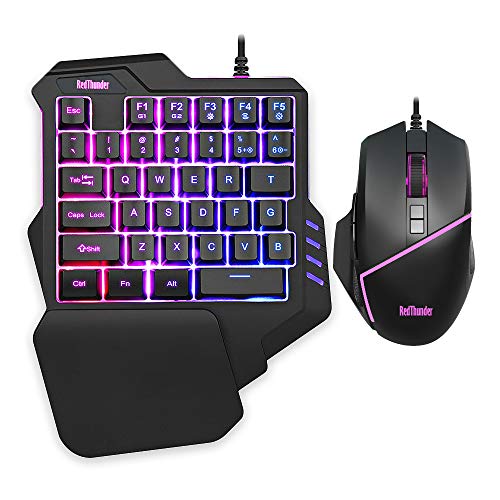
RedThunder

Redragon

Dreamlink.ca

Koolertron

MageGee

Koolertron

Bewinner

AULA

Redragon

Mciepny
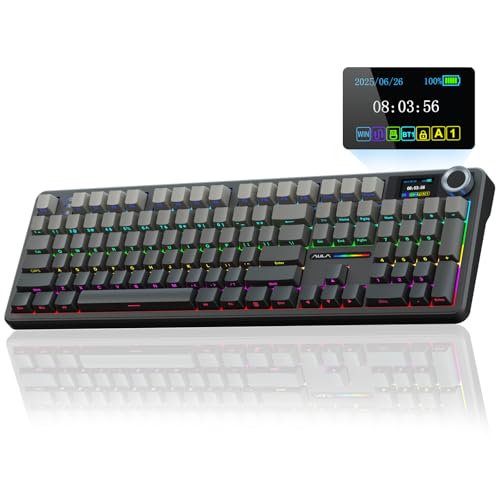
AULA

wegear

ActionRing
Please sign in to leave a review
No reviews yet. Be the first to review!
Get notified when the price drops. Track this product on BigBangPrice, our price tracking partner.
Cons
From Expert Reviews
Praised by Experts
Criticized by Experts
From User Reviews
Users Love
Expert Opinion
Professional reviewers and editors emphasize the K585 DITI's strong macro capability, full NKRO rollover, and vibrant RGB lighting as key strengths for budget‑focused gamers, while noting the limited switch selection and lack of wireless or height‑adjustable features as notable drawbacks.
What Users Say
Typical consumers praise the keypad’s portability, ergonomic wrist rest, and the usefulness of its seven macro keys, often highlighting the reliable Outemu switches and attractive RGB lighting; complaints focus mainly on the wired-only connection and limited macOS software support.
Common Complaints
Limited macOS software compatibility is a recurring complaint among Mac users.
How It Compares
vs. Redragon DITI K585 Pro
Advantages
Disadvantages
Choose the wired K585 DITI for maximum portability and lower cost; opt for the Pro version if you need wireless freedom and don’t mind the extra weight and price.
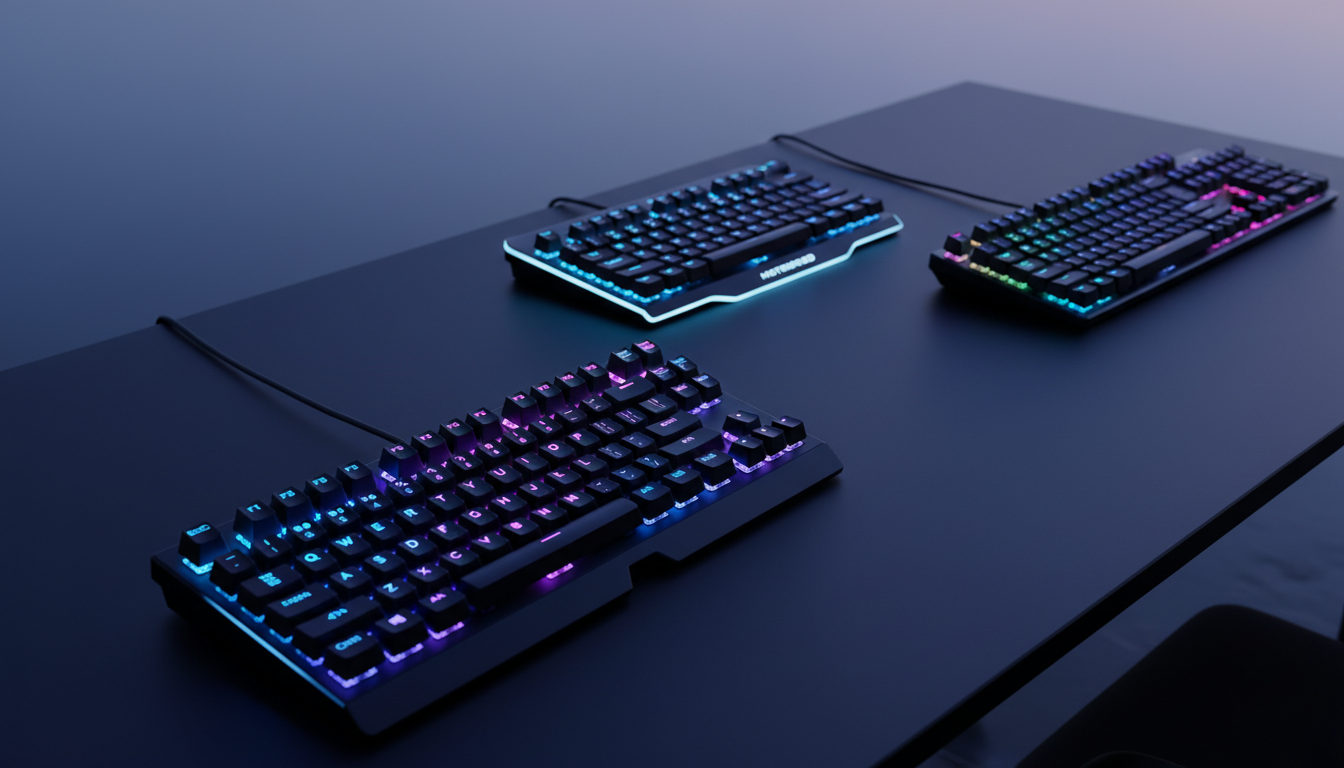
Best Budget Gaming Keyboards Under $50
roundup