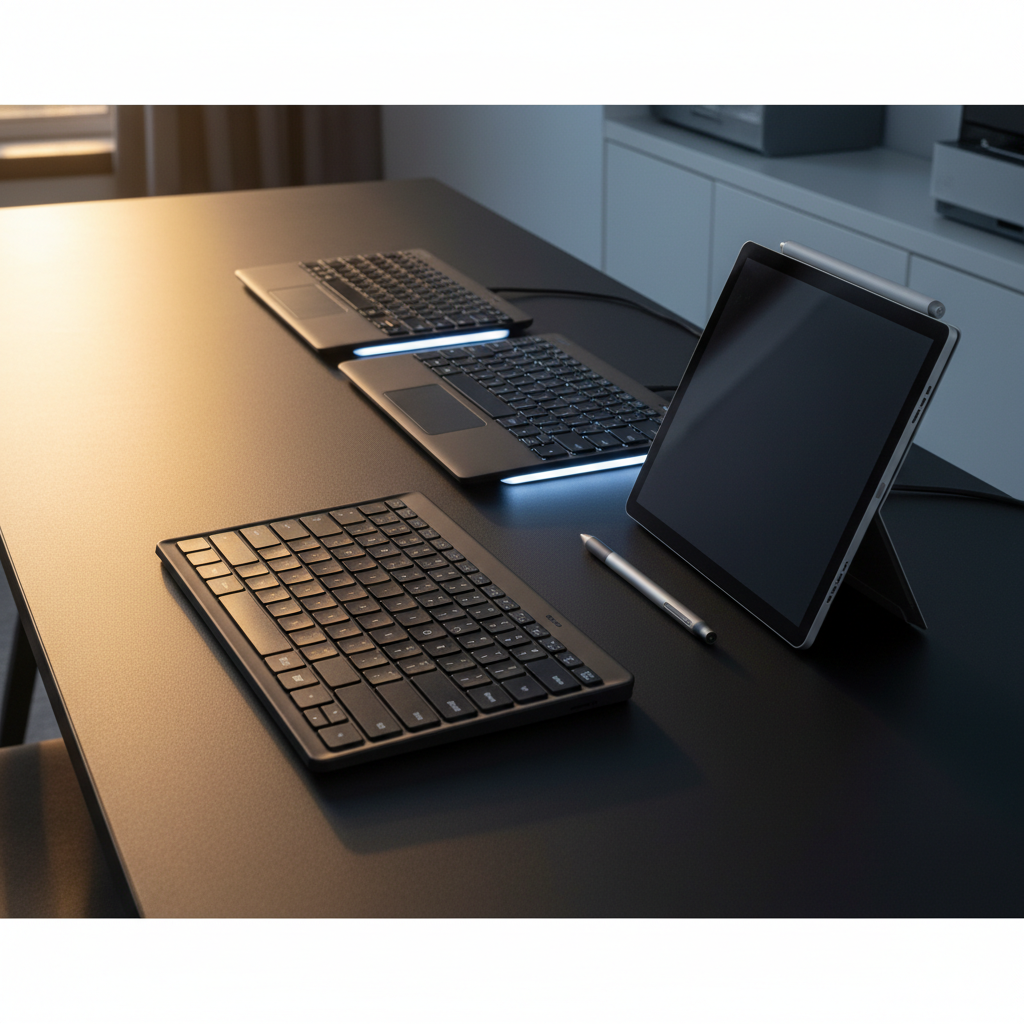
Microsoft
Get notified when the price drops. Track this product on BigBangPrice, our price tracking partner.
The Microsoft Bluetooth Keyboard Black (QSZ-00001) is a full‑size, lightweight wireless keyboard optimized for Windows users. It offers seamless Bluetooth 5.0 pairing, a two‑year battery life on AAA cells, and dedicated Office 365 shortcut keys, but lacks backlighting, a caps‑lock indicator, and ergonomic tilt.
Pros
Current
$79.99
Average
$69.87
Lowest
$45.00
Highest
$84.99
Lower = better sales rank

Microsoft

Microsoft

Microsoft

Rapoo

ProtoArc

CITLLA
IQUNIX

BEESUFAR
Please sign in to leave a review
No reviews yet. Be the first to review!
Cons
From Expert Reviews
Praised by Experts
Criticized by Experts
From User Reviews
Users Love
Users Complain About
Best For
Remote workers, home‑office users, and Microsoft 365 subscribers who need a lightweight, quiet, wireless keyboard for email, web browsing, and document editing; travelers and students seeking portability; iPad or Android tablet users needing a Bluetooth companion.
Not Ideal For
Programmers, developers, and gamers who rely on dedicated function keys and low latency; users requiring backlit keys for low‑light environments; macOS users needing full functionality; anyone needing ergonomic tilt or wrist support; power users who want mechanical switches or extensive customization.
Expert Opinion
Professional reviewers commend the keyboard for its seamless Windows integration, long battery life, and useful shortcut keys, noting it works well for casual office tasks. However, they criticize the lack of mechanical switches, ergonomic features, and the occasional severe Bluetooth lag that makes it unsuitable for power users, developers, or gamers.
What Users Say
Everyday users appreciate the wireless convenience, easy pairing, quiet keys, solid build, and budget‑friendly price. Recurring complaints focus on missing caps‑lock illumination, lack of backlighting, no tilt adjustment, the need to use Fn for function keys, and intermittent Bluetooth latency or disconnections.
Common Complaints
Missing caps‑lock LED, no backlighting, flat design without tilt, Fn‑key requirement for F1‑F12, Bluetooth latency or disconnections (especially after sleep), and the absence of a Print Screen key.
What People Are Saying
“It’s like a cat—always sleeping,”
How It Compares
vs. Logitech K380
Advantages
Disadvantages
Choose Microsoft if you need Windows‑centric shortcuts and a numeric keypad; choose K380 for multi‑device flexibility and a caps‑lock light.
vs. Apple Magic Keyboard
Advantages
Disadvantages
Pick Microsoft for Windows users seeking value and long battery life; pick Apple for macOS users who want premium design and tilt adjustment.
vs. Dell KM717
Advantages
Disadvantages
Select Microsoft for a minimalist, Windows‑focused keyboard; select Dell if you need USB dongle support and ergonomic tilt.