Wacom
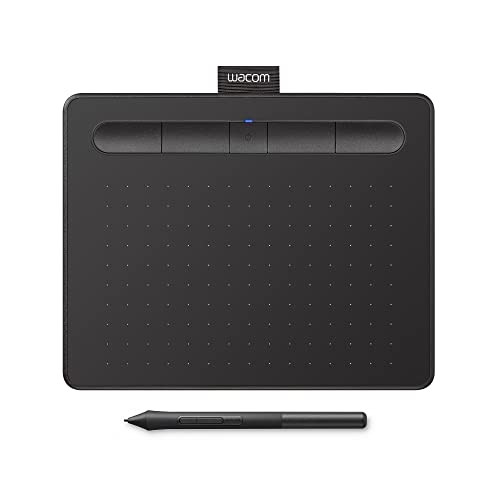
The Wacom One HD Creative Pen Display (14" model DTC141) is an entry‑level pen display with a 1920×1080 IPS screen, battery‑free pen offering 4,096 pressure levels and 60° tilt, and broad compatibility across Windows, macOS, Android and ChromeOS. It targets beginners and hobbyists seeking a portable, affordable drawing surface with a paper‑like feel.
Pros
Current
$319.25
Average
$301.42
Lowest
$298.82
Highest
$389.95
Lower = better sales rank
Wacom

XP-Pen

HUION

XP-Pen

XP-Pen

XPPen


XPPen
HUION

Wacom

XPPen

Wacom
Please sign in to leave a review
No reviews yet. Be the first to review!
Get notified when the price drops. Track this product on BigBangPrice, our price tracking partner.
Cons
From Expert Reviews
Praised by Experts
Criticized by Experts
From User Reviews
Users Love
Users Complain About
Expert Opinion
Professional outlets such as CG Channel commend the Wacom One 14 as an improved entry‑level pen display, noting its better cabling options, HD resolution, and natural drawing surface that make it ideal for beginners. However, they also stress trade‑offs like the modest 4,096 pressure levels, lower brightness and contrast compared to pro‑grade Cintiq models, and the absence of built‑in stand or express keys, positioning it below professional tablets.
What Users Say
Everyday users consistently highlight the tablet’s natural pen‑to‑paper feel, low lag, lightweight construction and straightforward setup across multiple platforms as major positives. Recurring complaints revolve around the missing stand, dim screen brightness in bright environments, cable management hassles, occasional driver glitches, and slight remaining parallax.
Common Complaints
Missing built‑in stand, dim 285 cd/m² screen in bright rooms, cable clutter with HDMI setups, occasional driver issues on macOS/Android, and residual parallax despite bonded screen.
What People Are Saying
“Natural pen-to-paper feel, low lag, lightweight design (750 g), and easy setup.”
How It Compares
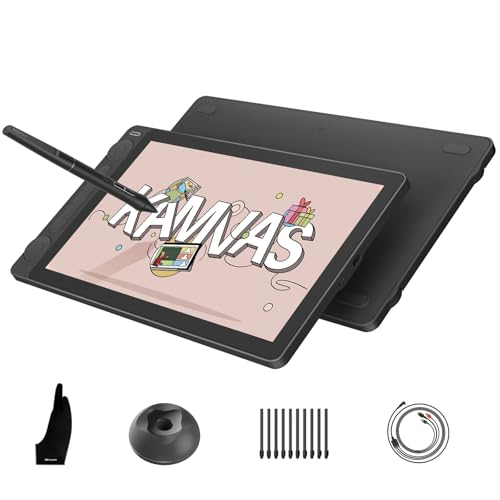
vs. Huion Kamvas 13
Advantages
Disadvantages
Choose Huion if pressure sensitivity and cost are top priorities and you work in controlled lighting.
vs. XP‑Pen Artist 12
Advantages
Disadvantages
XP‑Pen is a good fit for users who need higher pressure sensitivity in a compact form factor.
vs. Wacom One 12
Advantages
Disadvantages
Wacom One 12 suits users who prioritize ultra‑compact size over drawing area.
vs. Wacom One 13 Touch
Advantages
Disadvantages
Select the 13" Touch version if touch interaction is essential and you don’t mind the extra weight.
pairwise