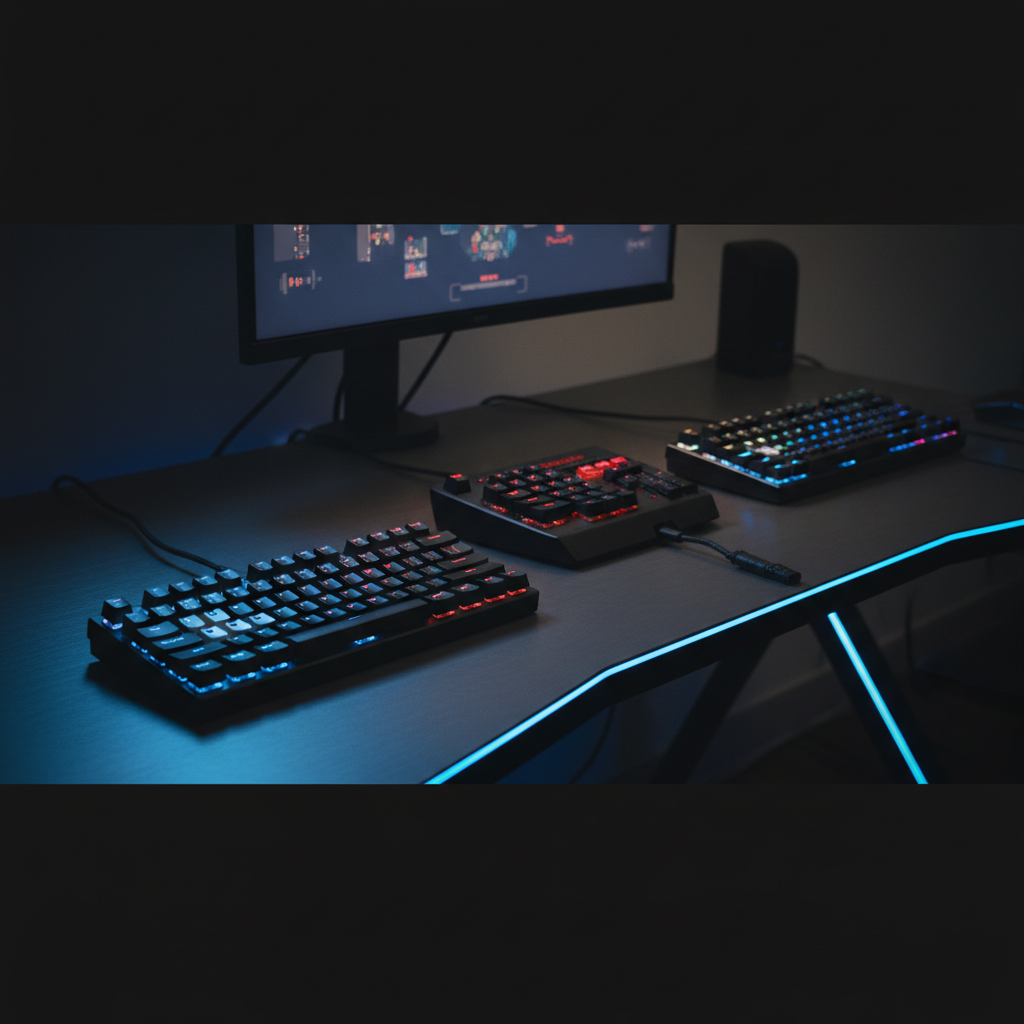
MageGee
The MageGee Mechanical Gaming Keyboard is a budget-friendly full‑size wired keyboard with upgraded clicky blue switches, a metal top plate, and single‑color backlighting offering 20 modes. It provides full N‑key rollover, plug‑and‑play connectivity, and includes extra keycaps for personalization.
Pros
Cons
Current
$33.99
Average
$37.18
Lowest
$31.99
Highest
$97.21
Lower = better sales rank
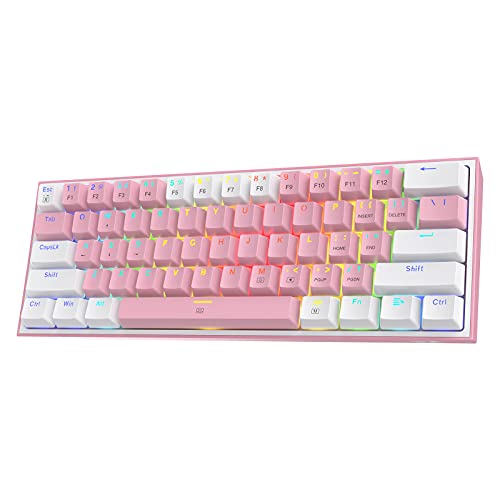
Redragon

Redragon

Odpaltoy
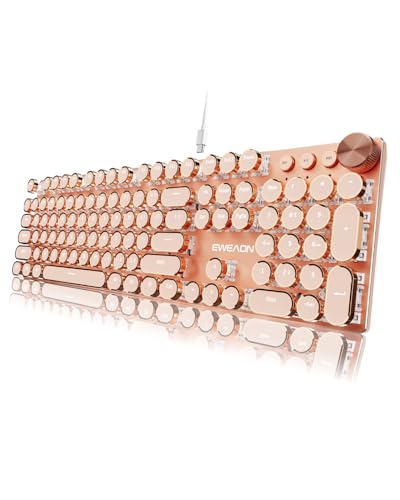
SEUNKWANG

SEUNKWANG
Please sign in to leave a review
No reviews yet. Be the first to review!
Get notified when the price drops. Track this product on BigBangPrice, our price tracking partner.
From Expert Reviews
Praised by Experts
Criticized by Experts
From User Reviews
Users Love
Users Complain About
Best For
Budget‑conscious gamers, typists who enjoy clicky feedback, students and office workers needing a durable plug‑and‑play keyboard with multimedia keys, and users who want extra keycaps for personalization.
Not Ideal For
Users seeking RGB lighting or software customization, those who prefer quiet keyboards, enthusiasts wanting hot‑swappable switches or wireless connectivity, and anyone needing an integrated wrist rest.
Expert Opinion
Professional reviewers highlight the MageGee's clicky blue switches, sturdy metal top plate, and floating key design as strong points, while noting the lack of hot‑swappable switches and software support as drawbacks for enthusiasts.
What Users Say
Everyday users consistently praise the keyboard's tactile click, bright single‑color lighting, solid construction, and the extra keycaps, but they frequently mention the absence of RGB, missing wrist rest, a stiff non‑detachable cable, and occasional loose keycaps.
Common Complaints
Single‑color backlight only, no wrist rest, non‑detachable stiff cable, loose or worn keycaps, and inability to swap switches.
What People Are Saying
“WoW superb quality – the keys illuminate beautifully, and the click sound is satisfying.”
“Sounds amazing – I love the clicky feedback. Lights have many modes, all in white.”
“Highly recommended – comes with instruction manual and keycap remover.”
“Backlight is only white – expected RGB, but it’s single-color.”
“No wrist rest – my wrists get tired after an hour.”
“Cable is stiff and long – hard to manage on a small desk.”
How It Compares
vs. Redragon K552 (Mechanical, Blue Switch)
Advantages
Disadvantages
Choose MageGee for extra lighting modes and keycaps at a lower price; choose Redragon if RGB and software control are priorities.
vs. HyperX Alloy FPS Pro (Blue Switch)
Advantages
Disadvantages
MageGee is a budget alternative with more lighting options; HyperX is better for users who prioritize premium switches and build.
vs. Logitech G Pro X (Tunable Switches)
Advantages
Disadvantages
Select MageGee for a low‑cost, plug‑and‑play experience; select Logitech G Pro X for advanced customization and premium features.