Microsoft
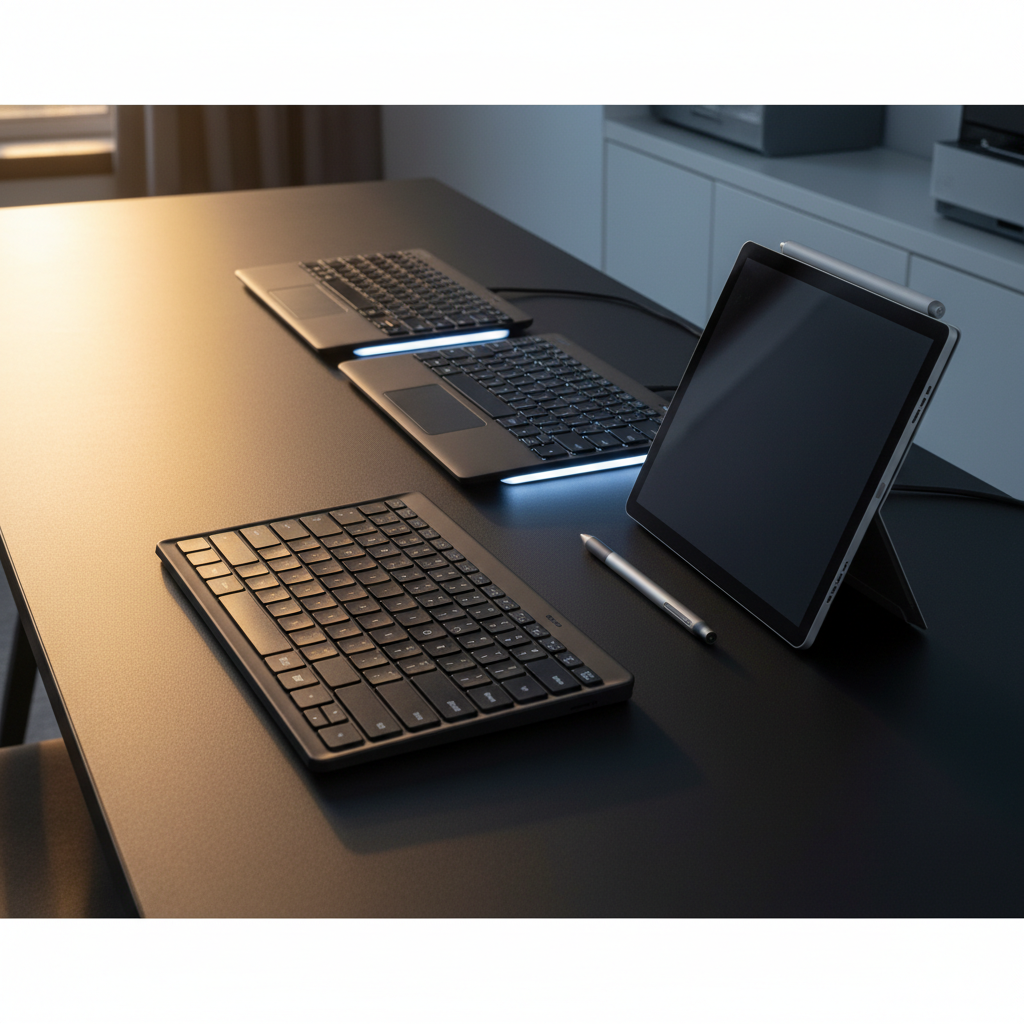
The Microsoft Designer Compact Keyboard is a ultra‑thin, 78‑key wireless Bluetooth keyboard with a minimalist matte black design, offering multi‑device support and dedicated emoji and screen‑snipping keys. It boasts up to 36 months of battery life on four coin‑cell batteries but lacks backlighting and uses shallow key travel.
Pros
Cons
Current
$29.95
Average
$35.96
Lowest
$27.49
Highest
$89.51
Lower = better sales rank

TECKNET

Kensington
Keychron

Keychron

WirelessFinest
Satechi
Satechi

Logitech

Nulea

Logitech

Logitech

MARVO

Soueto

Cherry

Logitech

Logitech

AULA
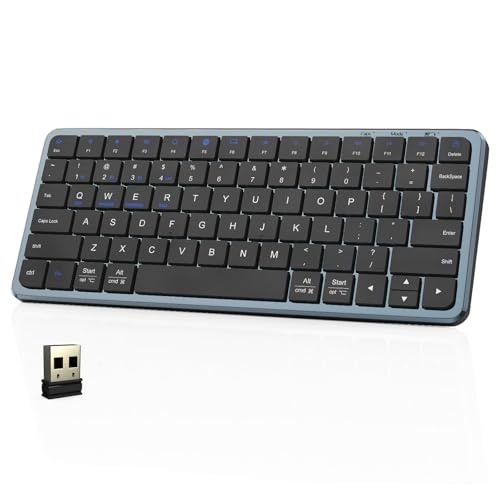
YORUNOHOSHI

AULA
Please sign in to leave a review
No reviews yet. Be the first to review!
Get notified when the price drops. Track this product on BigBangPrice, our price tracking partner.
From Expert Reviews
Praised by Experts
Criticized by Experts
From User Reviews
Users Love
Users Complain About
Best For
Minimalist office setups, remote/hybrid workers who switch between laptop, desktop and tablet, content creators who benefit from quick emoji and snipping shortcuts, travelers and students needing a lightweight portable keyboard, and users within the Microsoft or Apple ecosystems who value a sleek design.
Not Ideal For
Gamers, heavy typists preferring mechanical or deeper key travel, users who work in low‑light environments, and anyone who dislikes replacing non‑rechargeable batteries.
Expert Opinion
Professional reviewers praised the Designer Compact for its ultra‑slim profile, impressive three‑year battery life, and the novelty of dedicated emoji and snipping keys. They noted the typing experience feels like a high‑end laptop, but warned that the shallow travel and lack of backlighting may limit its appeal for heavy typists or low‑light workspaces.
What Users Say
Everyday users love the keyboard’s minimalist look, portability, and the convenience of the emoji and screen‑snipping keys. Common praise centers on the smooth, quiet typing and reliable Bluetooth connectivity, while recurring complaints focus on the need to replace four coin batteries, finger fatigue from the low‑profile keys, and the absence of backlighting.
Common Complaints
Inconvenient coin‑cell battery replacements. Finger fatigue due to shallow key travel. Confusing orange power‑switch indicator. No backlighting for dim lighting. Accidental activation of Bluetooth pairing via F1
What People Are Saying
“well worth the funds”
“the best”
How It Compares
vs. Apple Magic Keyboard
Advantages
Disadvantages
Choose Apple Magic Keyboard if you need backlighting and prefer the Apple ecosystem; choose Microsoft Designer Compact for ultra‑thin design and longer battery life.
vs. Logitech MX Keys
Advantages
Disadvantages
MX Keys is better for users who type long sessions and need backlighting; Designer Compact excels in portability and battery longevity.
vs. Microsoft Ergonomic Keyboard
Advantages
Disadvantages
Ergonomic Keyboard suits those needing comfort and deeper travel; Designer Compact suits minimalist setups and multi‑device users.