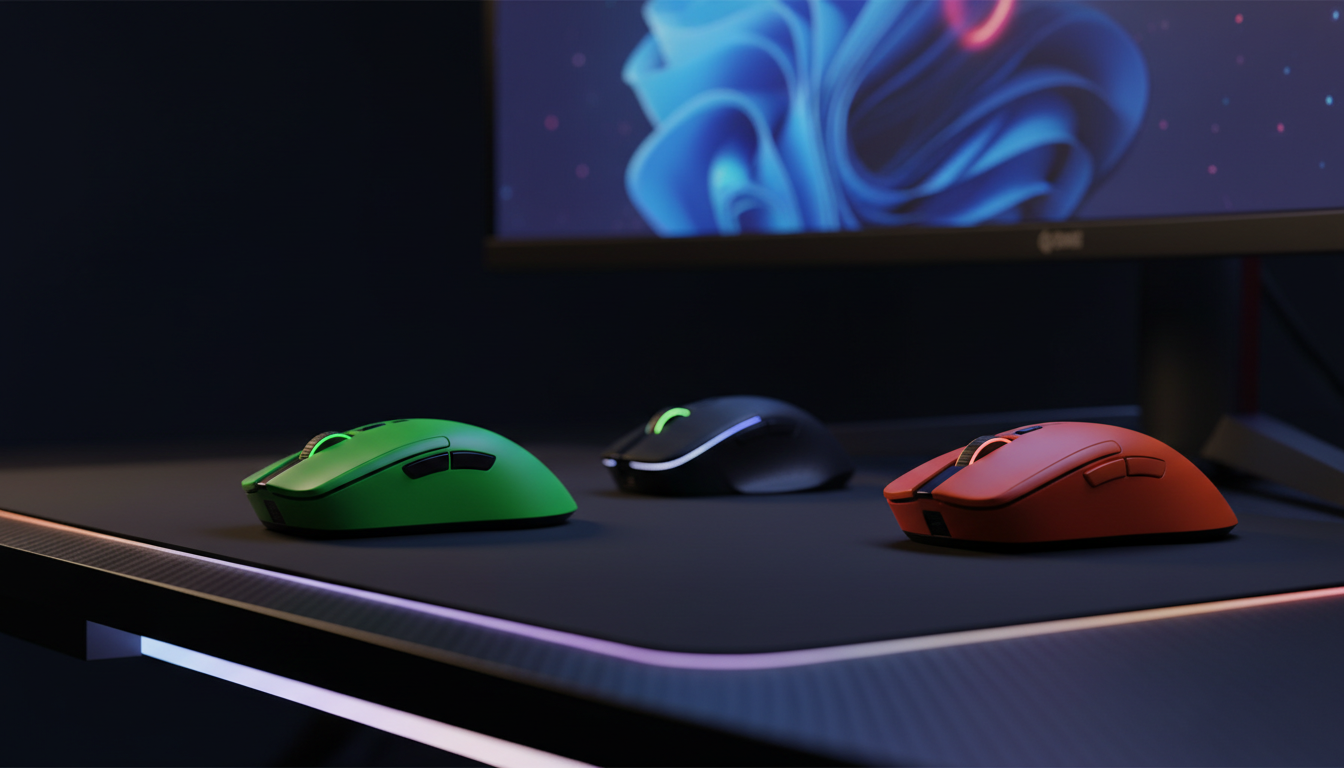
Asus
The ASUS ROG Spatha X (P707) is a heavyweight wireless gaming mouse aimed at MMO and MOBA players, offering a 19,000 dpi sensor, 12 programmable buttons, low click latency, and a magnetic charging dock. It features dual wired (USB‑C) and 2.4 GHz wireless connectivity, Aura Sync RGB lighting, and a right‑handed palm‑grip design.
Pros
Current
$126.99
Average
$127.53
Lowest
$81.87
Highest
$162.99
Lower = better sales rank

Couchmaster
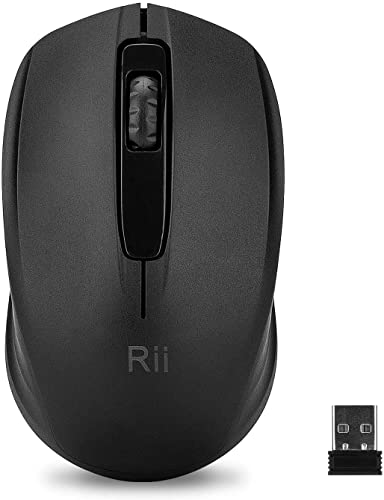
Rii

Logitech G

Logitech G

Logitech G

Lekvey
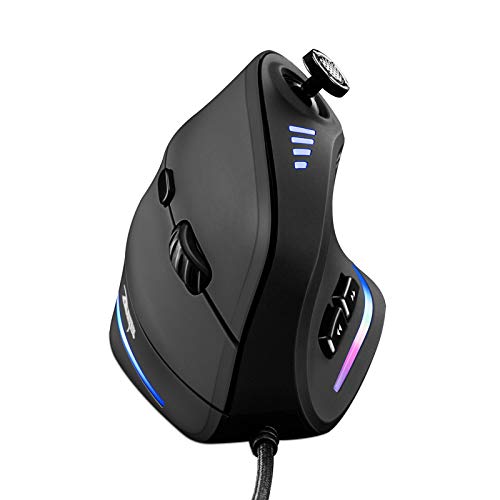
TRELC
ASUS

Logitech G

AULA
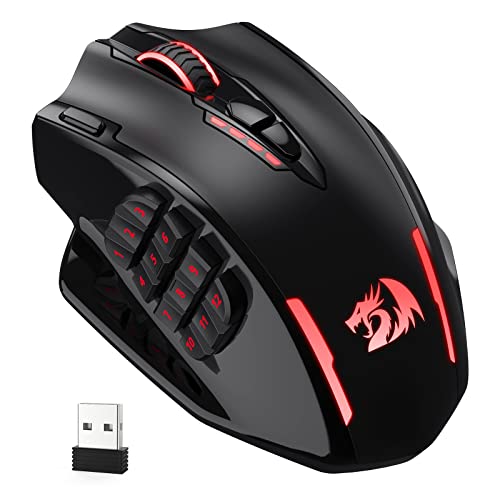
Redragon

Attoe

Logitech G

Logitech G

VersionTECH.
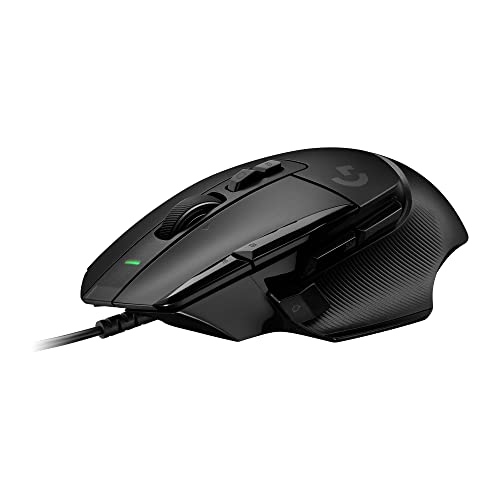
Logitech G
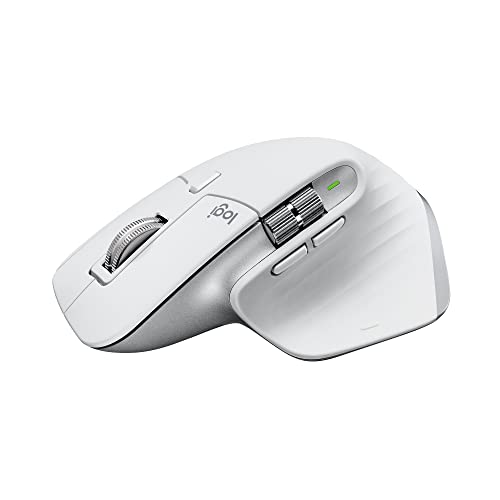
Logitech

AirPoint

Logitech G
Please sign in to leave a review
No reviews yet. Be the first to review!
Get notified when the price drops. Track this product on BigBangPrice, our price tracking partner.
Cons
From Expert Reviews
Praised by Experts
Criticized by Experts
From User Reviews
Users Love
Users Complain About
Expert Opinion
Professional reviewers commend the Spatha X for its solid construction, low click latency, high polling rate, and upgraded USB‑C connectivity with a magnetic dock. The 19,000 dpi sensor and 12 programmable buttons are seen as strong points for MMO/MOBA play. However, they criticize its 168 g weight, large footprint, limited side buttons, higher lift‑off distance, and the non‑functional onboard memory, noting that it falls short for users seeking ultra‑light or highly portable solutions.
What Users Say
Everyday users with large hands love the mouse’s comfort, palm‑grip feel, and the convenience of the magnetic dock and extra cables. They appreciate the responsive clicks and programmable buttons for macro‑heavy games. Recurring complaints focus on the mouse’s heavy and bulky nature, lack of Bluetooth, and the disappointment that onboard memory does not work, making it less appealing for travel or lightweight gaming setups.
Common Complaints
Weight and bulkiness, limited side button count, non‑functional onboard memory, absence of Bluetooth, and higher lift‑off distance are the most frequently reported issues.
What People Are Saying
“LOVE this mouse... search is over!! Asus NEVER disappoints”
How It Compares
vs. Original ASUS ROG Spatha
Advantages
Disadvantages
Choose the original Spatha only if you prefer the legacy design and can tolerate the extra weight and older connectivity.
vs. Razer Naga Pro (Wireless)
Advantages
Disadvantages
Opt for the Naga Pro if you need a lightweight, highly portable mouse with extra side buttons; stick with the Spatha X if you value a solid build, magnetic dock, and prefer a palm‑grip heavy mouse.
Best MMO Gaming Mice with 12+ Programmable Buttons
roundup