
Logitech
The Logitech M240 Silent Bluetooth Mouse is a compact, ambidextrous wireless mouse that offers ultra‑quiet click technology, up to 18 months of battery life on a single AA cell, and eco‑friendly construction. It connects via Bluetooth without a dongle and is compatible with Windows, macOS, ChromeOS, Linux, iPadOS and Android.
Pros
Current
$11.50
Average
$17.54
Lowest
$8.99
Highest
$22.99
Lower = better sales rank

Cherry
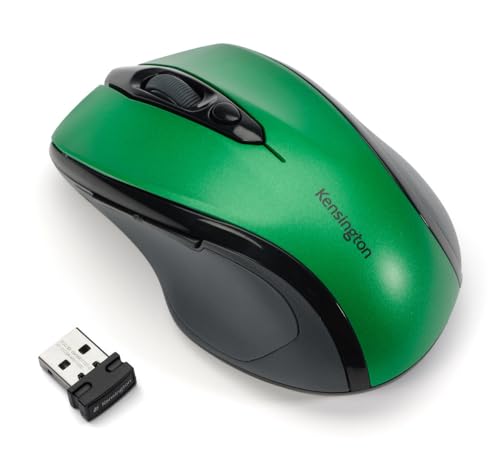
Kensington

TECKNET

SHHHMOUSE

Perixx
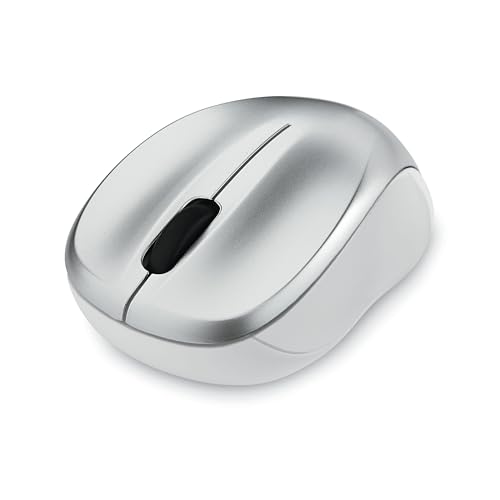
Verbatim

Lekvey

seenda

WishLotus
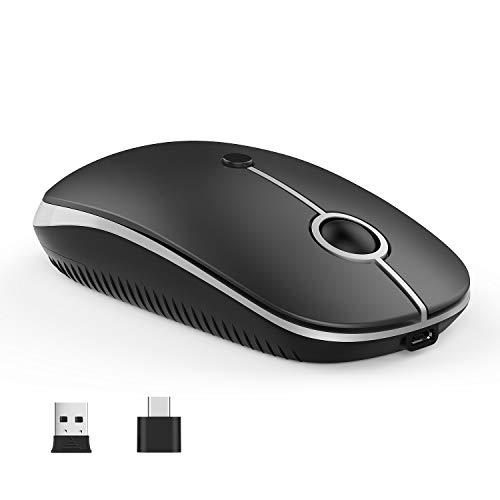
Vssoplor

TECKNET

memzuoix

Hermitshell
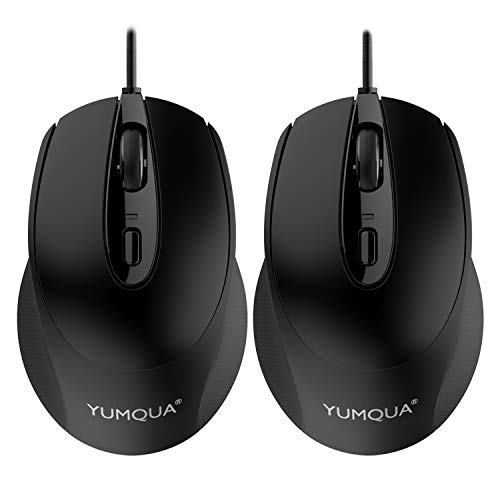
YUMQUA

WisFox

Logitech
Logitech

Lenovo

Lenovo
HP
Please sign in to leave a review
No reviews yet. Be the first to review!
Get notified when the price drops. Track this product on BigBangPrice, our price tracking partner.
Cons
From Expert Reviews
Praised by Experts
From User Reviews
Users Love
Users Complain About
Best For
Remote and hybrid workers, students, educators, and business professionals who need a quiet, portable mouse for shared or quiet spaces; users of Chromebooks, MacBooks, or any device with Bluetooth and limited USB ports; eco‑conscious buyers seeking sustainable tech.
Not Ideal For
Power users who rely on forward/back thumb buttons, gamers, or designers needing high‑precision, high‑DPI performance; users who prefer a premium rubberized feel or a built‑in battery indicator.
Expert Opinion
Professional reviewers praise the M240 as a top choice for remote workers and students who need a discreet, long‑lasting mouse. They highlight the 90% noise reduction, the 18‑month battery life, and the sustainable materials, noting that the lack of a dongle and the ambidextrous shape make it ideal for ultrabooks and Chromebooks. While the DPI range is generous, the default 1000 DPI is sufficient for most office work.
What Users Say
Everyday users consistently rate the mouse above 4.5 stars, lauding its silent clicks, quick Bluetooth pairing, and months‑long battery endurance. Common praise centers on its portability and cross‑platform reliability, while recurring complaints involve the missing thumb buttons, occasional reconnection glitches, and a noisy scroll wheel.
Common Complaints
Missing forward/back thumb buttons, intermittent Bluetooth reconnection after sleep or reboot (especially on Windows 11), audible scroll‑wheel ratcheting, and occasional right‑click stiffness after a few months of use.
What People Are Saying
“Quiet – not a sound!”
“Connected in seconds with my MacBook Air”
“Lasted months on the same battery”
“Perfect for travel”
“Works great on my Mac Mini and Linux laptop”
How It Compares
vs. Logitech M310
Advantages
Disadvantages
Choose M310 if you need longer battery life and don’t mind using a dongle; choose M240 for silent operation and dongle‑free use.
vs. Microsoft Classic Intellimouse (Bluetooth)
Advantages
Disadvantages
Pick the Microsoft mouse if navigation buttons are essential; pick the M240 for quiet environments and sustainability.
vs. Logitech Pebble M350
Advantages
Disadvantages
The Pebble M350 is ideal for users who prioritize ultra‑slim aesthetics; the M240 is better for those who want adjustable DPI and richer software support.
