
Tecknet
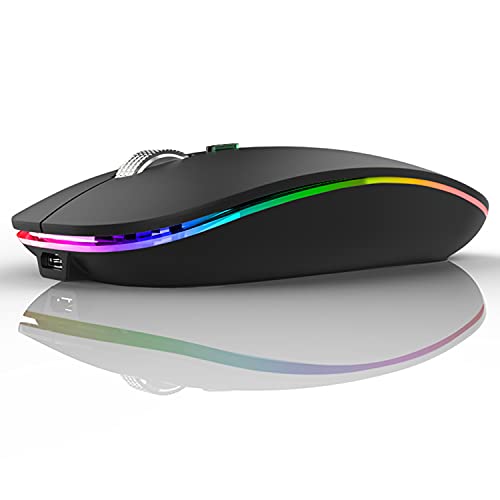
The TECKNET 2.4G Ergonomic Optical Mouse is a plug‑and‑play wireless mouse offering long battery life, adjustable DPI up to 4800 and an ergonomic contoured shape. It connects via a USB‑A nano receiver (with some models also supporting Bluetooth) and works across Windows, macOS, Chrome OS and Linux.
Pros
Cons
Current
$9.99
Average
$10.51
Lowest
$9.49
Highest
$11.99
Lower = better sales rank

Lekvey

TECKNET
Uiosmuph

MICROPACK Digitally Yours

TECKNET

Lekvey

Normdecos

TECKNET
Please sign in to leave a review
No reviews yet. Be the first to review!
Get notified when the price drops. Track this product on BigBangPrice, our price tracking partner.
From Expert Reviews
Praised by Experts
From User Reviews
Users Love
Users Complain About
Best For
Office and home users who need a reliable, long‑lasting mouse; students and travelers who value portability; casual browsers and light gamers who want adjustable DPI; multi‑device users with dual‑mode models for switching between laptop and tablet.
Not Ideal For
Left‑handed users (most models are right‑handed); owners of USB‑C‑only devices without Bluetooth; professional gamers or designers needing high polling rates or silent clicks; macOS users who rely on side‑button navigation.
Expert Opinion
Professional reviewers such as Newegg and the TECKNET official site highlight the mouse’s exceptional battery longevity, ergonomic shape and stable 2.4 GHz connection, positioning it as a solid, no‑frills choice for office and travel use. No major drawbacks were noted by these sources.
What Users Say
Everyday users consistently commend the mouse for its comfort, long battery life and hassle‑free setup, calling it great value and suitable for work and light gaming. Common complaints revolve around the lack of rechargeable batteries, side‑button incompatibility with macOS, occasional jitter on dark surfaces, and the need for AA/AAA batteries.
Common Complaints
Battery indicator confusion, poor tracking on dark/glossy pads, side buttons not working on macOS, weight increase due to AA batteries, and lack of programmability.
What People Are Saying
“Works perfectly for everything—work, gaming, programming.”
“Comfortable in hand, great battery life.”
“No lag, easy setup, great for travel.”
“Battery indicator shows red even with new batteries.”
“Side buttons don’t work on Mac.”
How It Compares
vs. Logitech M185
Advantages
Disadvantages
Choose the M185 if you need the cheapest basic mouse and don’t require high DPI or long battery life.
vs. Microsoft Wireless 1850
Advantages
Disadvantages
Best for users who prefer Microsoft ecosystem and are okay with basic performance.
vs. Anker Wireless Mouse
Advantages
Disadvantages
Suitable for budget‑conscious buyers who need moderate DPI but don’t need the ultra‑long battery life of TECKNET.
Best Budget Mice Under $25
roundup
