Microsoft
Get notified when the price drops. Track this product on BigBangPrice, our price tracking partner.
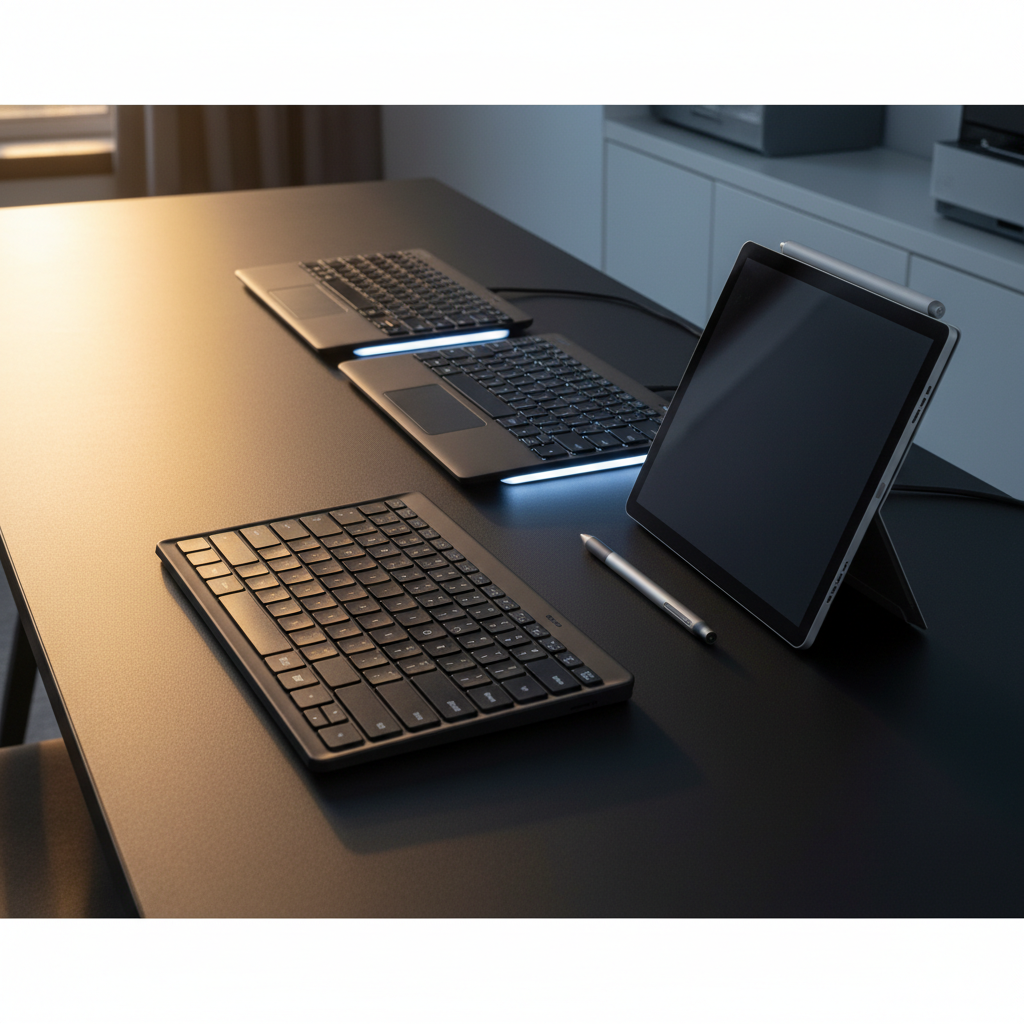
The Microsoft Surface Pro Keyboard (11th Edition) is a premium detachable keyboard with mechanical keys, Alcantara fabric finish, and deep integration with Windows 11 Copilot. It offers optional pen storage, a dedicated Copilot key, and a Flex variant for wireless use.
Pros
Current
$128.99
Average
$149.10
Lowest
$96.95
Highest
$179.99
Lower = better sales rank
Please sign in to leave a review
No reviews yet. Be the first to review!
Cons
From Expert Reviews
Praised by Experts
From User Reviews
Users Love
Users Complain About
Best For
Professionals using Surface Pro as a primary work device, students needing a portable typing solution, creatives who use the Surface Slim Pen, accessibility users requiring bold keysets or adaptive touch, and business environments that benefit from quick mute, snip, and lock shortcuts. Ideal for remote work, note‑taking, presentations, and travel.
Not Ideal For
Users who prioritize a stain‑resistant surface, need fully backlit function keys, or are looking for the lowest‑cost keyboard option. Also less suited for those who require long wireless battery life without compromising backlight or haptics.
Expert Opinion
Professional reviewers praise the keyboard’s premium Alcantara material, mechanical key feel, and seamless Windows integration, especially the dedicated Copilot key. Accessibility enhancements such as the bold keyset are highlighted as a standout feature, while the Flex variant’s wireless capability receives particular commendation for adding true hybrid flexibility.
What Users Say
Everyday users consistently applaud the comfort, build quality, and productivity shortcuts, noting the Copilot key as a major time‑saver. Recurring complaints focus on the stain‑prone Alcantara fabric, occasional pen‑charging hiccups, lack of backlit function keys, and faster battery drain on the Flex model.
Common Complaints
Staining of the Alcantara fabric, unreliable pen charging, missing function‑row backlight, reduced Flex battery life under load, perceived fragility, and occasional magnetic connector connectivity issues.
How It Compares
vs. Surface Pro 13-inch Flex Keyboard
Advantages
Disadvantages
Choose the Flex Keyboard if you need detachable wireless functionality; otherwise the standard 11th‑edition keyboard is lighter and more compact.
vs. Logitech Folio Touch
Advantages
Disadvantages
Select Folio Touch for a solid third‑party option with good battery life, but sacrifice the native Microsoft integration and premium Alcantara finish.
vs. Type Cover (Surface Pro 7+)
Advantages
Disadvantages
Opt for the Type Cover if you need a budget‑friendly basic cover; otherwise the 11th‑edition keyboard provides premium features and AI shortcuts.