Roofull
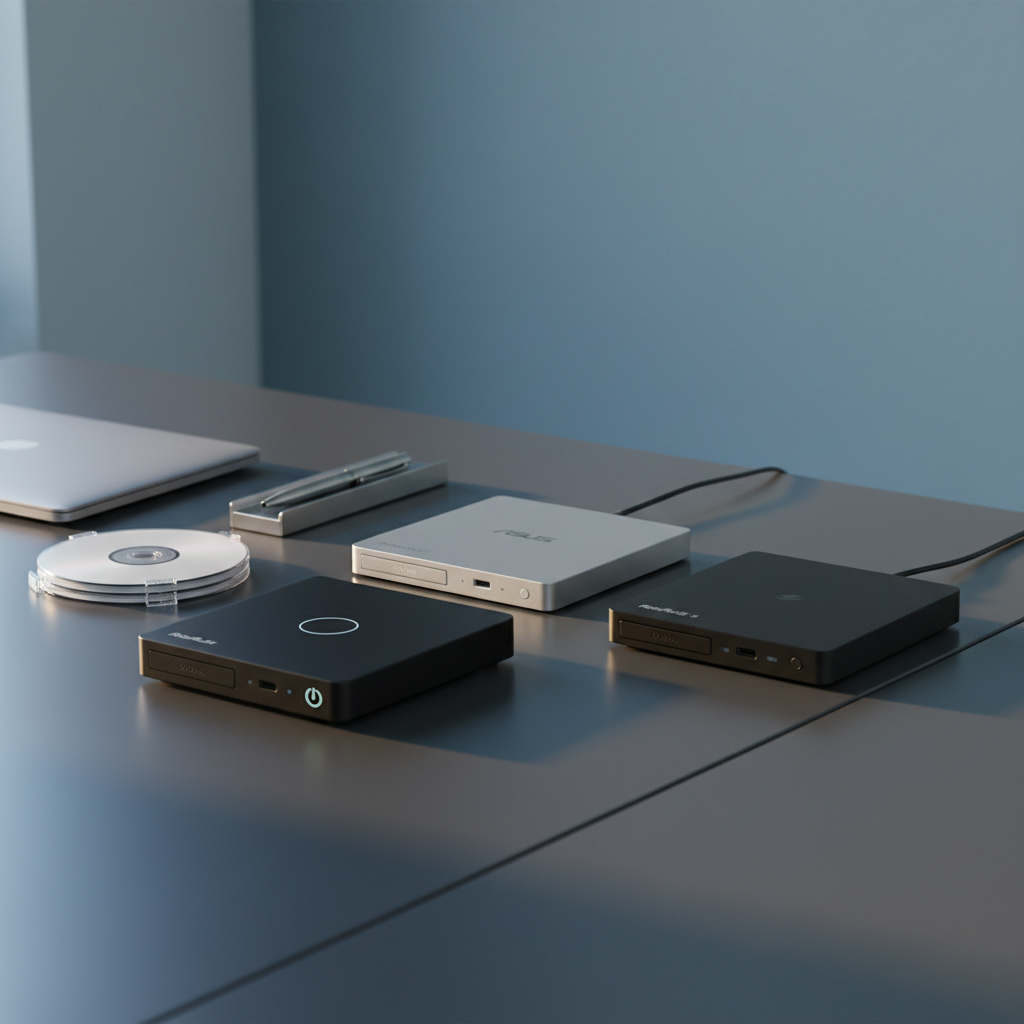
The ROOFULL External CD/DVD Drive is a portable, plug‑and‑play optical drive featuring dual USB‑A and USB‑C connectors and powered via USB. It reads and writes a wide range of CD and DVD formats, includes a supplemental power cable, and comes with a protective case in select models.
Pros
Current
$33.99
Average
$32.68
Lowest
$28.79
Highest
$35.99
Lower = better sales rank
Please sign in to leave a review
No reviews yet. Be the first to review!
Get notified when the price drops. Track this product on BigBangPrice, our price tracking partner.
Cons
From Expert Reviews
Praised by Experts
Criticized by Experts
From User Reviews
Users Love
Users Complain About
Best For
Home users, professionals, students, and archivists who need to read or write CDs and DVDs on modern laptops—especially MacBook Pro/Air, ultrabooks, and Windows PCs lacking built‑in optical drives. Ideal for legacy software installation, media playback, data backup from old discs, and creating photo or music DVDs.
Not Ideal For
Users who require Blu‑ray read/write capability, Chromebook owners, tablet or smartphone users, and gamers needing optical support for consoles. Also less suited for environments where ultra‑quiet operation is critical.
Expert Opinion
Aggregated expert analysis praises the ROOFULL drive for its dual USB‑A/USB‑C connectivity, fast 5 Gbps USB 3.0 interface and solid plug‑and‑play performance across major operating systems. Reviewers note that while the drive’s optical speeds are limited to 8× for DVDs, using the recommended lower burning speeds (4‑8×) ensures reliable data integrity. The main drawback cited by professionals is the absence of Blu‑ray support, which confines the product to CD/DVD use cases.
What Users Say
Everyday users consistently highlight the drive’s ease of use, especially the hassle‑free plug‑and‑play experience on Windows and macOS, and the convenience of the built‑in dual‑connector cable. Positive remarks focus on reading legacy media, installing old software, and the protective case for travel. Recurring complaints revolve around incompatibility with Chromebooks, the non‑functional eject button on macOS, occasional power issues on thin laptops, and a slightly higher noise level during burning.
Common Complaints
Incompatibility with Chromebooks and other mobile OSes, eject button not working on macOS, occasional power shortages on ultrathin laptops without the supplemental cable, louder-than‑expected noise during burning, and isolated unit failures where the drive spins but cannot read discs.
What People Are Saying
“Works perfectly with my MacBook Pro M4 — no setup needed.”
“Love the built‑in cable — never lose it!”
“Doesn’t work with Chromebook — wish that was clearer.”
“Eject button doesn’t work on Mac — had to look up how to eject.”
“One unit failed — spun but wouldn’t read disc.”
“A bit loud during burning.”
How It Compares
vs. Pioneer BDR‑XD07B
Advantages
Disadvantages
Choose Pioneer if Blu‑ray support is essential; otherwise ROOFULL offers better USB‑C compatibility and portability.
vs. LG BP60NB10
Advantages
Disadvantages
LG is suitable for users needing Blu‑ray read capability on a USB‑A laptop; ROOFULL is preferable for dual‑connector flexibility and higher DVD speed.
vs. Microsoft Xbox Optical Drive
Advantages
Disadvantages
Xbox drive only makes sense for console owners; ROOFULL is the clear choice for PC and Mac users.