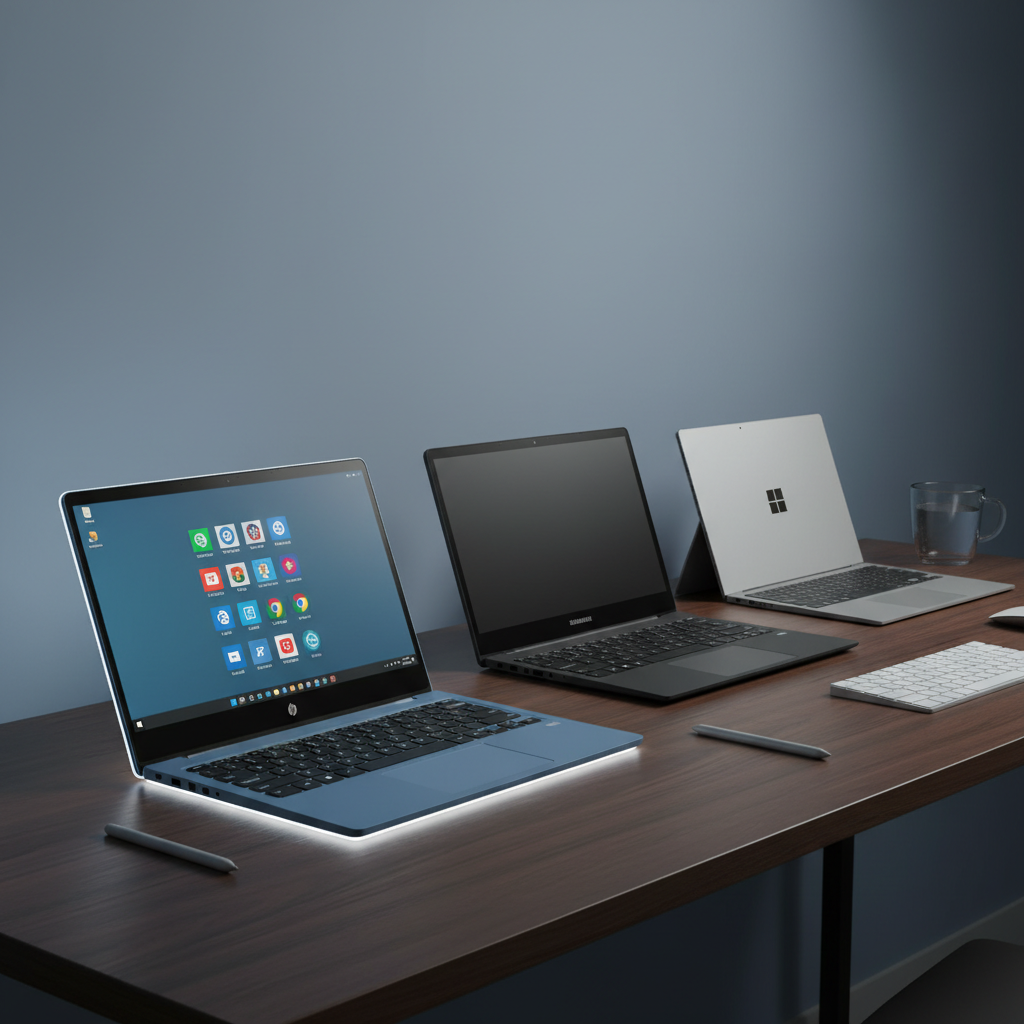
Tpspad
The TPSPAD 11.6" Windows 2-in-1 tablet combines a Full HD IPS touchscreen with a magnetic detachable keyboard, running Windows 11 for basic productivity. It offers a lightweight, budget-friendly solution with HDMI, USB, and microSD connectivity, but its Intel Celeron processor and eMMC storage limit performance for demanding tasks.
Pros
Current
$249.99
Average
$268.84
Lowest
$229.99
Highest
$269.99
Lower = better sales rank
Please sign in to leave a review
No reviews yet. Be the first to review!
Get notified when the price drops. Track this product on BigBangPrice, our price tracking partner.
Cons
From Expert Reviews
Praised by Experts
Criticized by Experts
From User Reviews
Users Love
Users Complain About
Best For
Students needing a portable note‑taking and research device, casual users for web browsing and streaming, travelers who value a lightweight secondary computer, and budget‑conscious buyers looking for a full Windows experience without premium pricing.
Not Ideal For
Video editing, gaming, programming, heavy multitasking, or any scenario requiring long battery life beyond 6‑7 hours.
Expert Opinion
Professional reviewers, such as Tablet Wizards, view the TPSPAD 11.6" 2-in-1 as a solid budget Windows tablet that delivers a crisp 1080p display, lightweight chassis, and full Windows 11 compatibility, making it suitable for everyday tasks. However, they caution that the entry‑level Celeron CPU restricts multitasking and heavier workloads, positioning the device primarily for light use rather than demanding applications.
What Users Say
Everyday users give the tablet mixed feedback, appreciating its media playback, HDMI connectivity, and easy Windows 11 setup, while repeatedly criticizing sluggish performance with many browser tabs, limited usable storage, occasional keyboard dropouts, a reflective screen, and throttling due to the fanless design.
Common Complaints
Slow performance with multiple tabs, limited usable storage, keyboard connection instability, reflective screen in bright environments, throttling under load, and modest battery endurance.
What People Are Saying
“Great for watching movies and browsing.”
“Keyboard attaches well and feels like a real laptop.”
“Love the HDMI port — I use it with my TV.”
“Fast setup with Windows 11 already installed.”
“Slow when opening multiple Chrome tabs.”
“Storage fills up quickly — only ~90GB usable.”
“Keyboard disconnects randomly.”
“Screen is reflective and hard to see in sunlight.”
“Fanless design means it throttles under load.”
How It Compares
vs. Microsoft Surface Go 3 (10.5")
Advantages
Disadvantages
Choose the Surface Go 3 if you need premium build, faster SSD storage, and longer battery life; choose the TPSPAD for a larger screen, included keyboard, and lower price.
vs. Fusion5 10" Windows 11 Tablet
Advantages
Disadvantages
The Fusion5 may suit users who prioritize newer CPU and larger SSD storage, while the TPSPAD is better for those who want a larger Full HD screen and an included keyboard at a budget price.