Acer
Get notified when the price drops. Track this product on BigBangPrice, our price tracking partner.
The Acer Gateway Chromebook 314 CBO314-1H-C476 is a lightweight 14‑inch ChromeOS laptop with a Full HD display, Intel Celeron N4500 processor, and up to 10.5 hours of battery life, aimed at students and casual users. It offers modern connectivity, a Titan C2 security chip, but is limited by 4 GB RAM and modest storage.
Pros
Cons
Current
$201.99
Average
$215.48
Lowest
$159.99
Highest
$249.99
Lower = better sales rank

acer

HP

Lenovo

acer

acer

Dell
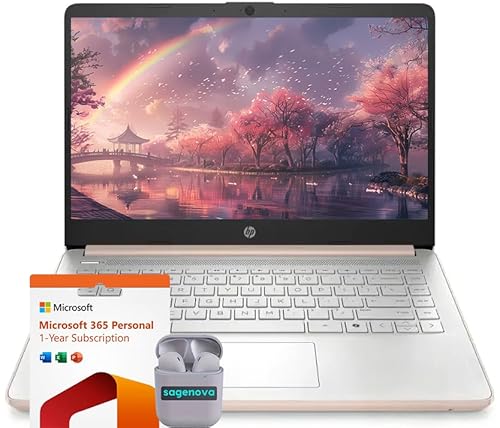
HP

acer
Please sign in to leave a review
No reviews yet. Be the first to review!
From Expert Reviews
Praised by Experts
From User Reviews
Users Love
Users Complain About
Best For
Students needing a reliable device for Google Classroom and research, remote workers handling email and video calls, seniors or casual users who value simplicity and security, and anyone looking for a secondary laptop for streaming and light productivity.
Not Ideal For
Power users or multitaskers who require more than 4 GB RAM, professionals needing large local storage, gamers, users who want a touchscreen or 2‑in‑1 form factor, and anyone needing a backlit keyboard for low‑light work.
Expert Opinion
Professional reviewers commend the Acer Chromebook 314 for its sharp Full HD screen, efficient Intel Celeron N4500 processor, and the inclusion of both USB‑C and HDMI ports, which are uncommon in this price range. They note the fast boot times and reliable ChromeOS experience, while highlighting the device's solid security with the Titan C2 chip. Overall, they view it as a well‑balanced, budget‑friendly option for light productivity and media consumption.
What Users Say
Everyday users appreciate the crisp 14‑inch display, quick startup, portability, and comfortable typing experience. Common praise centers on the device’s suitability for school and casual browsing, while recurring complaints focus on limited RAM causing slowdowns, the absence of a backlit keyboard, lack of touchscreen, and the modest single USB‑A port.
Common Complaints
Limited 4 GB RAM leading to slowdowns with many tabs, lack of backlit keyboard, no touchscreen, single USB‑A port restricting peripheral connections, and modest 64 GB eMMC storage that cannot be upgraded internally.
How It Compares
vs. HP Chromebook 14a-nf0099nr
Advantages
Disadvantages
Choose the HP if you need more RAM, storage, and longer battery; choose the Acer for a sharper Full HD screen and enhanced security.
vs. Lenovo IdeaPad Slim 3 Chromebook
Advantages
Disadvantages
The Acer is preferable for users who value a high‑resolution screen and added security, while the Lenovo may be chosen for a lower‑cost alternative with similar core specs.