Gmback
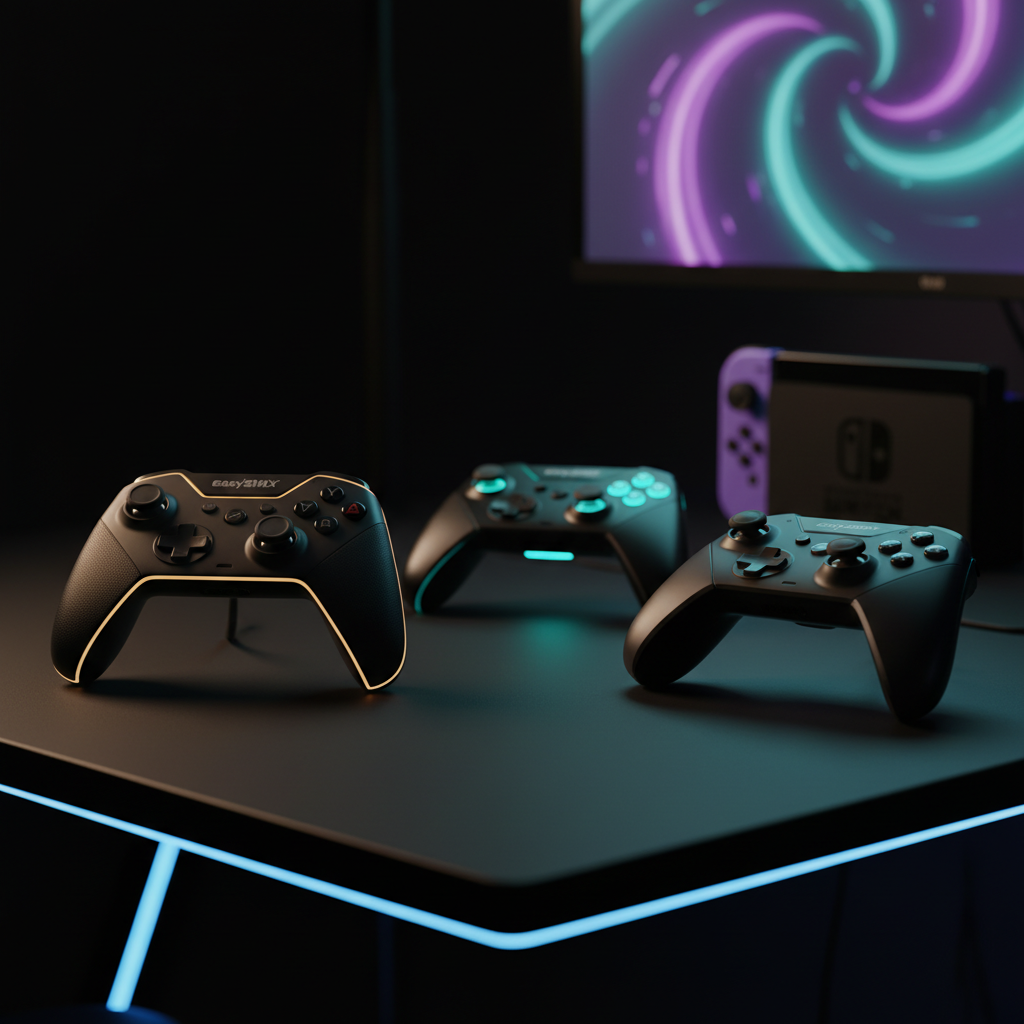
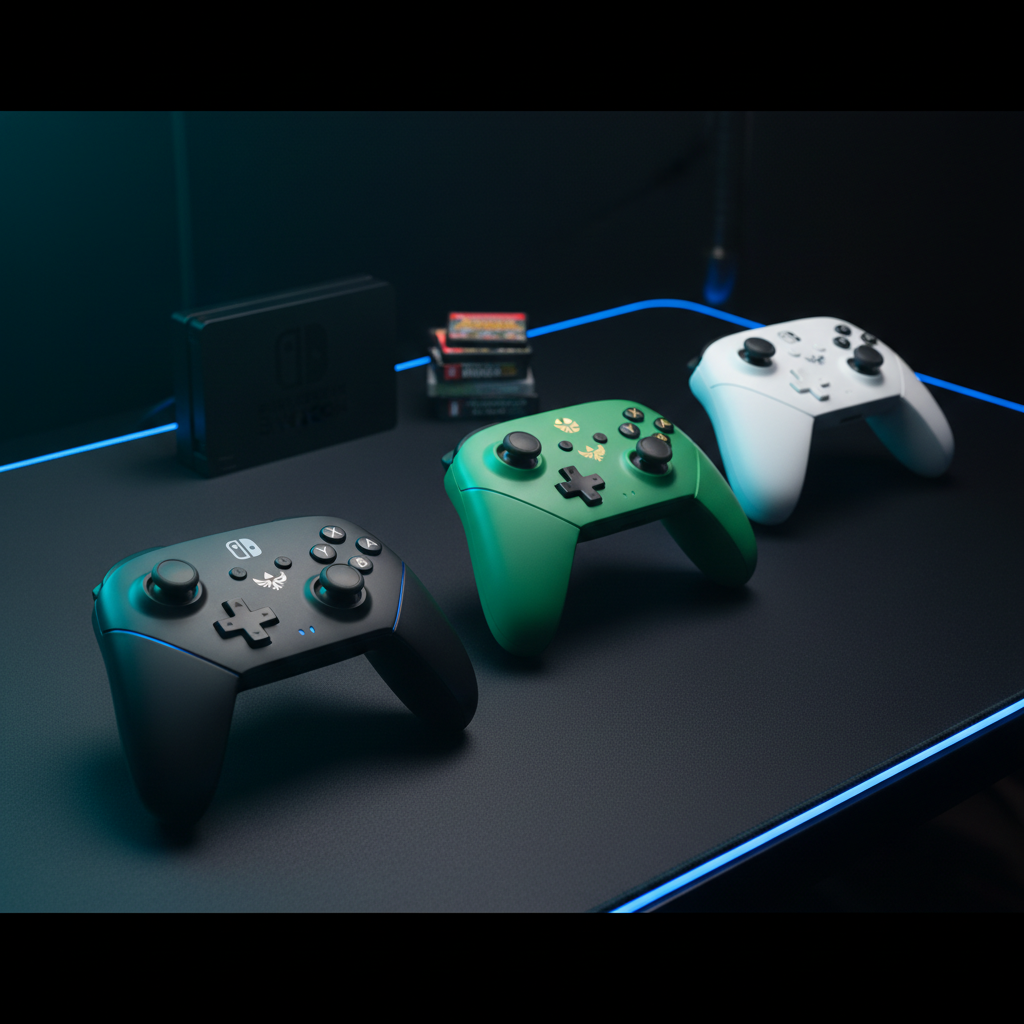
The GMBACK Wireless Switch Controller is a budget-friendly, feature‑rich Bluetooth gamepad that works across Nintendo Switch, iOS, Android, PC and Mac. It offers programmable macro buttons, motion controls, customizable RGB lighting and up to 20 hours of battery life, making it a versatile alternative to premium controllers.
Pros
Current
$24.94
Average
$21.45
Lowest
$19.99
Highest
$24.99
Lower = better sales rank

Diswoe

Diswoe

ELISWEEN

ELISWEEN

HUDOBBYE

YIONON

FUNLAB

EasySMX

Dwifocor

AceGamer

AceGamer

GuliKit

GuliKit

AceGamer

FASTSNAIL

EasySMX
Please sign in to leave a review
No reviews yet. Be the first to review!
Get notified when the price drops. Track this product on BigBangPrice, our price tracking partner.
Cons
From Expert Reviews
Praised by Experts
Criticized by Experts
From User Reviews
Users Love
Users Complain About
Best For
Casual and mid‑core gamers who need an affordable, multi‑platform controller; mobile and cloud gamers on iOS/Android tablets; RPG/farming game fans who benefit from macro automation; students, travelers, and families looking for a lightweight, easy‑to‑use gamepad.
Not Ideal For
Competitive or hardcore Switch players who demand premium build quality, Hall‑effect joysticks, and ultra‑low latency; users who need fully customizable RGB or want to disable lighting entirely; gamers who rely on flawless Bluetooth stability with older devices.
Expert Opinion
Professional reviewers view the GMBACK controller as a value‑driven, feature‑packed alternative that punches above its weight class, especially thanks to macro support and cross‑platform capability. However, they note that the materials feel cheap and it cannot fully replace Nintendo's Pro Controller for serious players.
What Users Say
Everyday users generally like the controller’s ease of pairing, long battery life, ergonomic feel and the usefulness of macros in RPGs and farming games. Recurring complaints focus on occasional Bluetooth drops, a loose D‑pad, plastic wear over time, and accidental macro presses.
Common Complaints
Intermittent Bluetooth disconnections on older Android TV models. Loose D‑pad feel. Plastic shell wear after months of use. Accidental activation of the macro button during intense gameplay
What People Are Saying
“The macro button is great, but it’s easy to press accidentally during intense gameplay.”
How It Compares
vs. 8BitDo Pro 2
Advantages
Disadvantages
Choose the 8BitDo Pro 2 if you prioritize battery life, joystick precision, and extensive software customization over price.
vs. PowerA Enhanced Wireless
Advantages
Disadvantages
PowerA is better for users who want a sturdy, licensed controller without the need for macros or advanced lighting.
vs. Nintendo Switch Pro Controller
Advantages
Disadvantages
The Pro Controller is ideal for serious Switch gamers who value build quality and performance above price and extra features.
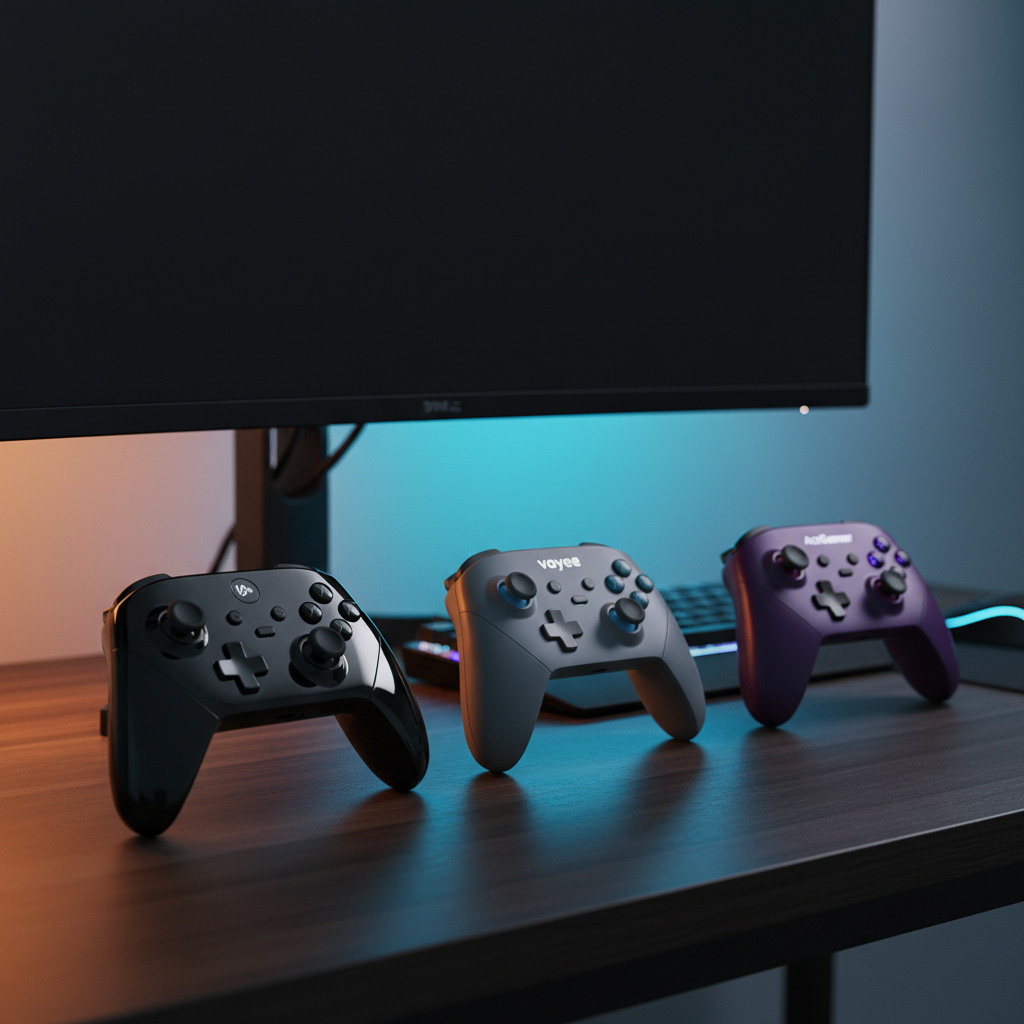
Best Budget Multi‑Platform Controllers Under $30
roundup