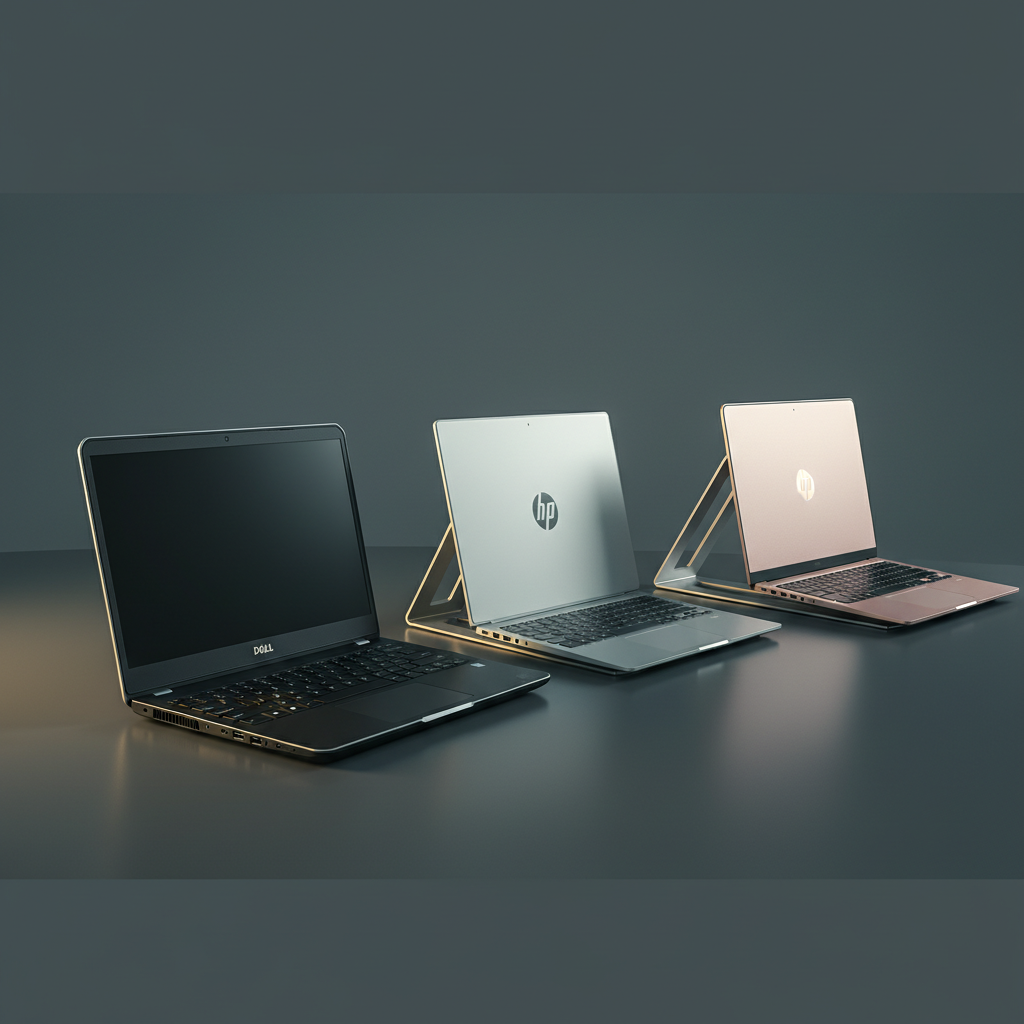
HP
The HP Rose Gold Ultrabook is a compact, budget‑friendly laptop aimed at students and casual users, offering a lightweight design, long battery life, and integrated Microsoft 365 with 1 TB of OneDrive storage. It balances portability with basic productivity but is limited by a low‑resolution display and entry‑level CPU.
Pros
Cons
Current
$279.97
Average
$271.92
Lowest
$265.67
Highest
$279.99
Lower = better sales rank

Microsoft

Amazon

Dell

HP

HP

HP
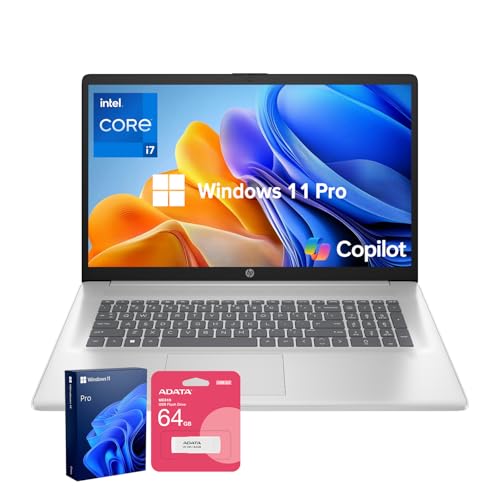
HP

HP

HP

HP

HP

HP

Apple

Apple
Apple
Apple

Apple
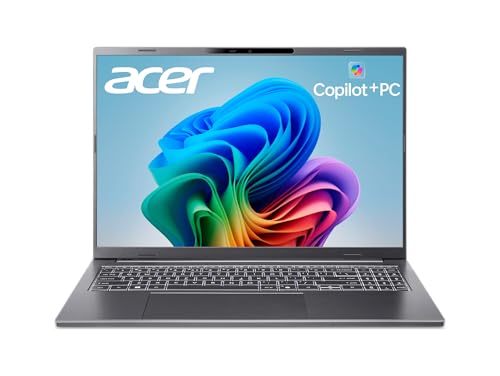
acer

HP
Please sign in to leave a review
No reviews yet. Be the first to review!
Get notified when the price drops. Track this product on BigBangPrice, our price tracking partner.
From Expert Reviews
Praised by Experts
Criticized by Experts
From User Reviews
Users Love
Users Complain About
Best For
Students, remote workers, seniors, and casual users who need a portable, affordable device for web browsing, document editing, video calls, and cloud‑based productivity. Ideal for travelers and anyone who values long battery life and a stylish design.
Not Ideal For
Gamers, video editors, developers, heavy multitaskers, and users who require high‑resolution displays, large local storage, or powerful CPUs. Also unsuitable for users without reliable internet access due to the reliance on OneDrive.
Expert Opinion
Professional reviewers acknowledge the HP Rose Gold Ultrabook’s solid port selection and impressive battery life for its class, and they appreciate the bundled Microsoft 365 and OneDrive subscription as a productivity advantage. However, they consistently criticize the low‑resolution display, sluggish eMMC storage, and the limited performance of the Celeron processor, noting that the device is best suited for light web‑based tasks rather than demanding workloads.
What Users Say
Everyday users love the laptop’s lightweight form factor, long battery endurance, and the stylish rose‑gold finish, often highlighting the convenience of the pre‑installed Office suite and OneDrive. The most common complaints revolve around the grainy screen, slow performance when many browser tabs are open, limited internal storage, and the lack of a backlit keyboard, with some noting the plastic feel as cheap.
Common Complaints
Pixelated low‑resolution screen, sluggish performance with multiple browser tabs, insufficient local storage, absence of a backlit keyboard, and a cheap‑feeling plastic chassis.
What People Are Saying
“Perfect for my college classes — light, long battery, and Word/Excel work great.”
“Love the rose gold color — stands out and feels stylish.”
“Set up was quick, and OneDrive saved me from carrying a flash drive.”
“Great for Zoom calls — camera and mic are clear.”
“Screen is too pixelated for Netflix or YouTube.”
“Runs slow when I have more than 5 Chrome tabs open.”
“Only 64GB storage — had to rely entirely on OneDrive.”
“No backlit keyboard — hard to type at night.”
“Plastic feels cheap compared to my friend’s MacBook.”
How It Compares
vs. Acer Aspire 5 (A515-46-R3UB)
Advantages
Disadvantages
Choose Acer if you need a larger screen and stronger performance; choose HP for a lighter, more stylish device with built‑in Office tools.
vs. Lenovo IdeaPad 3 (81WU00A3US)
Advantages
Disadvantages
Lenovo is a solid budget alternative if screen size matters, but HP provides a more premium look and better software bundle.
vs. Dell Inspiron 15 3000
Advantages
Disadvantages
Dell is better for users who prioritize durability and upgradeability, while HP excels for ultra‑portable, cloud‑centric use.
Best Budget Ultrabooks Under $300
roundup