Dell
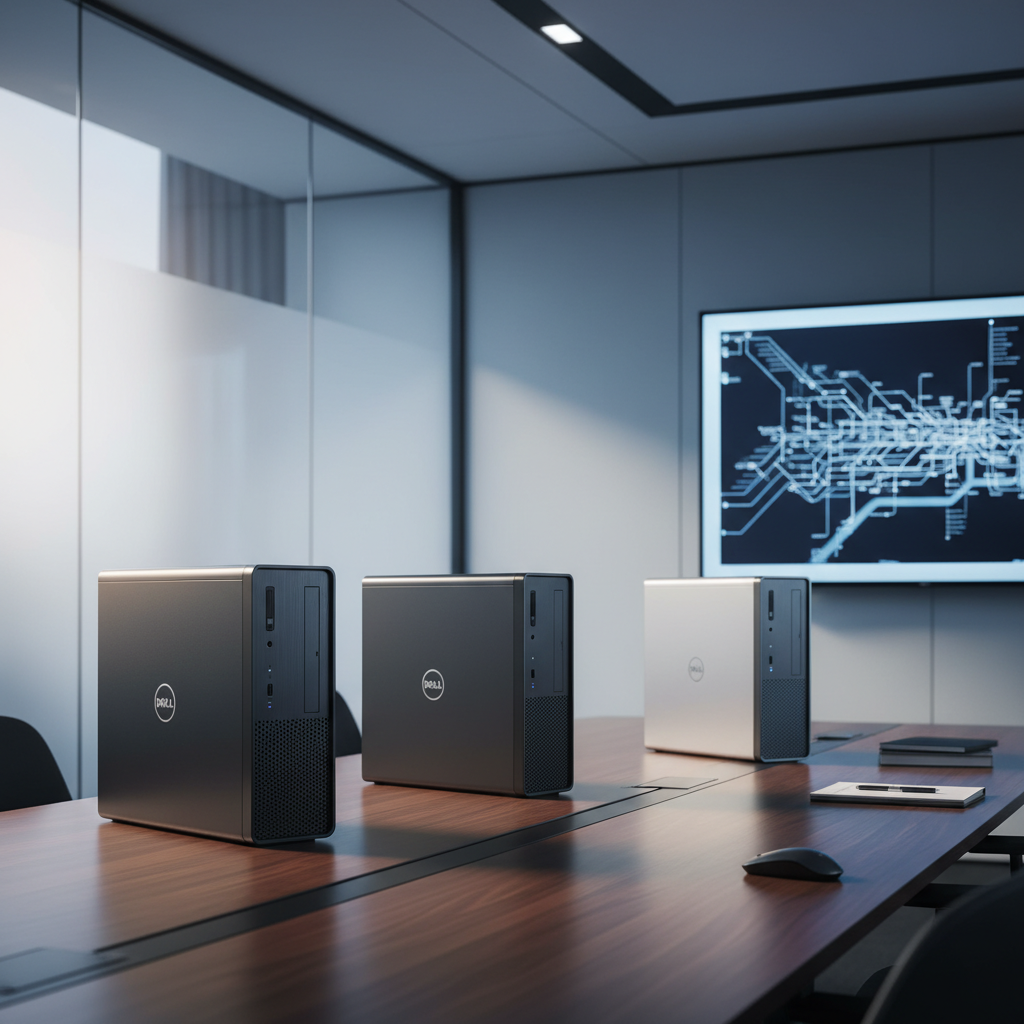
The Dell Precision 3420 SFF is a compact professional workstation that supports a range of 6th‑ and 7th‑gen Intel Core and Xeon CPUs, up to 64 GB DDR4 memory, and NVIDIA Quadro graphics. It offers ISV certifications, enterprise security features, and flexible storage options while fitting into a small‑footprint tower.
Pros
Lower = better sales rank
Please sign in to leave a review
No reviews yet. Be the first to review!
Get notified when the price drops. Track this product on BigBangPrice, our price tracking partner.
Cons
From Expert Reviews
Praised by Experts
From User Reviews
Users Love
Users Complain About
Best For
CAD and 3D designers needing ISV‑certified stability, financial analysts and data professionals requiring a reliable, secure workstation, office and business users with limited desk space, and home lab or developer setups that benefit from a compact yet upgradeable platform.
Not Ideal For
Users demanding high‑end modern GPUs for intensive 3D rendering, gamers, those who prioritize easy DIY upgrades or large internal expansion, and environments where a standard, easily replaceable power supply is required.
Expert Opinion
Professional reviewers from B&H, TechRadar and Dell’s own documentation highlight the 3420 SFF as a fully configurable, ISV‑certified workstation that delivers solid performance in a space‑saving chassis. They commend the Xeon + Quadro P1000 combo for CAD workloads and appreciate the enterprise‑grade security and the AI‑driven Precision Optimizer, while noting the system’s compactness as a key advantage for office and lab environments.
What Users Say
Everyday users praise the machine’s quiet operation, reliability and the ability to upgrade RAM and storage for a noticeable performance boost. Common praise focuses on its tiny footprint and smooth handling of design and engineering apps. Recurring complaints revolve around the cramped interior that makes upgrades hard, the under‑powered base specs, BIOS quirks for Windows 11, and a non‑standard power supply that is difficult to replace.
Common Complaints
Tight interior makes opening and upgrading cumbersome. Base configurations with only 8 GB RAM and HDD feel sluggish. BIOS must be updated to support Windows 11. Power supply is non‑standard and hard to replace. Limited space for larger or additional GPUs
What People Are Saying
“Runs AutoCAD and Revit smoothly with i7 and Quadro K1200.”
“Takes up almost no desk space but handles my engineering simulations.”
“Upgraded to 32GB RAM and 512GB NVMe SSD—feels like a new machine.”
“Very quiet and stable—hasn’t crashed in two years.”
“Too hard to open and upgrade—cables are tightly routed.”
“Received a model with 8GB RAM and HDD—felt sluggish until I upgraded.”
“BIOS update required to boot Windows 11 properly.”
“Power supply is non-standard—hard to replace with off-the-shelf units.”
How It Compares
Compared to larger tower workstations, the Precision 3420 SFF offers a much smaller footprint and lower power consumption but sacrifices high‑end GPU options and internal expansion space. It sits between ultra‑compact mini‑PCs and full‑size workstations, delivering professional‑grade CPU and ISV certification at the cost of limited upgradeability.