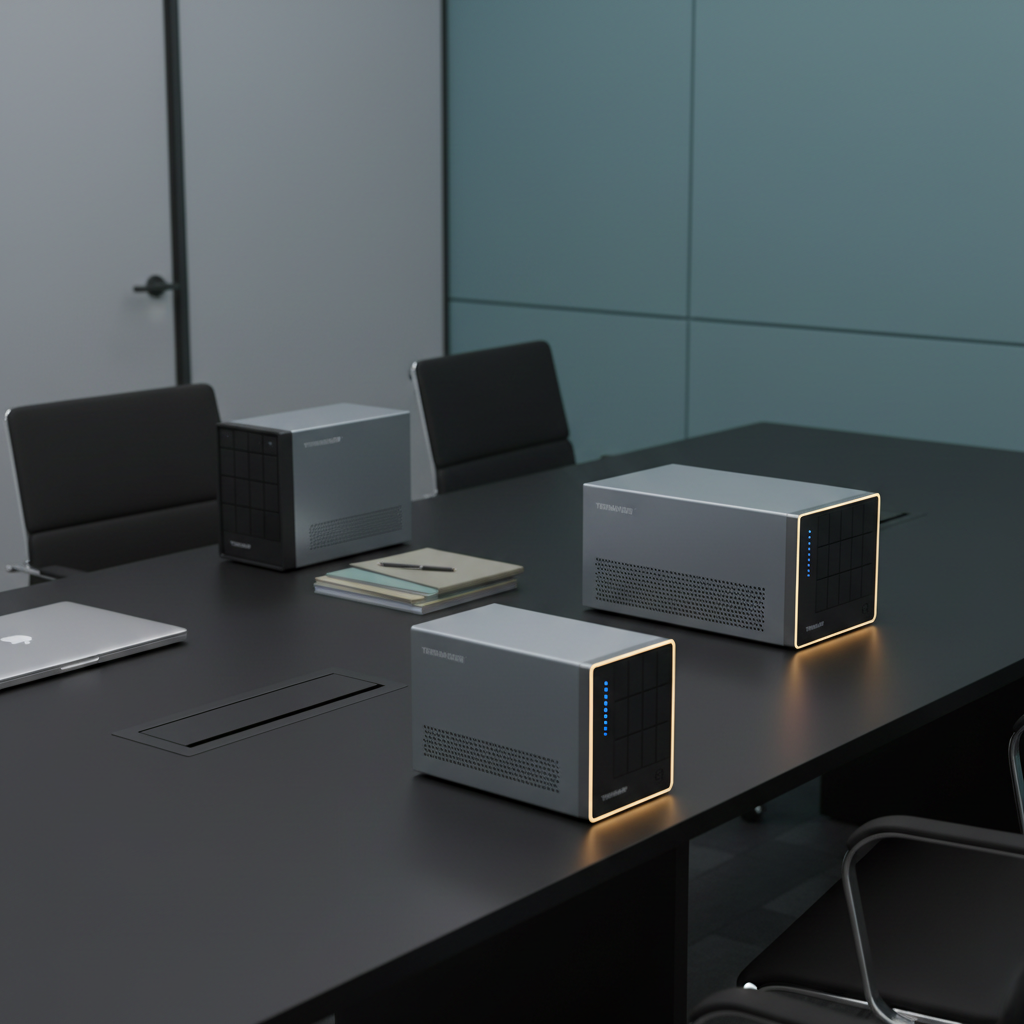
Buffalo
Get notified when the price drops. Track this product on BigBangPrice, our price tracking partner.
Native Windows Server IoT 2025 for Storage Workgroup edition. Pre-tested NAS-grade hard drives included with RAID pre-configured. No CAL (Client-Access Licenses) required.
The Buffalo TeraStation WS5420RN is a 4‑bay 1U rackmount NAS running Windows Server IoT 2025, aimed at SMBs that rely on Microsoft ecosystems. It offers built‑in NovaBACKUP, 10 GbE connectivity and pre‑configured RAID 5, eliminating CAL licensing and simplifying hybrid‑cloud integration.
Pros
Current
$3,069.99
Average
$3,069.99
Lowest
$3,069.99
Highest
$3,069.99
Lower = better sales rank
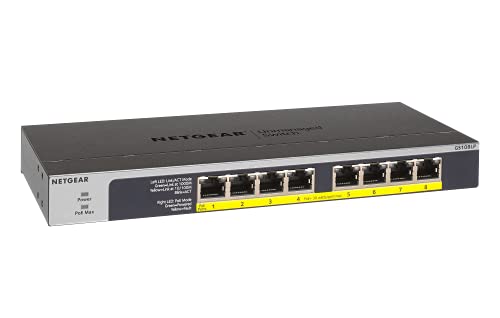
NETGEAR
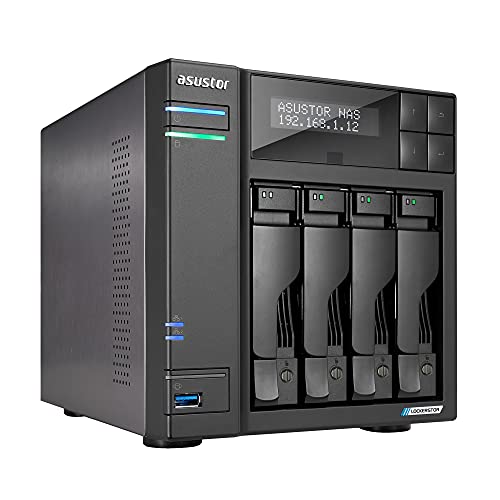
Asustor
UeeVii

CyberPower
Please sign in to leave a review
No reviews yet. Be the first to review!
Cons
From Expert Reviews
Praised by Experts
Criticized by Experts
From User Reviews
Users Love
Users Complain About
Best For
Small to medium businesses that run Windows/Active Directory and use Microsoft 365, Azure or OneDrive; IT teams needing a centralized file server with built‑in backup; hybrid‑cloud adopters; surveillance/NVR setups that can use iSCSI; and moderate Hyper‑V virtualization hosts.
Not Ideal For
Enterprises or power users requiring high‑performance virtualization, large storage pools, or SSD caching; organizations that need a mobile management app; environments demanding more than 8 GB RAM or a multi‑core CPU; and users who prefer Linux‑based NAS platforms.
Expert Opinion
Professional reviewers describe the WS5420RN as a Windows‑first NAS that delivers day‑one readiness with pre‑installed drives and a familiar Windows Server interface, eliminating CAL licensing and adding value through NovaBACKUP and VSS snapshots. They commend its TAA compliance and 10 GbE port, but note the dual‑core Atom CPU and fixed 8 GB RAM make it less suitable for demanding virtualization compared to quad‑core rivals.
What Users Say
Everyday users praise the device for its quick, Windows‑like setup, seamless integration with Azure and OneDrive, and the fact that no CALs are required. Common praise also mentions the built‑in backup software and overall reliability. Recurring complaints focus on limited RAM, RAID‑5 capacity loss, lack of a mobile management app, fan noise, and occasional confusion over usable storage after RAID.
Common Complaints
Limited RAM (8 GB) restricts advanced services; RAID‑5 reduces usable capacity; no mobile app for remote monitoring; fan noise in quiet offices; confusion about usable space after RAID; lack of SSD caching or PCIe expansion.
What People Are Saying
“Set up in under an hour—just like a Windows server.”
“Perfect for our small office using OneDrive and Azure.”
“Love that we don’t have to buy CALs.”
“Wish it had more RAM for running multiple services.”
“RAID 5 cuts usable space too much—wish RAID 6 was default.”
“No mobile app makes remote monitoring a hassle.”
“Fan noise can be noticeable in quiet offices.”
How It Compares
vs. Synology RackStation RS1619xs+
Advantages
Disadvantages
Choose the Buffalo when you need native Windows Server integration and no CAL fees; choose Synology for higher performance, expandability and a richer app ecosystem.
vs. QNAP TS-464
Advantages
Disadvantages
Buffalo is better for pure Windows environments and CAL‑free deployment; QNAP suits users who want a flexible Linux‑based NAS with SSD caching and mobile app support.
vs. Dell PowerEdge T350
Advantages
Disadvantages
Select Buffalo for a turnkey Windows NAS with integrated backup and easy setup; select Dell PowerEdge for a full‑featured server when you need maximum performance and custom configuration.