Microsoft
Get notified when the price drops. Track this product on BigBangPrice, our price tracking partner.
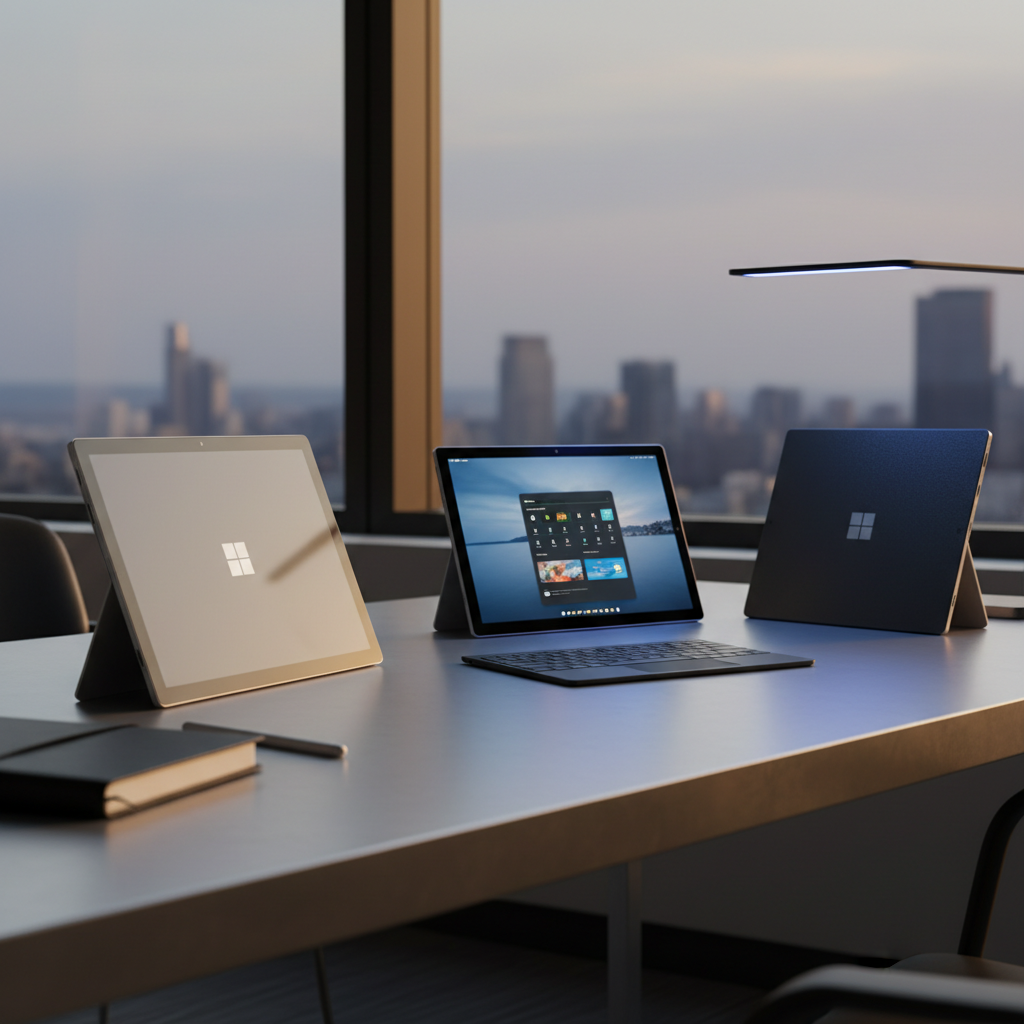
The Microsoft Surface Go with Intel Core m3 and 8 GB RAM is a lightweight 10.5‑inch 2‑in‑1 detachable tablet offering a crisp PixelSense display, fanless performance for basic productivity, and full Windows 11 compatibility, but it ships with limited storage and requires costly accessories.
Pros
Cons
Current
$214.50
Average
$235.86
Lowest
$209.00
Highest
$258.75
Lower = better sales rank

MoKo

metapen

Qulose
Please sign in to leave a review
No reviews yet. Be the first to review!
From Expert Reviews
Praised by Experts
Criticized by Experts
From User Reviews
Users Love
Users Complain About
Best For
Students, travelers, remote workers, K‑12 education, healthcare or field workers needing a lightweight Windows tablet for note‑taking, video calls, and basic Office tasks.
Not Ideal For
Heavy multitasking, video editing, gaming, users requiring multiple ports or high‑performance graphics, and anyone who needs extensive internal storage or upgradable RAM.
Expert Opinion
Professional reviewers praise the Surface Go m3 for its silent fanless design, vibrant 3:2 display, and ability to run full Windows desktop apps, positioning it as the only worthwhile Go model for productivity. However, they criticize the limited port selection, the need to purchase essential accessories separately, and the lack of upgrade paths for RAM and storage.
What Users Say
Everyday users appreciate the device’s portability, beautiful screen, and reliable Windows Hello, especially for education and light work. Common frustrations revolve around the extra cost of accessories, limited storage out‑of‑the‑box, heating during charging, and the single USB‑C port that forces them to buy hubs.
Common Complaints
Need to purchase keyboard and pen separately, limited storage capacity, device heating during charging, only one USB‑C port, and non‑upgradable RAM.
What People Are Saying
“Perfect for my 10-year-old for schoolwork and Zoom classes.”
“Light enough to hold for hours; great for reading and note-taking.”
“The screen is beautiful, and Windows Hello works flawlessly.”
“I use it with a Bluetooth keyboard and it feels like a real laptop.”
“You have to spend another $200+ on the keyboard just to make it usable.”
“Runs hot when charging, especially on your lap.”
“Only 70 GB free out of the box—wish it had more storage.”
How It Compares
vs. Apple iPad (standard)
Advantages
Disadvantages
Choose the Surface Go if you need full Windows desktop apps and prefer a detachable laptop experience; choose the iPad for a more polished touch‑first ecosystem and lower entry cost.