Trycoo
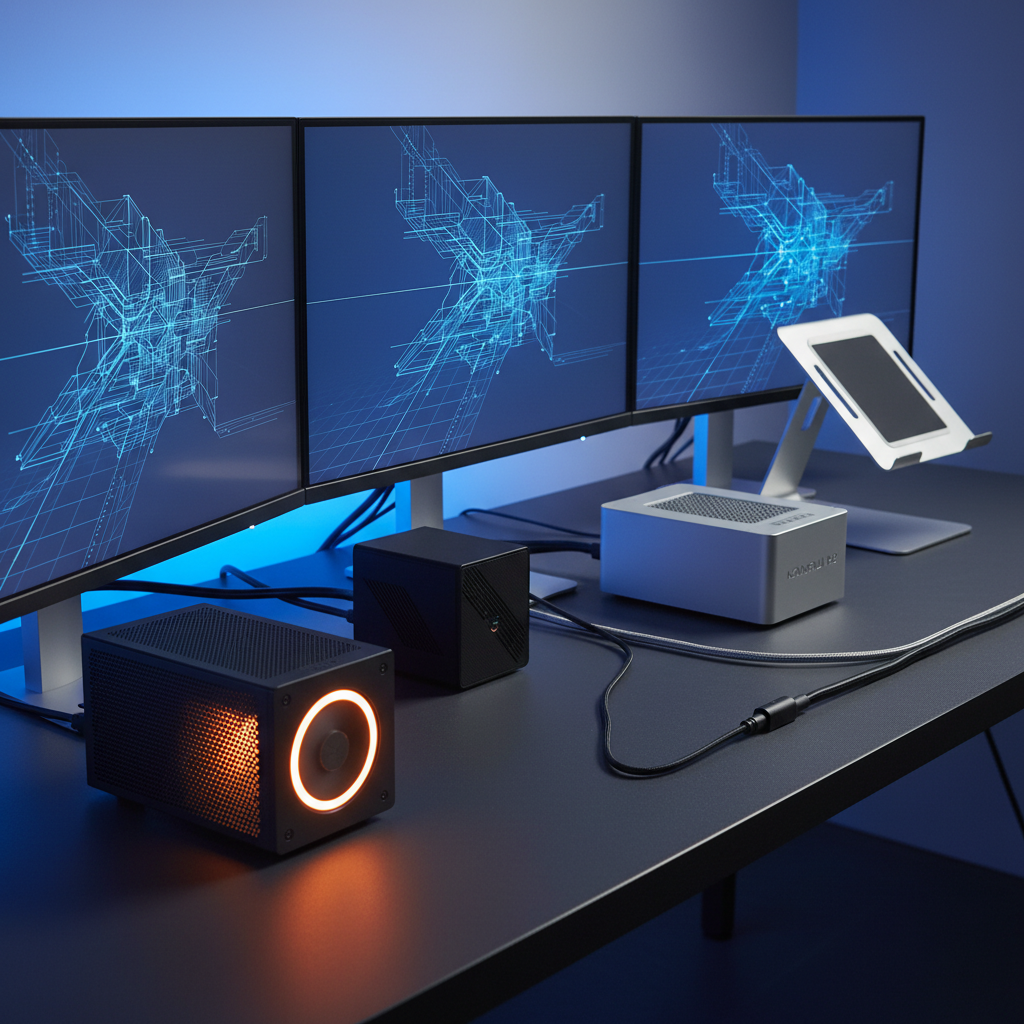
The Trycoo Mini PC N150 is an ultra‑compact desktop powered by a 13th‑gen Intel Celeron processor, offering triple 4K display support, 16 GB RAM, and a 512 GB SATA M.2 SSD. It targets space‑constrained environments with quiet cooling, VESA mounting, and easy upgradeability.
Pros
Cons
Current
$269.99
Average
$215.08
Lowest
$179.99
Highest
$269.99
Lower = better sales rank

PELADN

GMKtec

Trycoo

ACEMAGIC
Please sign in to leave a review
No reviews yet. Be the first to review!
Get notified when the price drops. Track this product on BigBangPrice, our price tracking partner.
From Expert Reviews
Praised by Experts
Criticized by Experts
From User Reviews
Users Love
Users Complain About
Best For
Office and education desks, digital signage and kiosks, home theater/media centers, remote thin‑client workstations, light gaming/emulation, mini‑server or firewall appliances, and DIY arcade cabinets.
Not Ideal For
Heavy gaming, video editing, users requiring NVMe SSDs or PCIe 4.0, those needing Bluetooth 5.0 or newer, and scenarios demanding many USB‑3.0 ports.
Expert Opinion
Professional reviewers praise the Trycoo N150 for delivering noticeable performance gains over earlier Celeron models, a solid build quality, and a thoughtful port layout that makes it a versatile budget mini PC. They highlight its triple‑4K capability, easy upgrade path, and strong value proposition, while noting the lack of NVMe support and limited graphics power as the main drawbacks.
What Users Say
Everyday users appreciate the tiny footprint, silent operation, and ability to run three 4K monitors for productivity and media. Common praise centers on easy SSD upgrades and VESA mounting, while recurring complaints involve missing USB‑3.0 ports, SSD compatibility confusion, Bluetooth stability, and occasional HDMI audio issues.
Common Complaints
Lack of USB‑3.0 on all ports. Confusion about SATA‑only SSD compatibility. Bluetooth 4.2 connectivity drops. Initial HDMI audio driver issue. Integrated graphics insufficient for modern games
What People Are Saying
“This isn’t a powerhouse, but for $200–$250 range, it delivers exceptional value for basic computing needs with future‑proof expandability.”
“Perfect for my office desk—saves so much space.”
“I connected three monitors and it runs Excel, Chrome, and Zoom without lag.”
“Upgraded the SSD to 2TB SATA no problem—boot time is under 10 seconds.”
“Mounted it behind my TV—great for streaming and light browsing.”
“Used it for retro gaming via emulation—runs PS2 and GameCube games well.”
“Wish it had USB 3.0 on all ports.”
“Had trouble finding a compatible SSD—wish the manual was clearer about SATA‑only support.”
“Bluetooth mouse occasionally disconnects—might be due to BT 4.2 limitations.”
“No audio via HDMI on one monitor—driver issue resolved after update.”
How It Compares
vs. KAMRUI Pinova P2 (Ryzen 4300U)
Advantages
Disadvantages
Choose the KAMRUI Pinova P2 if you need stronger graphics and faster storage, and size is less critical.
vs. ACEMAGIC Mini PC (Ryzen 4300U)
Advantages
Disadvantages
Select the ACEMAGIC Mini PC for a balance of performance and connectivity when budget allows for a slightly larger device.
vs. PELADN N150
Advantages
Disadvantages
The PELADN N150 is an alternative if you want a similar spec mini PC without the extra mounting accessories.