
Lockly
The Lockly Access Touch is a retrofit smart lock designed to attach to existing single-cylinder deadbolts, converting them into keyless entry systems without requiring full replacement. It features a 3D biometric fingerprint sensor with AI learning for 0.3-second recognition and supports up to 99 fingerprints, offering a non-invasive upgrade for secondary doors and workspaces.
Pros
Lower = better sales rank
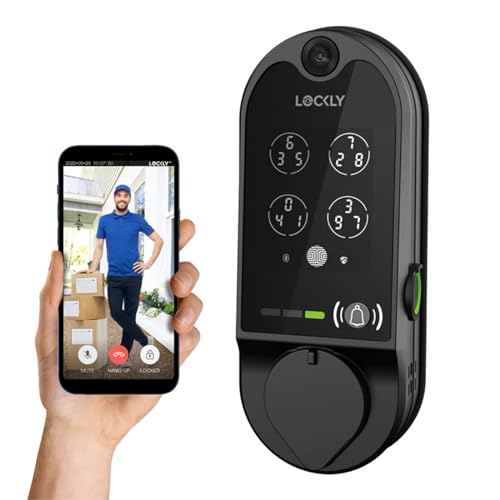
Lockly

Lockly

Level

HARFO

Lockly

Lockly
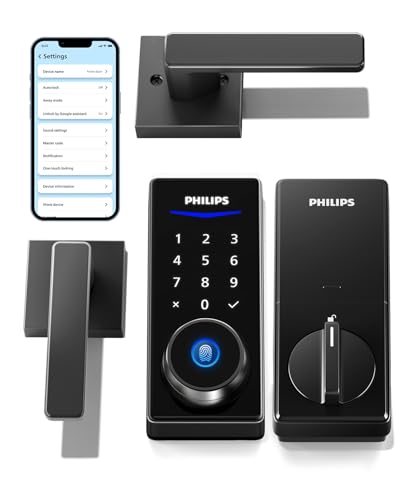
Philips

Sifely

DESLOC

Lockly

Lockly

monTEK

ULTRALOQ

Lockly

Lockly

Lockly
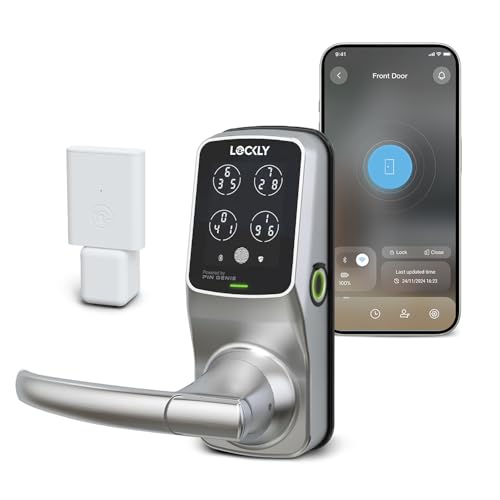
Lockly

Lockly

Sifely
Please sign in to leave a review
No reviews yet. Be the first to review!
Cons
From Expert Reviews
Praised by Experts
From User Reviews
Users Love
Users Complain About
Expert Opinion
Professional reviewers highlight the Lockly Access Touch as a best-in-class fingerprint smart lock for retrofitting existing deadbolts. They praise the ultra-fast 0.3-second recognition speed, the ease of DIY installation, and the robust app integration for guest access. Editors emphasize the security benefits of 3D finger geometry scanning and encrypted data, positioning it as an affordable and effective biometric upgrade for users who do not want to replace their entire deadbolt mechanism.
What Users Say
Everyday users generally praise the Lockly Access Touch for its quick fingerprint reads, cool aesthetics, and smooth app setup. Common themes include the convenience of effortless keyless entry and the ease of sharing access with guests via the app. Recurring complaints are minimal but center on the necessity of buying a separate Wi-Fi adapter for remote features, with users noting that the lock is best used with the hub for full functionality.
Common Complaints
Requires separate Secure Link Wi-Fi Hub for remote access, limiting standalone utility. Lack of detailed battery life and dimension specifications complicates fit checks. Access logs are limited to 50 records on the device without the Wi-Fi hub
What People Are Saying
“fingerprints read quickly”
“looks crazy cool”
“highly recommend getting the Wifi adapter”
How It Compares
vs. Lockly Access Touch Pro
Advantages
Disadvantages
Choose the Access Touch for easy retrofitting on existing locks; choose the Pro for a full smart lock kit with native Wi-Fi and keys.
vs. Lockly Flex Touch
Advantages
Disadvantages
Choose the Access Touch for retrofitting existing locks; choose the Flex Touch for a dedicated minimalist Bluetooth deadbolt upgrade.
