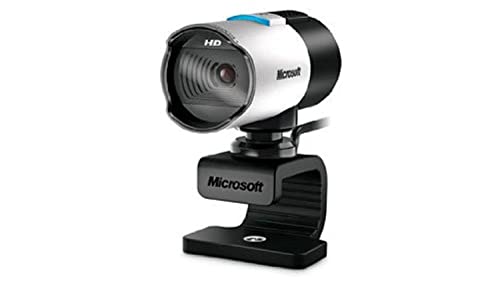
Microsoft
The Microsoft LifeCam Studio 1080p HD Webcam delivers sharp, color‑accurate video with TrueColor and ClearFrame technologies, and includes a high‑precision auto‑focus glass lens and wideband microphone. It is optimized for enterprise video conferencing platforms like Skype for Business and offers flexible mounting options.
Pros
Lower = better sales rank


TRIPP LITE

Microsoft

Microsoft

Microsoft
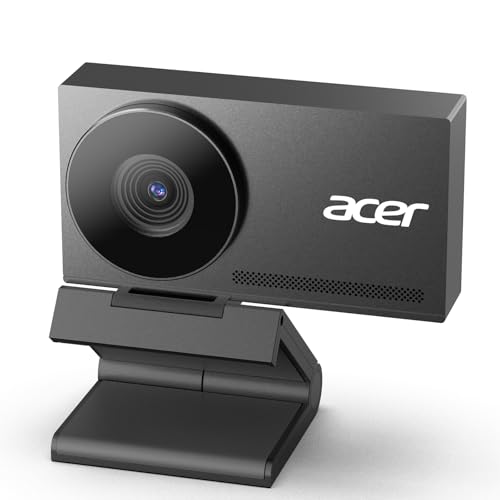
acer
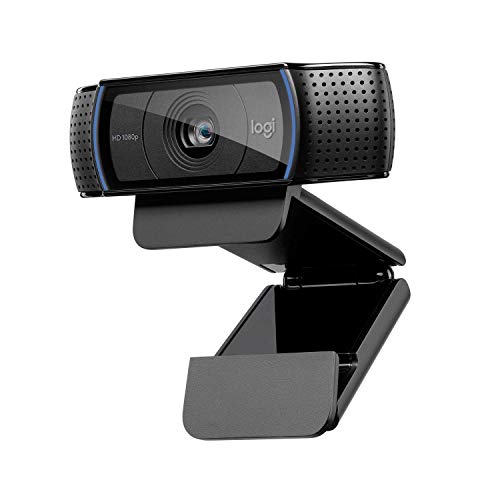
Logitech

Cable Matters

Microsoft
Jabra

Microsoft

VIVO
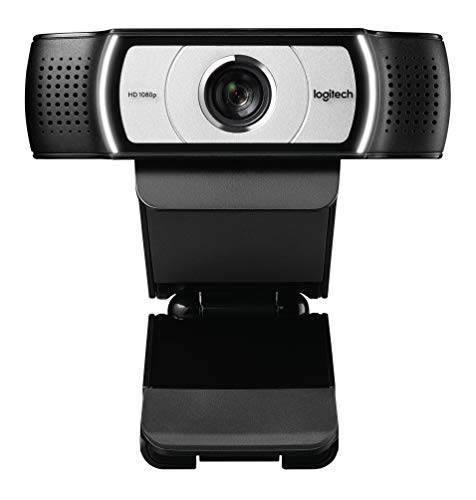
Logitech

GEARit
Please sign in to leave a review
No reviews yet. Be the first to review!
Cons
From Expert Reviews
Praised by Experts
Criticized by Experts
From User Reviews
Users Love
Users Complain About
Expert Opinion
Professional reviewers consider the LifeCam Studio one of the best webcams tested, praising its sharp 1080p video, TrueColor and ClearFrame color technologies, reliable auto‑focus, and enterprise‑grade Skype/Lync optimization. They also note drawbacks such as sensor‑induced motion distortion, limited native frame rates, and the absence of microphone noise suppression.
What Users Say
Everyday users appreciate the crisp video quality, vibrant colors in low light, clear built‑in audio, and easy USB setup, while repeatedly complaining about wobbling motion, low frame rates at 1080p, lack of mic noise reduction, and occasional compatibility problems on non‑Windows platforms.
Common Complaints
Motion distortion and wobbling on moving subjects, limited native 1080p frame rate, lack of microphone noise suppression, and software compatibility issues on macOS and Android.
How It Compares
vs. Logitech C920
Advantages
Disadvantages
Choose the C920 for smoother high‑frame‑rate video and better mic noise reduction; choose the LifeCam Studio for superior color accuracy and business‑grade teleconferencing features.
vs. Razer Kiyo
Advantages
Disadvantages
Opt for the Kiyo if low‑light illumination and cost are priorities; opt for the LifeCam Studio for higher color fidelity, flexible mounting, and enterprise video‑calling support.
