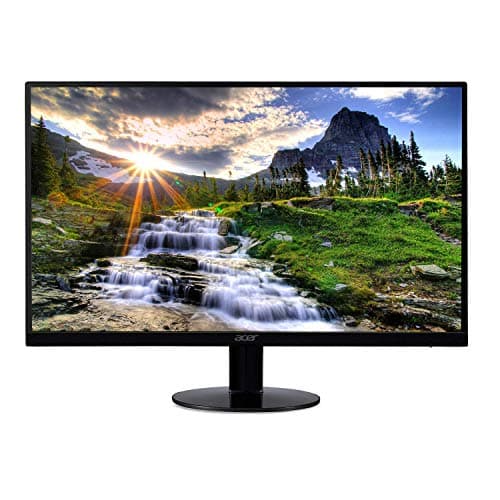
Acer SB220Q 21.5-inch
Score: 70/100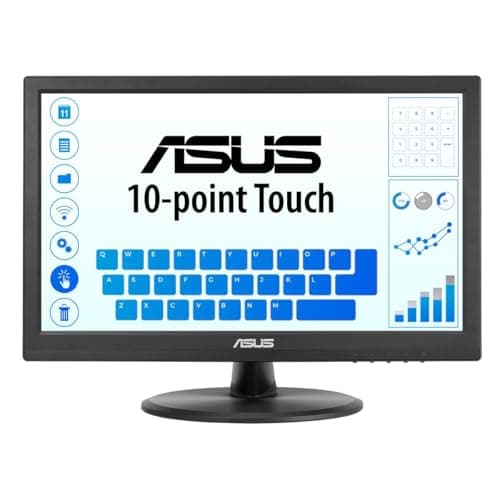
Asus VT168HR
Score: 65/100Rankings
The Acer SB220Q bi is a budget-friendly 21.5" IPS monitor that offers Full HD clarity, FreeSync and a sleek zero-frame design, making it suitable for office work and light entertainment. Its main drawbacks are limited ergonomics, lack of VESA mounting and a modest 75 Hz refresh rate.
The ASUS VT168HR is a 15.6-inch touchscreen monitor aimed at POS and kiosk use, offering a responsive 10-point touch, eye-care features and low power draw, but its TN panel and low resolution limit visual quality.
| Attribute | | |
|---|---|---|
21.5 inchesbest | 15.6 inches | |
— | 1,049,088 pixelsbest | |
75 Hzbest | 60 Hz | |
— | 220 nitsbest | |
— | 400best | |
| ↓ lower better | — | 5 msbest |
| ↓ lower better | — | 0.252 mmbest |
| ↓ lower better | — | 6.05 Wbest |
Click an attribute name to sort · Green = best, red = worst (relative to this comparison)
| Attribute | | |
|---|---|---|
Display(4) | ||
Screen Size (inches) | 21.5 inches | 15.6 inches |
Resolution (total pixels) (pixels) | 1920x1080 pixels | 1049088 pixels |
Refresh Rate (Hz) | 75 Hz | 60 Hz |
Panel Type | IPS | TN |
Ergonomics(1) | ||
VESA Mount Compatibility | false | true |
Products in the top-left offer the best value (high score, low price).
Professional reviewers note that the SB220Q bi delivers the expected IPS color quality and benefits from FreeSync, making it a solid choice for everyday office and multimedia use, but the missing VESA mount and modest build quality keep it from being a premium option.
Everyday users appreciate the monitor's sharp visuals, vibrant colors, and budget-friendly price, especially for compact spaces. Common complaints focus on the inconvenient OSD button placement, backlight bleed, unstable stand, and occasional lack of an HDMI cable.
Professional reviewers view the VT168HR as a reliable, no-frills touchscreen for commercial settings, praising its touch responsiveness and eye-care, while noting the limited color performance of the TN panel and modest resolution.
Everyday users appreciate the touch responsiveness, easy mounting and eye-care benefits, but often mention washed-out colors, low resolution and lack of speakers.
“amazing for the price.”
“OSD button placement under the monitor is poor design.”
“Perfect for my small business POS system - touch is fast and accurate.”
