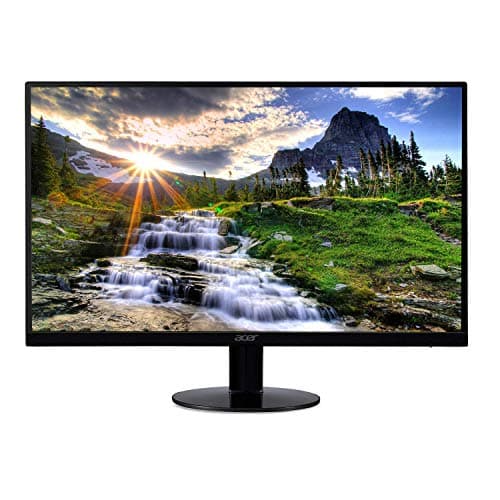
Acer SB220Q 21.5-inch
Score: 69/100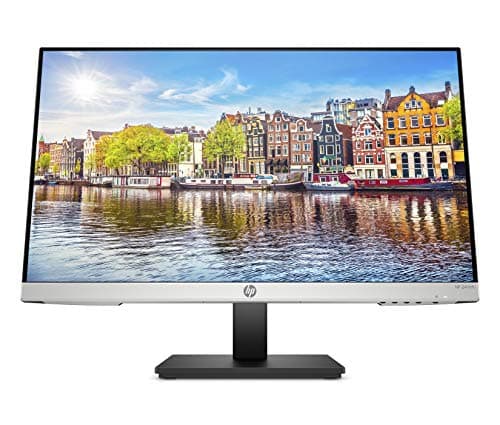
HP 24mh
Score: 59/100Rankings
The Acer SB220Q bi is a budget-friendly 21.5-inch IPS monitor with a zero-frame design and FreeSync support. It offers good color performance for everyday tasks but lacks ergonomic adjustments and a stable stand.
The HP 24mh is a 23.8" budget-friendly IPS monitor offering Full HD resolution, strong color accuracy, ergonomic adjustments and built-in speakers. It provides solid connectivity but lacks adaptive sync and has modest brightness, making it best for home-office and casual use.
| Attribute | | |
|---|---|---|
21.5 inches | 23.8 inchesbest | |
75 Hzbest | 75 Hzbest | |
— | 250 nitsbest | |
— | 1,446 ratiobest | |
| ↓ lower better | — | 5 msbest |
— | 1 countbest | |
— | 1 countbest | |
— | 28 degreesbest |
Click an attribute name to sort · Green = best, red = worst (relative to this comparison)
| Attribute | | |
|---|---|---|
Display(1) | ||
Screen Size (inches) | 21.5 inches | 23.8 inches |
Audio(1) | ||
Built‑in Speakers | false | true |
Ergonomics(1) | ||
VESA Mount Compatibility | false | true |
Products in the top-left offer the best value (high score, low price).
Professional reviewers note that the SB220Q bi delivers the expected IPS color quality and benefits from FreeSync, making it a solid choice for everyday office and multimedia use. However, they point out the missing VESA mount and modest build quality as drawbacks that keep it from being a premium option.
Everyday users appreciate the monitor's sharp visuals, vibrant colors, and budget-friendly price, especially for compact spaces. Common complaints focus on the inconvenient OSD button placement, backlight bleed, unstable stand, and occasional lack of an HDMI cable.
Professional reviewers, including PCMag's Editors' Choice rating of 4.5/5, praise the HP 24mh for its impressive color accuracy, high contrast, ergonomic stand and inclusion of DisplayPort, calling it a benchmark-setting budget monitor. They note the lower-than-rated brightness and absence of adaptive sync as the main drawbacks, but conclude it delivers exceptional value for general-purpose computing.
Everyday users overwhelmingly view the HP 24mh as a great value, highlighting its sharp visuals, adjustable stand and easy setup. Common praise centers on color vibrancy and thin bezels, while recurring complaints focus on dimness in bright environments, inconsistent out-of-the-box color calibration, weak built-in speakers, and occasional stand wobble.
“amazing for the price.”
“OSD button placement under the monitor is poor design.”
“The built-in speakers are tinny and weak.”
