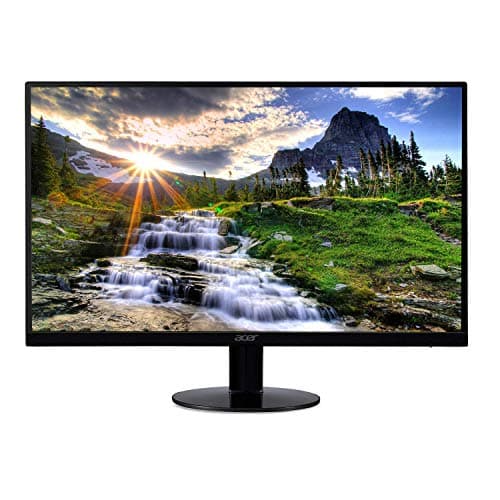
Acer SB220Q 21.5-inch
Score: 63/100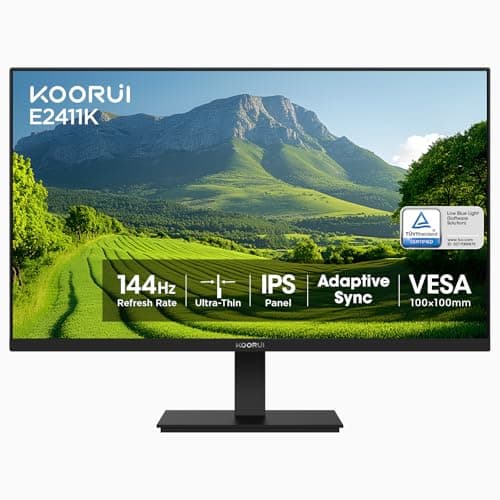
KOORUI E2411K
Score: 69/100Rankings
The KOORUI 24-inch IPS monitor offers a 144 Hz refresh rate and vibrant colors with VESA mounting, but its ergonomics and connectivity are minimal.
The Acer SB220Q bi is a compact 21.5" IPS monitor delivering Full HD visuals and FreeSync in an ultra-thin zero-frame package, ideal for budget-conscious users, though it lacks VESA mounting and a stable stand.
| Attribute | | |
|---|---|---|
21.5 inches | 24 inchesbest | |
75 Hz | 144 Hzbest | |
| ↓ lower better | — | 5 msbest |
— | 250 nitsbest | |
— | 3,000best | |
— | 99 %best | |
1best | 1best | |
— | 20 °best |
Click an attribute name to sort · Green = best, red = worst (relative to this comparison)
| Attribute | | |
|---|---|---|
Display(2) | ||
Screen Size (inches) | 21.5 inches | 24 inches |
Refresh Rate (Hz) | 75 Hz | 144 Hz |
Products in the top-left offer the best value (high score, low price).
Professional reviewers note that the SB220Q bi delivers the expected IPS color quality and benefits from FreeSync, but missing VESA mount and modest build quality keep it from being a premium option.
Everyday users appreciate the monitor's sharp visuals, vibrant colors, and budget price, but common complaints focus on OSD button placement, backlight bleed, unstable stand, and occasional lack of an HDMI cable.
Professional reviewers note that the E2411K delivers entry-level gaming performance with an IPS panel that provides superior color and viewing angles compared to typical VA budget monitors. While its feature set-144 Hz, FreeSync, and eye-care technologies-matches recommendations for affordable gaming displays, the lack of DisplayPort and USB connectivity is seen as a drawback for users seeking more versatile setups.
Everyday users praise the monitor for its affordable price, vivid colors, thin bezels, and smooth 144 Hz gameplay, especially when Adaptive Sync is enabled. Common complaints revolve around the limited tilt range, occasional out-of-box damage, and the need to adjust OverDrive to eliminate ghosting, as well as the absence of built-in speakers and USB ports.
“amazing for the price.”
“OSD button placement under the monitor is poor design.”
“Out of the box, there was noticeable ghosting... until I turned OD on!”
