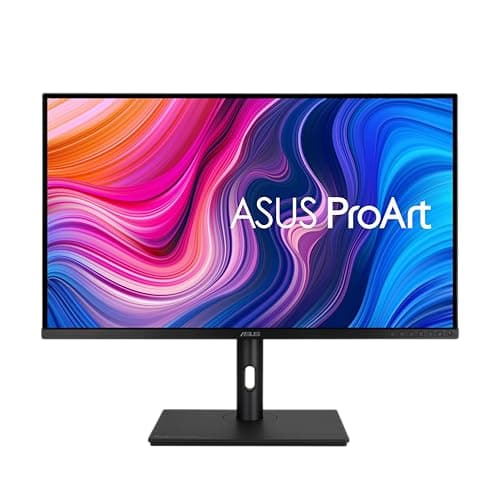
Asus ProArt PA329CV
Score: 88/100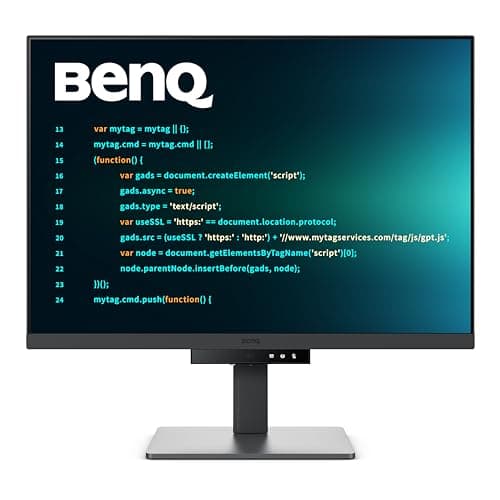
BenQ RD280U 28-inch
Score: 82/100Rankings
The ASUS ProArt PA329CV is a 32-inch 4K IPS monitor targeting color-critical professionals, offering factory calibration, extensive USB-C docking and full ergonomic adjustability. It delivers accurate sRGB colors and HDR400 support, though its 60 Hz panel and modest HDR brightness limit high-performance use.
The BenQ RD280U is a 28.2" 4K+ IPS monitor aimed at developers, offering a unique 3:2 aspect ratio, strong color coverage and a 90 W USB-C docking solution with built-in KVM. Eye-care technologies and a fully adjustable stand make it comfortable for long coding sessions, though the 60 Hz panel and niche aspect ratio limit its appeal for gamers and general consumers.
| Attribute | | |
|---|---|---|
32 inchesbest | 28.2 inches | |
60 Hzbest | 60 Hzbest | |
| ↓ lower better | 5 msbest | 5 msbest |
350 nitsbest | 350 nitsbest | |
1,000 | 1,200best | |
100 %best | — | |
2best | 1 | |
1best | 1best |
Click an attribute name to sort · Green = best, red = worst (relative to this comparison)
| Attribute | | |
|---|---|---|
Display(3) | ||
Screen Size (inches) | 32 inches | 28.2 inches |
Resolution | 3840x2160 | 3840x2560 |
Contrast Ratio | 1000 | 1200 |
Connectivity(1) | ||
HDMI Ports | 2 | 1 |
Ergonomics(2) | ||
Tilt Range (°) | 28 ° | 25 ° |
Height Adjustment Range (mm) | 130 mm | 112.9 mm |
Products in the top-left offer the best value (high score, low price).
Professional reviewers commend the PA329CV for its precise factory calibration, robust USB-C docking, ergonomic flexibility, and solid color accuracy, but note its limited HDR brightness and lack of wider color gamuts such as Adobe RGB.
Everyday users appreciate the monitor's accurate colors and USB-C convenience, but often mention the modest HDR brightness, 60 Hz refresh rate, and low-power built-in speakers as drawbacks.
Professional reviewers rate the RD280U 4.5/5, praising its developer-focused 3:2 aspect ratio, crisp 4K+ display and convenient 90 W USB-C docking, while noting the 60 Hz refresh and niche aspect ratio as drawbacks for non-technical users.
Everyday users are highly positive, highlighting comfort during marathon coding sessions, the flexible ergonomic stand, and the tidy single-cable setup. Complaints focus on slightly softer text, limited USB-A ports, and occasional firmware hiccups with the KVM or auto-dimming features.
“The extra vertical space makes coding so much more comfortable.”
“90W USB-C docking is a game-changer; one cable does it all.”
“The KVM works well, but I've hit a few firmware glitches.”
