Rankings
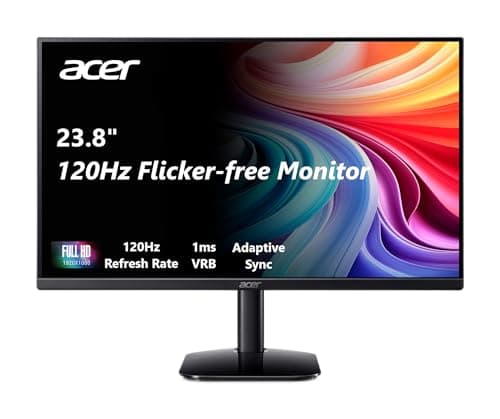
The Acer KB242Y is a 23.8-inch IPS monitor that offers a rapid 1 ms response and up to 120 Hz refresh with FreeSync, plus built-in speakers. Its ergonomics are limited to tilt only and it lacks modern ports like DisplayPort, which may deter power users. Ideal for office workers and light gamers who value speed and color accuracy over extensive adjustability.
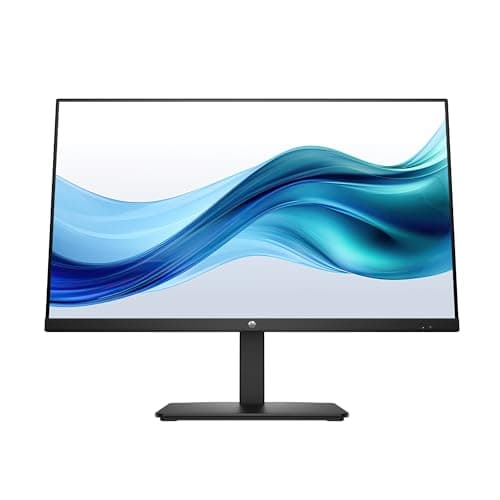
The HP Series 3 27-inch monitor delivers a fast 100 Hz refresh rate on an IPS panel with FreeSync support, making it a solid value for smooth everyday use. Its tilt-only stand, modest brightness and lack of speakers keep it from being a premium office or gaming solution. Best for budget-conscious users who want a larger FHD screen with higher refresh without extra frills.
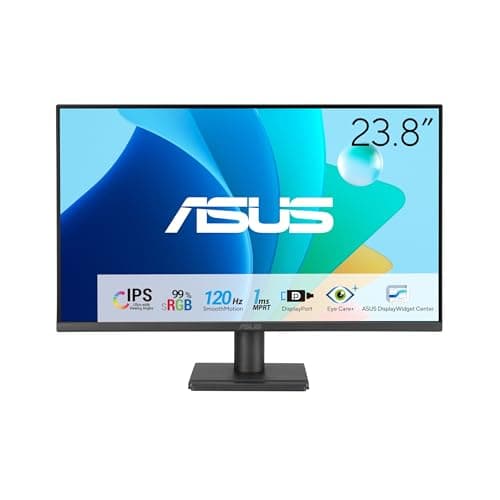
The ASUS VA249QG is a 23.8-inch IPS monitor delivering a smooth 120 Hz experience and eye-care technologies. Its non-adjustable stand and modest connectivity limit ergonomic flexibility and expandability. Ideal for budget-conscious gamers and office users seeking color consistency and reduced eye strain.
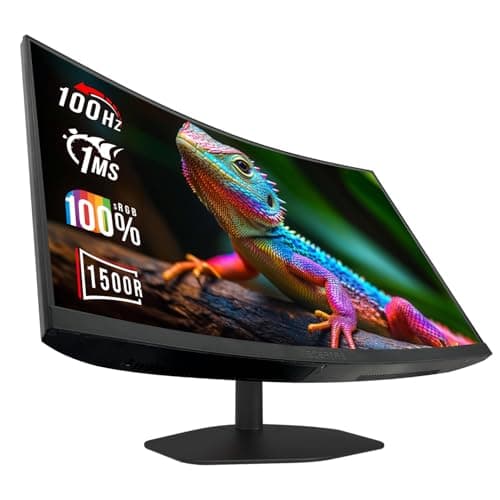
The Sceptre C248W-FW100T is a 24-inch curved gaming monitor that delivers an immersive 1500R VA panel with 100 Hz refresh and Adaptive Sync. Its limited ergonomic adjustments and modest color accuracy are notable trade-offs. Ideal for budget gamers and casual users seeking curvature without breaking the bank.
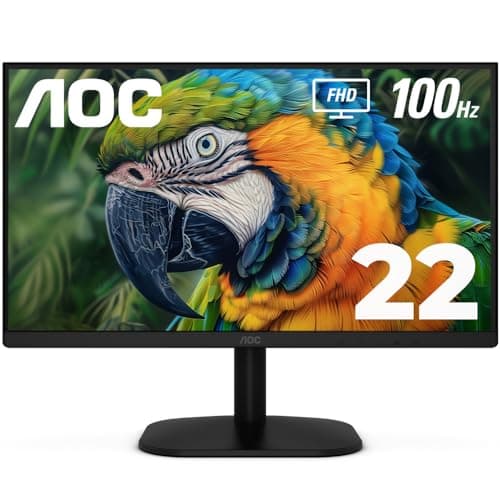
The AOC 22B2HM2 is a 21.5-inch Full HD VA monitor featuring a smooth 100 Hz refresh rate with Adaptive Sync and solid contrast for everyday use. Its ergonomics are limited to tilt only and it lacks built-in speakers, which may affect comfort and multimedia needs. It targets budget-conscious office users and casual gamers seeking a reliable, energy-efficient display.
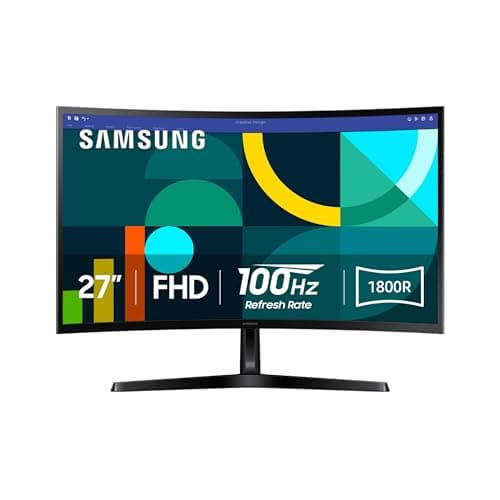
The Samsung Essential S3 is a 27-inch curved VA display with a 1800R curvature, Full HD resolution, and a smooth 100 Hz refresh rate plus eye-comfort features. Its limited Full HD pixel density and absence of adaptive sync hinder detailed work and competitive gaming. It fits budget-conscious users wanting immersive viewing and smooth motion.
| Attribute | | | | | | |
|---|---|---|---|---|---|---|
23.8 inches | 24 inches | 27 inchesbest | 21.5 inches | 23.8 inches | 27 inchesbest | |
120 Hzbest | 100 Hz | 100 Hz | 100 Hz | 120 Hzbest | 100 Hz | |
| ↓ lower better | 1 msbest | 1 msbest | 5 ms | 4 ms | 1 msbest | 4 ms |
250 nits | — | 250 nits | 250 nits | 300 nitsbest | 250 nits | |
— | — | 1,300 | 3,000best | — | 3,000best | |
1 | 2best | 1 | 1 | 1 | 1 | |
99 % | — | 99 % | 100 %best | 99 % | 95 % | |
— | 1best | 1best | — | 1best | — |
Click an attribute name to sort · Green = best, red = worst (relative to this comparison)
| Attribute | | | | | | |
|---|---|---|---|---|---|---|
Display(8) | ||||||
Screen Size (inches) | 23.8 inches | 24 inches | 27 inches | 21.5 inches | 23.8 inches | 27 inches |
Resolution | 1920x1080 | 1920x1080 | 1920 x 1080 | 1920x1080 | 1920x1080 | 1920x1080 |
Panel Type | IPS | VA | IPS | VA | IPS | VA |
Refresh Rate (Hz) | 120 Hz | 100 Hz | 100 Hz | 100 Hz | 120 Hz | 100 Hz |
Response Time (ms) | 1 ms | 1 ms | 5 ms | 4 ms | 1 ms | 4 ms |
Brightness (nits) | 250 nits | — | 250 nits | 250 nits | 300 nits | 250 nits |
Contrast Ratio | — | — | 1300 | 3000 | 1500:1 | 3000 |
Color Gamut (%) | 99 % | 98-100 % | 99 % | 100 % | 99 % | 95 % |
Connectivity(1) | ||||||
HDMI Ports | 1 | 2 | 1 | 1 | 1 | 1 |
Audio(1) | ||||||
Built‑in Speakers | true | true | — | — | true | false |
Build & Design(3) | ||||||
Weight (with stand) (kg) | 3.6 kg | — | 5.05 kg | 2.29 kg | 3.04 kg | 3.81 kg |
Dimensions (W×H×D) (mm) | 540×414×192 mm mm | 533x404x193 mm | — | 492.2x380x162.9 mm mm | 540×406×188 mm mm | 24.5 x 18.4 x 9.2 inches mm |
VESA Mount Compatible | true | false | true | true | true | true |
General(1) | ||||||
Warranty (years) | 3 years | 1 years | 1 years | 3 years | 3 years | 1 years |
Products in the top-left offer the best value (high score, low price).
Professional reviewers view the KB242Y as a practical, reliable everyday monitor that excels in color accuracy, viewing angles, and eye-comfort features, offering solid value for office and collaborative use while acknowledging its limited refresh rate and ergonomic adjustments for more demanding tasks.
Everyday users appreciate the sharp image quality, easy setup, lightweight build, and eye-comfort technologies, but commonly express frustration over the lack of height adjustment, limited modern ports, modest speaker output, and the refresh-rate ceiling that falls short for gaming or fast scrolling.
“responsive visuals and minimizes blur”
“solid for budget gamers”
Professional reviewers consider the Sceptre 24-inch curved monitor a solid entry-level gaming option, emphasizing its affordable 100 Hz panel with Adaptive Sync, immersive curvature and space-saving built-in speakers. However, they criticize the lower-than-advertised color gamut, limited ergonomic adjustments and modest audio performance, suggesting it's best for casual gamers rather than color-critical work.
Everyday users generally enjoy the straightforward setup, smooth 100 Hz performance and the immersive feel of the curve, often noting the convenience of built-in speakers and narrow bezels. Recurring complaints focus on the need to manually set the refresh rate, thin speaker sound, lack of height/ swivel adjustments, and muted color reproduction.
Professional reviewers position the HP 327pf as a solid value proposition, highlighting its sharp FHD panel, 100 Hz refresh rate and slim design while noting the trade-offs of modest brightness, lack of HDR and a basic stand. The monitor is praised for delivering smooth motion and decent color coverage for its price, but editors caution that power users seeking higher contrast, wider color gamut or more ergonomic flexibility may look elsewhere.
Everyday users generally like the monitor's easy setup, clear 1080p picture and fluid 100 Hz performance for light gaming and office work. Recurring complaints focus on the low brightness in bright rooms, a wobbling tilt-only stand, and the absence of built-in speakers or extensive connectivity.
Professional reviewers describe the AOC 22B2HM2 as delivering crisp, artifact‑free visuals with smooth 100 Hz motion, praising its VA panel’s contrast and wide viewing angles. They also note its straightforward, high‑quality experience for everyday office and home tasks, positioning it as a solid entry‑level option.
No user reviews or direct consumer feedback were found in the research data, indicating limited public commentary on the model despite a moderate number of product views.
Professional reviewers and editors were not found in the source data; however, Asus marketing and spec-sheet descriptions highlight the monitor's 120 Hz IPS panel, Adaptive-Sync, 99 % sRGB coverage and TÜV-certified eye-care features as strengths, while noting the non-adjustable stand and limited connectivity as drawbacks.
Everyday user feedback is not present in the gathered data, so no concrete praise or complaints can be quoted. The specifications suggest users would likely appreciate the eye-care functions and smooth refresh rate, but might be dissatisfied with the fixed stand and basic audio.
Professional reviewers commend the Samsung Essential S3 for its immersive 1800R curve, smooth 100 Hz refresh rate, and TÜV‑certified eye‑comfort features, noting that the high 3000:1 contrast delivers vivid picture quality. However, they point out the limitations of a Full HD panel on a 27‑inch size, the lack of modern ports and adaptive‑sync, and a basic tilt‑only stand, which keep it from competing with higher‑spec gaming monitors.
Professional reviewers commend the monitor's immersive curvature, smooth 100 Hz refresh and TÜV-certified eye-comfort features, while noting the Full HD resolution and lack of adaptive sync as drawbacks. Users praise the eye-comfort tech and contrast, but criticize pixelation and limited ports.
