Rankings
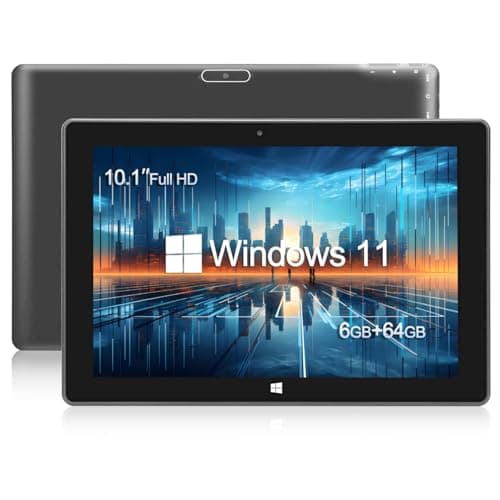
The KBJPADS 10.1-inch Windows tablet delivers a full Windows 11 experience with 6 GB RAM, expandable storage and a versatile port set, making it a solid budget option. Its trade-offs are modest graphics, a low-resolution screen and limited processing power. Ideal for students and casual users needing basic productivity and media consumption.
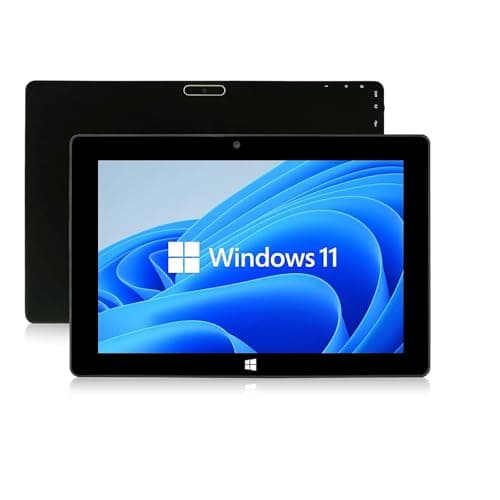
The SZTPS 10.1-inch Windows tablet offers a sizable 6000 mAh battery, metal construction, and a range of ports for versatile use. Its Celeron processor, modest storage, and sensitivity issues with the trackpad and keyboard affect overall performance. Suitable for budget-focused users needing basic computing and good connectivity.
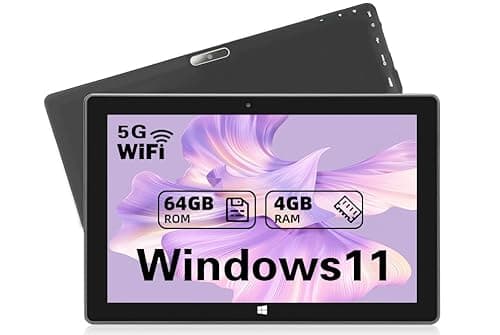
The SZTPSLS W101 is a budget 10.1-inch Windows 11 tablet offering solid performance for its price, a long-lasting 6000 mAh battery and an IPS display. Its trade-offs include limited internal storage, lack of USB-C and a heavier build. Best for students and casual users who need basic productivity on a tight budget.
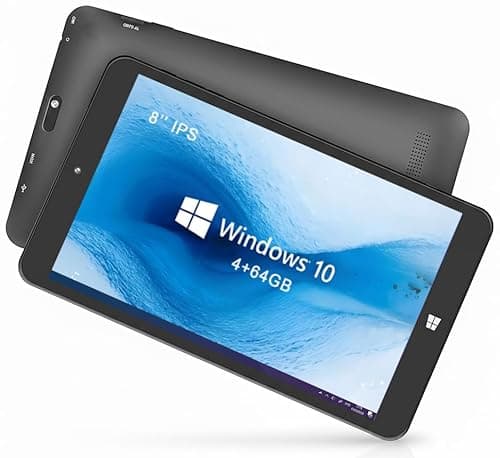
The KBJPADS 8-inch Windows tablet provides a compact size, Windows 10 Home OS, and expandable microSD storage for everyday tasks. Its Atom processor, limited RAM, and lack of modern connectivity like USB-C constrain performance and future-proofing. Targeted at users seeking an inexpensive, portable device for light browsing and study.
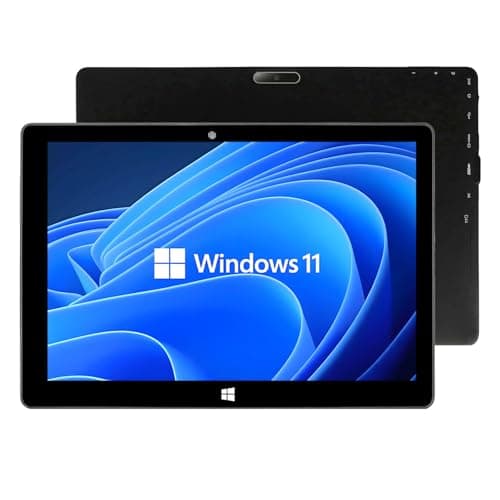
The ZAOFEPU W101 is a 10.1-inch Windows 11 tablet with 6 GB RAM, USB 3.0 and micro-HDMI ports, and expandable storage, targeting affordable portability. It compromises with a low-resolution 1280×800 screen, modest N4020 processor, and unclear battery endurance. Fits students and travelers who need basic Windows functionality on a budget.
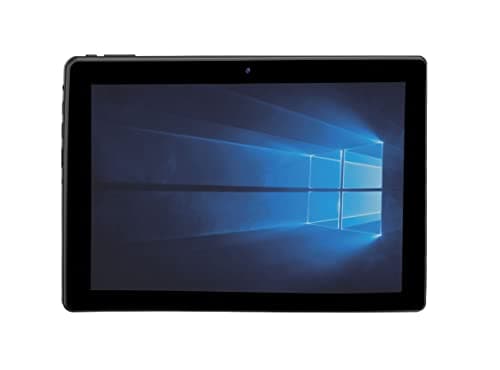
The Naxa NID-1080 is a budget 10.1-inch Windows 11 2-in-1 tablet featuring a detachable keyboard and expandable storage, making it suitable for light productivity. Its trade-offs include a low-resolution screen, limited 5-hour battery life, and modest performance. Best for users seeking an affordable, portable Windows tablet for basic tasks.
| Attribute | | | | | | |
|---|---|---|---|---|---|---|
10.1 inchesbest | 10.1 inchesbest | 10.1 inchesbest | 8 inches | 10.1 inchesbest | 10.1 inchesbest | |
6 GBbest | 4 GB | 4 GB | 4 GB | 6 GBbest | 6 GBbest | |
— | 5 hoursbest | — | — | — | — | |
| ↓ lower better | 1,129 g | 1,098 g | 1,050 g | 558 g | 544.31 gbest | 907 g |
64 GB | 64 GB | 64 GB | 64 GB | 128 GBbest | 64 GB | |
6,000 mAhbest | 6,000 mAhbest | 6,000 mAhbest | — | 6,000 mAhbest | 6,000 mAhbest | |
2.8 GHz | 2.8 GHz | — | 3.7 GHzbest | 1.1 GHz | 2.8 GHz | |
| ↓ lower better | 12.7 mm | 25.4 mm | 10 mm | 13 mm | 7.62 mmbest | 25.4 mm |
Click an attribute name to sort · Green = best, red = worst (relative to this comparison)
| Attribute | | | | | | |
|---|---|---|---|---|---|---|
Software(1) | ||||||
Operating System | Windows 11 | Windows 11 | Windows 11 | Windows 10 Home | Windows 11 | Windows 11 Home |
Battery & Power(1) | ||||||
Battery Life (hours) | 7-8 hours | 5 hours | — | — | 5-12 hours | — |
Performance(3) | ||||||
RAM (GB) | 6 GB | 4 GB | 4 GB | 4 GB | 6 GB | 6 GB |
Processor | Intel Celeron N4000 | Intel Gemini Lake N4020 | Intel Celeron N4020 | Intel Atom x5-Z8300 | Intel Celeron N4120 | Intel N4020 |
Processor Clock Speed (GHz) | 2.8 GHz | 2.8 GHz | — | 3.7 GHz | 1.10 GHz | 2.8 GHz |
Display(3) | ||||||
Screen Size (inches) | 10.1 inches | 10.1 inches | 10.1 inches | 8 inches | 10.1 inches | 10.1 inches |
Resolution | 1280x800 | 800x1280 | 1280x800 | 1280x800 | 800x1280 | 1280x800 |
Panel Type | IPS | IPS LCD | IPS | — | IPS | IPS |
Build & Design(2) | ||||||
Weight (g) | 1129 g | 1098 g | 1050 g | 558 g | 544.31 g | 907 g |
Thickness (mm) | 12.7 mm | 25.4 mm | 10 mm | 13 mm | 7.62 mm | 25.4 mm |
Ports(1) | ||||||
USB‑C Port | true | true | false | — | — | — |
Storage(1) | ||||||
Internal Storage (GB) | 64 GB | 64 GB | 64 GB | 64 GB | 128 GB | 64 GB |
Connectivity(2) | ||||||
Wi‑Fi Standard | dual‑band | 802.11 b/g/n | 802.11ac | 2.4 GHz | 2.4/5 GHz | 802.11ac |
Bluetooth Version | 4.0 | 4.0 | 4.2 | 4.0 | 5.0 | — |
Camera(1) | ||||||
Rear Camera (MP) | 5 MP | 2 MP | 8 MP | — | — | 5 MP |
Products in the top-left offer the best value (high score, low price).
Professional reviewers, such as Gadget Matrix Lab, label the KBJPADS as the best budget Windows 11 tablet, praising its ability to run full Windows software, responsive touchscreen, and useful HDMI and microSD ports. However, they caution that the modest graphics, limited resolution, and modest processing power mean it should only be used for basic productivity and media tasks, not for demanding applications or gaming.
Although direct user reviews are scarce, the themes echoed by reviewers suggest that everyday users appreciate the tablet's affordability, Windows 11 compatibility, and expandable storage for light browsing, document work, and video streaming. The primary frustrations revolve around the limited internal storage and performance ceiling, confirming that buyers expect basic functionality rather than high-end capabilities.
“worth buying”
Professional reviewers commend the SZTPSLS W101 for delivering solid Windows 11 performance at a low price, citing its capable N4020 processor, 4 GB RAM, and bright IPS display as strong points. They also note its longer battery life and newer OS as advantages over some rivals, but criticize the absence of USB-C, the heavier chassis, and limited internal storage for power users.
Everyday users echo the professional praise for smooth Windows operation, long battery life, and a vivid 10.1-inch screen, while consistently flagging the modest 64 GB storage, average camera quality, and bulkier feel as pain points. The consensus is that the tablet meets expectations for casual browsing, media, and light productivity, but falls short for heavy multitasking or premium portability.
No professional reviews or editor analyses were found for the Supersonic SC‑5032WKB or the SZTPS‑branded variant, indicating limited coverage by mainstream tech outlets.
Everyday users appreciate the tablet's quick boot-up, metal build quality, versatile ports, and the convenience of the detachable keyboard, but they commonly criticize the overly sensitive trackpad, unstable keyboard/stand, limited storage, weak graphics performance, and poor outdoor screen visibility.
Professional reviewers describe the ZAOFEPU W101 as a budget-friendly Windows 11 tablet that delivers essential functionality for everyday tasks. They praise its affordable pricing, adequate RAM, and portable weight, but caution that the low-end processor and modest display restrict it to light usage scenarios.
