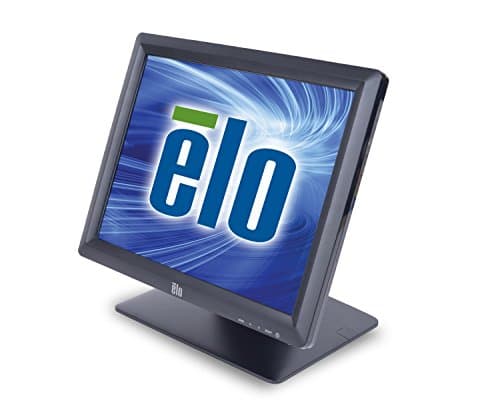
Elo E829550 15-inch
Score: 65/100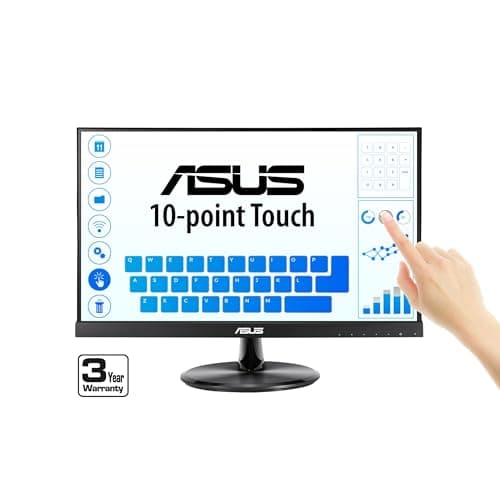
Asus VT229H
Score: 74/100Rankings
The ASUS VT229H is a 21.5-inch Full HD IPS monitor with 10-point projective-capacitive touch, eye-care features and VESA mounting. It is aimed at business, education and kiosk environments where interactive capability and wide viewing angles are important.
The Elo E829550 is a compact 15-inch commercial-grade touchscreen with a zero-bezel SAW surface, offering low power draw and robust mounting options for high-traffic or hygiene-critical environments. Its limited resolution and single-touch capability make it less suitable for graphics-intensive or multi-user applications.
| Attribute | | |
|---|---|---|
15 inches | 21.5 inchesbest | |
300 nitsbest | 250 nits | |
800 | 1,000best | |
75 Hzbest | 60 Hz | |
| ↓ lower better | 23 ms | 5 msbest |
1 | 10best | |
— | 72 %best | |
1best | 1best |
Click an attribute name to sort · Green = best, red = worst (relative to this comparison)
| Attribute | | |
|---|---|---|
Touch(2) | ||
Touch Technology | SAW | Projective Capacitive |
Touch Points | 1 | 10 |
Display(8) | ||
Screen Size (inches) | 15 inches | 21.5 inches |
Native Resolution | 1024x768 | 1920x1080 |
Brightness (nits) | 300 nits | 250 nits |
Contrast Ratio | 800 | 1000 |
Refresh Rate (Hz) | 75 Hz | 60 Hz |
Response Time (ms) | 23 ms | 5 ms |
Panel Type | Active matrix TFT LCD | IPS |
Aspect Ratio | 4:3 | 16:9 |
Power & Energy(2) | ||
Power Consumption (W) | 10.5 W | 18.56 W |
Standby Power (W) | 1.4 W | 0.5 W |
Build & Design(1) | ||
Weight (kg) | 4.3 kg | 3.7 kg |
Products in the top-left offer the best value (high score, low price).
Pros highlight the rugged zero-bezel design, global voltage support and low power usage, while cons focus on the low resolution and lack of multi-touch.
Users value the durability and easy installation, but note the limited resolution and single-touch functionality as drawbacks.
Professional reviewers praise the VT229H's IPS panel, touch responsiveness, and TÜV-certified eye-care features, while noting the lack of modern connectivity options and ergonomic adjustments as the main shortcomings.
Everyday users like the smooth touch experience, easy installation and clear image quality, but complain about occasional touch calibration drift and a wobbly stand.
“Users appreciate the smooth and accurate touch response, especially for use with virtual keyboards and point-of-sale (POS) systems.”
“The image quality is frequently described as "crisp" and "color-accurate" for daily tasks.”
“Touch calibration may drift after system updates.”
