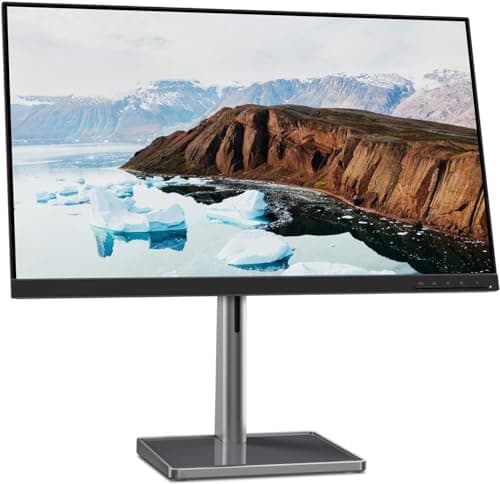
Lenovo L27m-30
Score: 74/100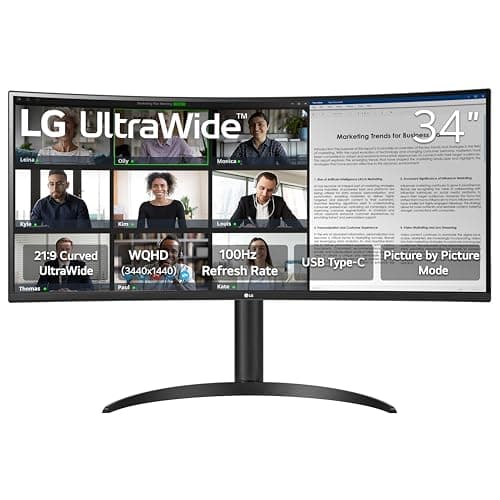
LG 34WR55QK-B
Score: 85/100Rankings
The LG 34WR55QK-B is a 34-inch UltraWide curved VA monitor that delivers a sharp 3440×1440 display, 100 Hz refresh rate and HDR10 support, with a powerful 65 W USB-C connection and solid ergonomic adjustments.
The Lenovo L27m-30 is a 27-inch Full HD IPS monitor geared toward remote-work and home-office use, featuring a fully adjustable stand, USB-C docking with 75 W PD and eye-comfort certifications. It delivers a smooth 75 Hz experience with FreeSync but falls short on modern video inputs and headphone connectivity.
| Attribute | | |
|---|---|---|
27 inches | 34 inchesbest | |
75 Hz | 100 Hzbest | |
| ↓ lower better | 4 msbest | 5 ms |
250 nits | 300 nitsbest | |
1,000 | 3,000best | |
72 % | 99 %best | |
1 | 2best | |
— | 1best |
Click an attribute name to sort · Green = best, red = worst (relative to this comparison)
| Attribute | | |
|---|---|---|
Display(8) | ||
Screen Size (inches) | 27 inches | 34 inches |
Resolution | 1920x1080 | 3440x1440 |
Panel Type | IPS | VA |
Refresh Rate (Hz) | 75 Hz | 100 Hz |
Response Time (GTG) (ms) | 4 ms | 5 ms |
Brightness (nits) | 250 nits | 300 nits |
Contrast Ratio | 1000 | 3000 |
Color Gamut (sRGB %) (%) | 72 % | 99 % |
Connectivity(1) | ||
HDMI Ports | 1 | 2 |
Ergonomics(2) | ||
Tilt Range (°) | 27 ° | -5 to 20 ° |
Height Adjustment Range (mm) | 150 mm | 110 mm |
Products in the top-left offer the best value (high score, low price).
Professional reviewers commend the L27m-30 for its strong everyday performance, noting the fully adjustable ergonomic stand and the USB-C hub that simplify hybrid-work setups. The 75 Hz panel with AMD FreeSync is highlighted as a worthwhile step up from standard 60 Hz monitors, while the lack of modern video inputs like DisplayPort or HDMI 2.0 is seen as a drawback.
Everyday users appreciate the monitor's adjustability, USB-C single-cable docking, and sleek near-edgeless design, often calling it a sleek addition to any desk. The built-in speakers receive positive remarks for being surprisingly good for calls, and the eye-comfort features are credited with reducing fatigue during long work sessions. Complaints focus on inconsistent USB-C power delivery, lack of a headphone jack, and the presence of an unused VGA port.
Professional reviewers praise the monitor's productivity-focused feature set, noting the excellent resolution, 100 Hz refresh rate and USB-C convenience, but caution that the VA panel's response time and modest HDR brightness limit its suitability for competitive gaming.
Everyday users love the multitasking real-estate and USB-C convenience, while repeatedly mentioning eye-comfort features as a plus; common complaints focus on the lack of swivel, limited HDR brightness and occasional motion blur.
“The built-in speakers are surprisingly good”
“Perfect for coding and video editing - I can have my IDE, browser, and terminal open side by side.”
“USB-C charging my MacBook Pro while displaying full resolution is a game-changer.”
