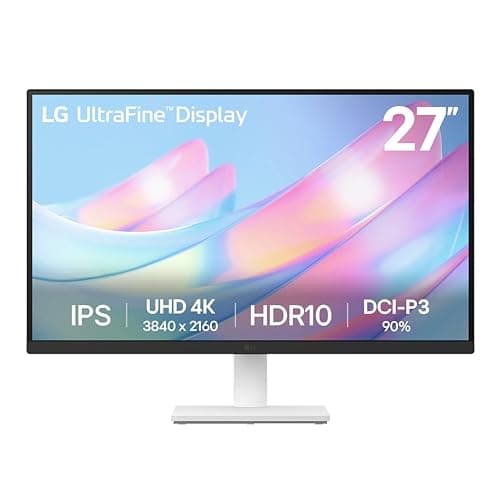
LG 27US500-W
Score: 84/100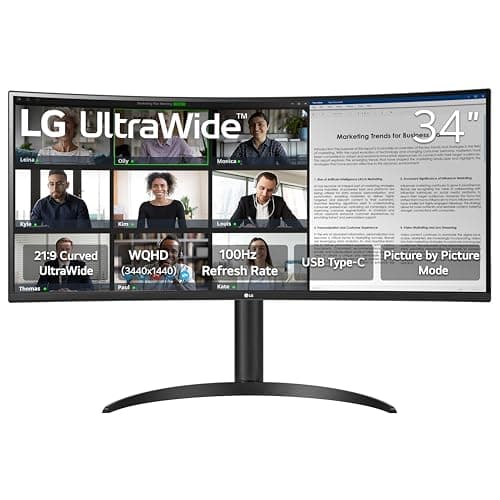
LG 34WR55QK-B
Score: 85/100Rankings
The LG 34WR55QK-B is a 34-inch UltraWide curved VA monitor that delivers a sharp 3440×1440 display, 100 Hz refresh rate and HDR10 support, with a powerful 65 W USB-C connection and solid ergonomic adjustments.
The LG 27US500-W is a 27-inch 4K IPS monitor offering high resolution, wide DCI-P3 color gamut and HDR10 support, aimed at creative professionals and office users who value color accuracy and eye-comfort, though it lacks extensive ergonomics and high-refresh gaming performance.
| Attribute | | |
|---|---|---|
27 inches | 34 inchesbest | |
60 Hz | 100 Hzbest | |
| ↓ lower better | 5 msbest | 5 msbest |
300 nitsbest | 300 nitsbest | |
1,000 | 3,000best | |
90 % | 99 %best | |
2best | 2best | |
1best | 1best |
Click an attribute name to sort · Green = best, red = worst (relative to this comparison)
| Attribute | | |
|---|---|---|
Display(6) | ||
Screen Size (inches) | 27 inches | 34 inches |
Resolution | 3840x2160 | 3440x1440 |
Panel Type | IPS | VA |
Refresh Rate (Hz) | 60 Hz | 100 Hz |
Contrast Ratio | 1000 | 3000 |
Color Gamut (sRGB %) (%) | 90 % | 99 % |
Ergonomics(1) | ||
Tilt Range (°) | -5 to 15 ° | -5 to 20 ° |
Products in the top-left offer the best value (high score, low price).
Professional reviewers commend the monitor's color accuracy, 90% DCI-P3 coverage and HDR10 support, noting it excels in color-critical tasks, while pointing out the modest HDR brightness and lack of ergonomic adjustments as limitations.
Everyday users love the crisp 4K picture, vibrant colors and the borderless look, but they note the lack of height adjustment, a flimsy-feeling stand and the external power brick as common complaints.
Professional reviewers praise the monitor's productivity-focused feature set, noting the excellent resolution, 100 Hz refresh rate and USB-C convenience, but caution that the VA panel's response time and modest HDR brightness limit its suitability for competitive gaming.
Everyday users love the multitasking real-estate and USB-C convenience, while repeatedly mentioning eye-comfort features as a plus; common complaints focus on the lack of swivel, limited HDR brightness and occasional motion blur.
“Perfect for coding and video editing - I can have my IDE, browser, and terminal open side by side.”
“USB-C charging my MacBook Pro while displaying full resolution is a game-changer.”
