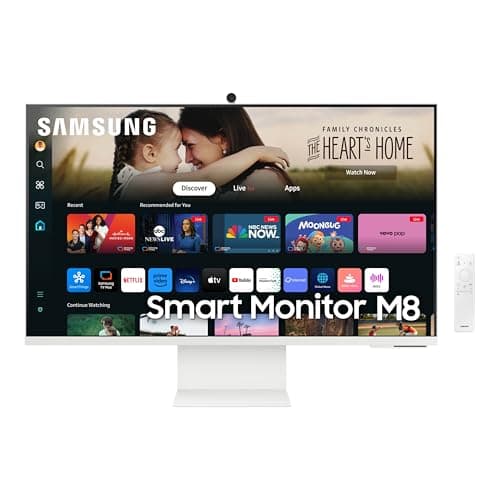
Samsung M8
Score: 72/100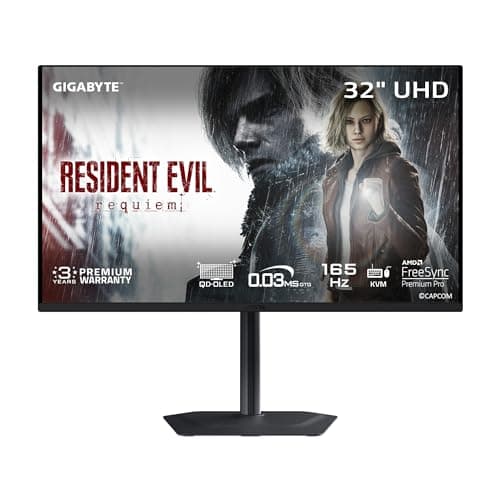
Gigabyte MO32U
Score: 86/100Rankings
A 32-inch QD-OLED 4K monitor delivering OLED-level contrast, vibrant DCI-P3 colors and a 165 Hz refresh rate, complemented by extensive ergonomics and a built-in KVM switch.
The Samsung 32-inch M8 Smart Monitor blends a 4K VA display with built-in speakers, a webcam, USB-C docking and smart TV features, targeting hybrid work and entertainment setups while compromising on panel viewing angles and premium build.
| Attribute | | |
|---|---|---|
32 inchesbest | 31.5 inches | |
60 Hz | 165 Hzbest | |
| ↓ lower better | 4 ms | 0.03 msbest |
400 nitsbest | 250 nits | |
3,000 | 1,500,000best | |
99 %best | 99 %best | |
1 | 2best | |
— | 1best |
Click an attribute name to sort · Green = best, red = worst (relative to this comparison)
| Attribute | | |
|---|---|---|
Display(6) | ||
Screen Size (inches) | 32 inches | 31.5 inches |
Panel Type | VA | QD-OLED |
Refresh Rate (Hz) | 60 Hz | 165 Hz |
Response Time (GTG) (ms) | 4 ms | 0.03 ms |
Brightness (nits) | 400 nits | 250 nits |
Contrast Ratio | 3000 | 1500000 |
Connectivity(1) | ||
HDMI Ports | 1 | 2 |
Power & Warranty(2) | ||
Typical Power Consumption (W) | 70 W | 54 W |
Warranty Period (years) | 1 years | 3 years |
Products in the top-left offer the best value (high score, low price).
Professional reviewers acknowledge the M8 as a feature-rich hybrid that excels in convenience and smart-TV integration, but criticize its VA panel limitations, lack of local dimming, modest 60 Hz refresh, and a build quality that feels cheap for its price.
Everyday users love the all-in-one convenience, especially the height-adjustable stand, USB-C docking and solar remote, but they repeatedly complain about washed-out colors, a wobbly stand, intrusive YouTube ads and a camera that doesn't match dedicated webcams.
Professional reviewers commend the MO32U for delivering OLED-level contrast, vibrant DCI-P3 colors and a blistering 0.03 ms response, while noting the HDR peak falls short of some Mini-LED rivals and the port layout is less convenient.
Everyday users rave about the stunning color pop, true blacks and zero motion blur, but mention pixel-shifting, occasional image retention and weak USB-C charging.
“Perfect second screen for my bedroom-watch Netflix and work on Zoom without switching devices.”
“Love the height adjustment and pivot for coding in portrait mode.”
“USB-C charging my MacBook is a game-changer.”
