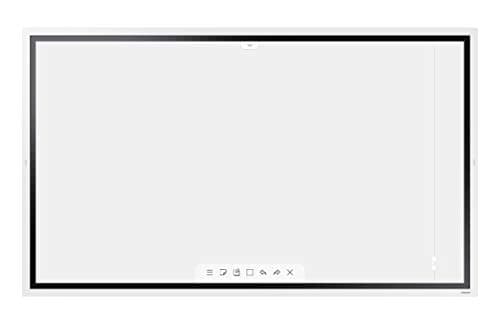
Samsung WM55R
Score: 74/100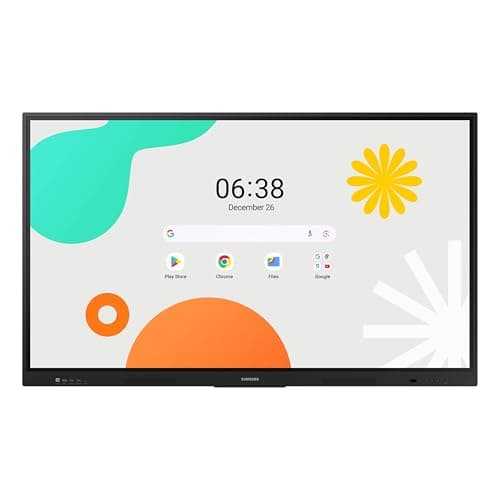
Samsung WAF 65-inch
Score: 77/100Rankings
The Samsung 65" WAF Series Interactive Display runs Android 14, offers 4K resolution, 40-point infrared touch and dual-pen input, and is EDLA-certified for full Google service integration. It excels in connectivity and collaborative features but draws significant power.
The Samsung Flip WM55R is a 55-inch 4K interactive digital flipchart with InGlass touch technology, supporting up to four users. It offers a natural pen-on-paper feel and strong connectivity, but its landscape-only orientation and limited storage may restrict some workflows.
| Attribute | | |
|---|---|---|
55 inches | 65 inchesbest | |
350 nits | 400 nitsbest | |
4,000best | 1,200 | |
60 Hzbest | 60 Hzbest | |
| ↓ lower better | 8 msbest | 8 msbest |
4 | 40best | |
— | 72 %best | |
2 | 3best |
Click an attribute name to sort · Green = best, red = worst (relative to this comparison)
| Attribute | | |
|---|---|---|
Touch(2) | ||
Touch Technology | InGlass | Infrared |
Touch Points | 4 | 40 |
Display(4) | ||
Screen Size (inches) | 55 inches | 65 inches |
Brightness (nits) | 350 nits | 400 nits |
Contrast Ratio | 4000 | 1200 |
Panel Type | LCD | IPS |
Connectivity(2) | ||
HDMI Ports | 2 | 3 |
USB Ports | 2 | 4 |
Power & Energy(1) | ||
Power Consumption (W) | 80 W | 409 W |
Build & Design(1) | ||
Weight (kg) | 28.2 kg | 36.2 kg |
Products in the top-left offer the best value (high score, low price).
Professional reviewers consider the Flip WM55R a market leader for small to mid-size meeting rooms, highlighting its natural writing experience, intuitive OS, and solid AV integration.
Everyday users overwhelmingly praise the low-latency, paper-like feel of the passive pens and the ease of collaboration with multiple participants. Common themes include appreciation for the 4K clarity and the convenience of eliminating markers and paper waste.
Professional reviewers view the Samsung WAF 65" as a breakthrough for interactive education, emphasizing its EDLA certification, 40-point touch, Split Note Mode, and robust connectivity, while noting the absence of Wi-Fi 6 and relatively high power consumption.
Everyday users praise the instant annotation, dual-pen convenience, and the ability to install Google apps directly on the display, though a minority report occasional lag and Bluetooth pairing issues.
“The instant annotation, dual-pen convenience, and the ability to install Google apps directly on the display make teaching much smoother.”
