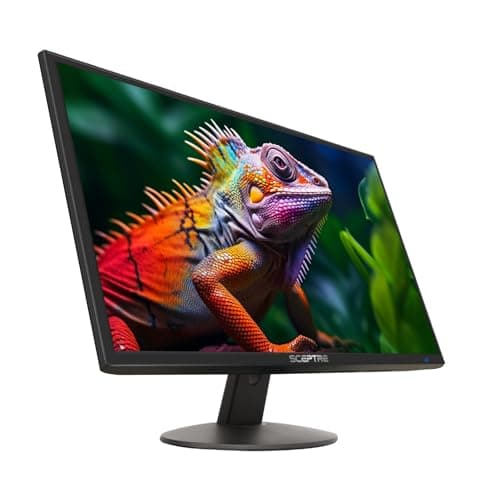
Sceptre E248W-19203R 24-inch
Score: 76/100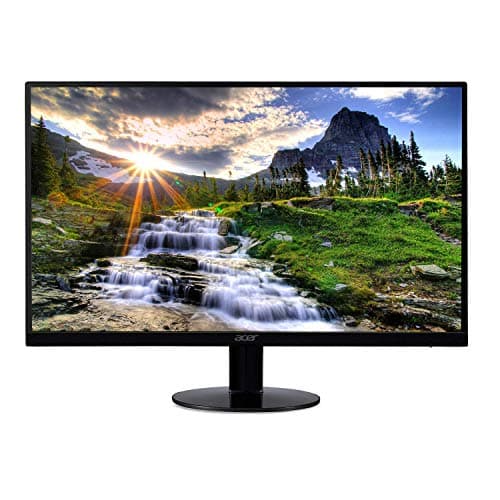
Acer SB220Q 21.5-inch
Score: 69/100Rankings
A budget-friendly 24-inch Full HD LED monitor with 99% sRGB coverage, 75 Hz refresh, dual HDMI and eye-care features, ideal for students and casual gamers but limited in ergonomics and high-end gaming features.
The Acer SB220Q bi is a budget-friendly 21.5-inch IPS monitor with a zero-frame design and FreeSync support. It offers good color performance for everyday tasks but lacks ergonomic adjustments and a stable stand.
| Attribute | | |
|---|---|---|
24 inchesbest | 21.5 inches | |
75 Hzbest | 75 Hzbest | |
250 nitsbest | — | |
1,000 ratiobest | — | |
| ↓ lower better | 3 msbest | — |
2 countbest | — | |
20 degreesbest | — | |
12 monthsbest | — |
Click an attribute name to sort · Green = best, red = worst (relative to this comparison)
| Attribute | | |
|---|---|---|
Display(2) | ||
Screen Size (inches) | 24 inches | 21.5 inches |
Panel Type | LED | IPS |
Audio(1) | ||
Built‑in Speakers | true | false |
Ergonomics(1) | ||
VESA Mount Compatibility | true | false |
Products in the top-left offer the best value (high score, low price).
Professional reviewers see it as a solid, value-driven 24-inch monitor with good color accuracy and eye-care, though ergonomics are limited and it lacks premium features like adaptive-sync.
Users praise the crisp picture, easy setup and dual HDMI, while noting thin speakers, limited tilt ergonomics and occasional port-access issues when VESA-mounted.
“Terrific monitor”
“Works great for games”
“Easy setup, fantastic picture”
Professional reviewers note that the SB220Q bi delivers the expected IPS color quality and benefits from FreeSync, making it a solid choice for everyday office and multimedia use. However, they point out the missing VESA mount and modest build quality as drawbacks that keep it from being a premium option.
Everyday users appreciate the monitor's sharp visuals, vibrant colors, and budget-friendly price, especially for compact spaces. Common complaints focus on the inconvenient OSD button placement, backlight bleed, unstable stand, and occasional lack of an HDMI cable.
