Rankings
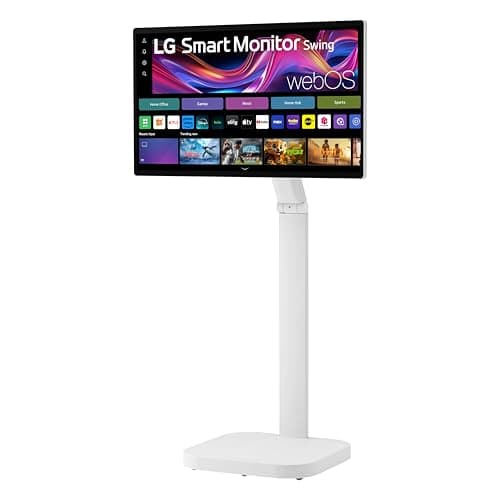
The LG Smart Monitor Swing 32U889SA-W combines a 4K IPS touchscreen with a versatile rolling stand and webOS smart features, targeting hybrid work and collaborative spaces.
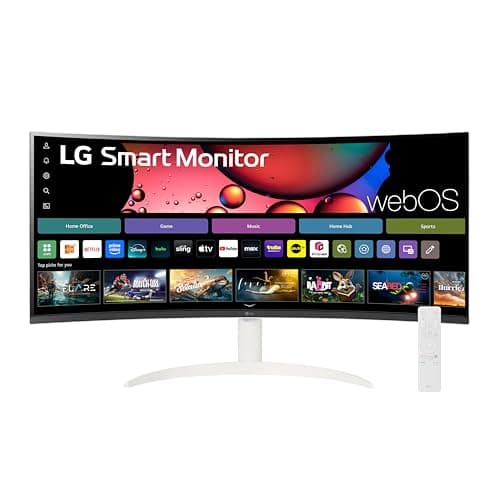
The LG 34SR60QC is a 34-inch curved ultrawide smart monitor with webOS, 100 Hz refresh, HDR10 and solid connectivity, ideal for multitasking and media consumption but limited by ergonomics and audio.
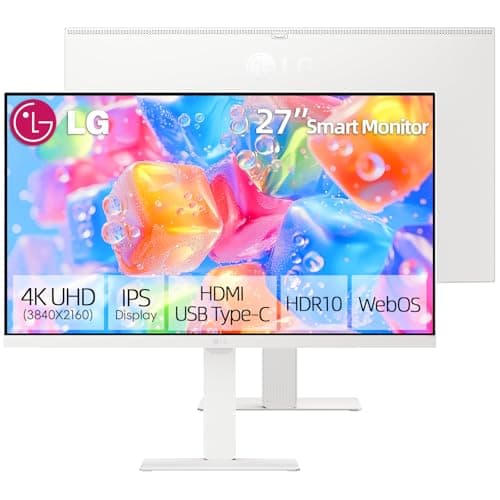
The LG 27-inch 4K Smart Monitor blends a high-quality IPS panel with webOS smart features, offering strong color accuracy, built-in speakers and versatile USB-C docking. Its ergonomic stand and AirPlay 2 make it ideal for hybrid work, though the lack of a webcam and modest refresh rate limit its appeal for gamers.
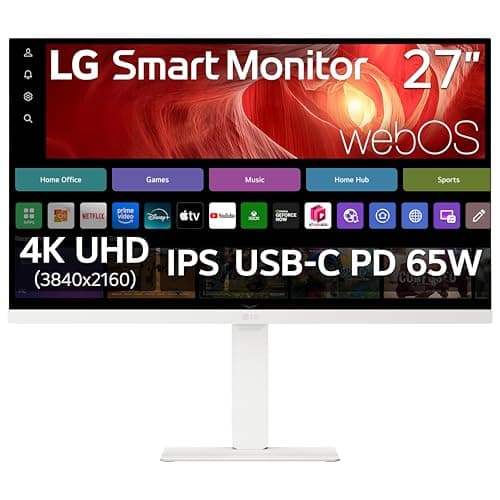
The LG 27U730SA-W is a 27-inch 4K smart monitor that combines a high-color-gamut IPS panel with webOS streaming apps and a 65 W USB-C dock. It offers strong ergonomics but is limited by a 60 Hz panel and reliance on a remote control.
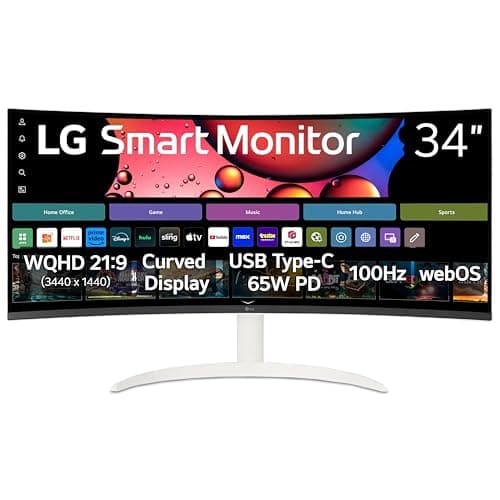
The LG 34SR63QA-W is a 34-inch ultrawide curved smart monitor with webOS, 100 Hz refresh, HDR10 and USB-C docking, suited for productivity and media but hampered by limited ergonomics and modest audio.
The LG 37U730SA-W is a 37-inch 4K smart monitor with webOS, offering a spacious, color-accurate IPS panel and USB-C docking. It excels in productivity and media consumption but is hampered by a 60 Hz panel and modest power efficiency.
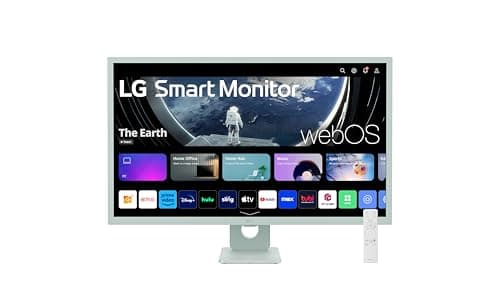
The LG 32SR50F-G is a 32-inch Full HD smart monitor running webOS 23, offering strong color accuracy and built-in streaming apps. It provides solid connectivity but is limited by a 60 Hz panel and minimal ergonomic adjustments.
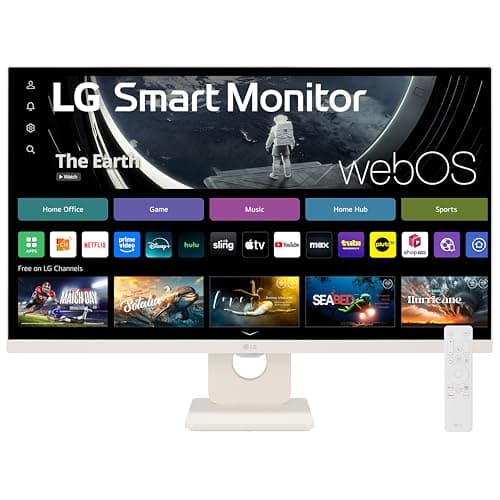
The LG 27SR50F-W is a 27-inch Full HD smart monitor with webOS 23, offering streaming apps, AirPlay 2, and basic ergonomics. It provides solid connectivity but is limited by its resolution and lack of advanced adjustability.
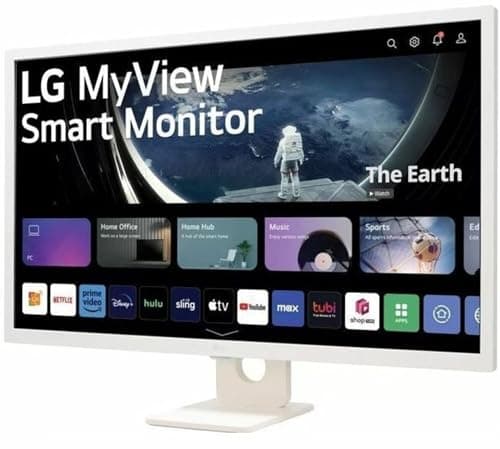
The LG MyView 32SR53FS-W is a 32" Full-HD IPS smart monitor that combines solid color performance with webOS-based streaming apps and Apple ecosystem integration. While it offers good ergonomics and smart features, the lack of USB-C and modest audio limit its versatility.
| Attribute | | | | | | | | | LG 37U730SA-W |
|---|---|---|---|---|---|---|---|---|---|
34 inches | 34 inches | 32 inches | 31.5 inches | 27 inches | 32 inches | 27 inches | 27 inches | 37 inchesbest | |
100 Hzbest | 100 Hzbest | 60 Hz | 60 Hz | 60 Hz | — | 60 Hz | 60 Hz | 60 Hz | |
300 nits | 300 nits | 250 nits | 350 nitsbest | 250 nits | 250 nits | 350 nitsbest | 300 nits | 240 nits | |
3,000best | 3,000best | 1,200 | 1,000 | 1,000 | 1,200 | 1,000 | 1,300 | 1,000 | |
2best | 2best | 2best | 2best | 2best | 2best | 2best | 2best | 2best | |
1 yearsbest | 1 yearsbest | 1 yearsbest | 1 yearsbest | 1 yearsbest | 0.5 years | 1 yearsbest | — | — | |
| ↓ lower better | 60 W | — | — | 0.5 Wbest | 25 W | — | — | 25.6 W | 22 W |
Click an attribute name to sort · Green = best, red = worst (relative to this comparison)
| Attribute | | | | | | | | | LG 37U730SA-W |
|---|---|---|---|---|---|---|---|---|---|
Software(1) | |||||||||
Operating System | webOS 23 | webOS 23 | webOS 23 | webOS | webOS 23 | webOS 23 | webOS | webOS 23 | webOS |
Display(8) | |||||||||
Screen Size (inches) | 34 inches | 34 inches | 32 inches | 31.5 inches | 27 inches | 32 inches | 27 inches | 27 inches | 37 inches |
Panel Type | VA | VA | IPS | IPS | IPS | IPS | IPS | IPS | IPS |
Resolution | 3440x1440 | 3440x1440 | 1920x1080 | 3840x2160 | 1920x1080 | 1920x1080 | 3840x2160 | 3840x2160 | 3840x2160 |
Refresh Rate (Hz) | 100 Hz | 100 Hz | 60 Hz | 60 Hz | 60 Hz | — | 60 Hz | 60 Hz | 60 Hz |
Typical Brightness (nits) | 300 nits | 300 nits | 250 nits | 350 nits | 250 nits | 250 nits | 350 nits | 300 nits | 240 nits |
Contrast Ratio | 3000 | 3000 | 1200 | 1000 | 1000 | 1200 | 1000 | 1300 | 1000 |
Color Gamut | 99% sRGB | 99% sRGB | 99% sRGB | 95% DCI-P3 | 72% NTSC | sRGB 99% | 90% DCI-P3 | sRGB 99%, DCI-P3 95% | 90% DCI‑P3 |
Touchscreen | — | false | — | true | — | — | — | — | — |
Warranty & Power(2) | |||||||||
Warranty Period (years) | 1 years | 1 years | 1 years | 1 years | 1 years | 0.5 years | 1 years | — | — |
Typical Power Consumption (W) | 60 W | — | — | 0.5 W | 25 W | — | — | 25.6 W | 22 W |
Products in the top-left offer the best value (high score, low price).
Professional reviewers praise the hybrid design, 21:9 aspect ratio and 100 Hz panel, while noting VA viewing-angle limits, lack of height adjustment and missing USB-C as drawbacks.
Users love the immersive screen and streaming convenience, but report input lag in games, inconsistent HDR brightness and Bluetooth pairing issues.
“Immersive curved screen makes multitasking a breeze”
“WebOS apps work great, AirPlay 2 is seamless”
“Input lag hurts fast-paced gaming”
Reviewers commend the webOS-driven PC-free workflow and USB-C docking, while noting the lack of height adjustment and slower webOS UI.
Users love the all-in-one streaming and screen real-estate, but complain about weak speakers and occasional app freezes.
Professional reviewers appreciate its seamless webOS integration, strong connectivity, and 99% sRGB coverage, while noting the lack of advanced ergonomics and the external power brick.
Everyday users praise its all-in-one workstation and entertainment capabilities, but note occasional webOS lag, limited ergonomics, and the need for an external power brick.
Reviewers applaud its 4K touch experience and flexible stand, but note the missing webcam and modest 60 Hz refresh rate for gaming.
Users love the touch responsiveness and adjustability, while some criticize the lack of a camera and screen glare.
Professional reviewers describe it as a versatile hybrid device with easy setup and clean webOS, but note the lack of higher resolution, modest HDR performance, and limited ergonomics keep it out of premium categories.
Everyday users appreciate the all-in-one convenience and AirPlay 2, while complaining about pixelation at 27" Full HD, tilt-only stand, and the need to purchase the Magic Remote separately.
Reviewers highlight the IPS panel's color accuracy and webOS integration, but note the absence of USB-C and underpowered speakers as drawbacks for power users.
Users rate the monitor highly for its picture quality and smart features, though many mention the weak speakers and wish for a better remote.
Professional reviewers view it as a pioneering smart monitor that bridges the gap between traditional displays and smart TVs, praising its 4K IPS panel and AI-driven Dynamic Tone Mapping while noting the lack of variable refresh rate and 60 Hz limitation for gamers.
Everyday users love its standalone entertainment capabilities and USB-C convenience, but complain about the remote control necessity, occasional webOS sluggishness, and average built-in speakers.
Professional reviewers praise the monitor for its color accuracy and webOS versatility, noting the USB-C docking and AirPlay integration, but they criticize the added price for smart features and the limited gaming performance.
Everyday users love the vivid colors, USB-C charging and built-in streaming, but complain about the missing webcam, occasional webOS lag and the plastic build quality.
Professional reviewers commend its impressive 37" 4K IPS screen and robust color gamut, but criticize the 60 Hz panel for gaming and question the need for a full OS on a monitor.
Everyday users appreciate the massive, sharp display and single-cable USB-C connection, while noting occasional input lag, limited USB-2.0 ports, and average speaker performance.
